Reference · Flowchart symbols
Flowchart terminator symbol: the start and end oval
In short
The terminator is the flowchart symbol for a start or an end point. It is drawn as an oval or stadium (a rectangle with fully rounded ends) and labelled "Start", "End", "Stop" or the name of the outcome. A flowchart has exactly one start terminator and one or more end terminators. It has no incoming arrow when it is a start, and no outgoing arrow when it is an end. It is also called the terminal symbol.
Updated · by the ChartCraft team · part of the flowchart symbols reference
What is the terminator symbol in a flowchart?
The terminator is the oval (stadium-shaped) symbol that marks the entry and exit of a flowchart. ISO 5807 names it the terminator; textbooks also call it the terminal symbol or the start/end symbol. It never contains work: the label only says that the process begins, finishes, or stops with a particular result.
| Symbol | Name | Typical label | Arrows |
|---|---|---|---|
| Start terminator | Start, Begin, or the trigger ("Order received") | One arrow out, none in | |
| End terminator | End, Stop, or the outcome ("Order shipped") | One or more arrows in, none out | |
| On-page connector (not a terminator) | A letter or number: A, B, 1 | Arrows in and out; the flow carries on | |
| Process (not a terminator) | An action: "Check stock" | Arrows in and out |
Mermaid draws a terminator with stadium syntax: A([Start]). ChartCraft's generator uses the same shape for every start and end it draws.
How do you use terminators to start and end a flowchart?
Put one terminator at the top (or left) labelled Start, draw a single arrow from it to the first step, and finish every path in an end terminator. Every path through the chart must reach an end; a branch that just stops at a process or decision is an error.
- One start. If a chart seems to need two starts, you are drawing two processes. Split them, or merge the triggers into one start such as "Request received".
- Many ends are fine. Different outcomes (approved, rejected, timed out) can each get their own end terminator, labelled with the result. This is clearer than routing every path to one "End".
- Name the outcome, not the word End. "Account locked" tells the reader more than "End" and still reads as a terminator.
- Never put steps inside it. "Send email and stop" is a process followed by an end terminator.
- Subroutines get their own. A sub-flow drawn on another page starts with a terminator carrying the sub-flow's name and ends with "Return".
What is the difference between a terminator and a connector?
A terminator ends or begins the whole flow; a connector only continues it somewhere else. The terminator is an oval and has arrows on one side only. The connector is a small circle with a label (A, B, 1) that is repeated on the matching circle elsewhere, so the reader can jump across a crossing or onto another page.
| Terminator | Connector | |
|---|---|---|
| Shape | Oval / stadium | Small circle |
| Meaning | The flow starts or stops here | The flow continues at the matching label |
| Count per chart | One start, one or more ends | As many pairs as needed |
| Arrows | Out only (start) or in only (end) | In on one circle, out on its partner |
| Off-page version | Not applicable | Pentagon-style off-page connector |
More about connectors is on the process and flow-line guide.
What is the flowchart start symbol?
The start symbol is the same terminator oval, labelled Start or with the event that triggers the process. There is no separate start shape in the standard flowchart set. In BPMN and UML activity diagrams a start is a circle instead, so check the notation before copying a shape.
What does a flowchart with several terminators look like?
This login flow has one start terminator and three end terminators, one per outcome. Each end is named for its result, and none has an outgoing arrow.
flowchart TD
    S([User submits login]) --> D1{Password correct?}
    D1 -->|Yes| OK([Access granted])
    D1 -->|No| D2{Attempts left?}
    D2 -->|Yes| RETRY([Show error and stop])
    D2 -->|No| LOCK([Account locked])
What do real flowcharts with these symbols look like?
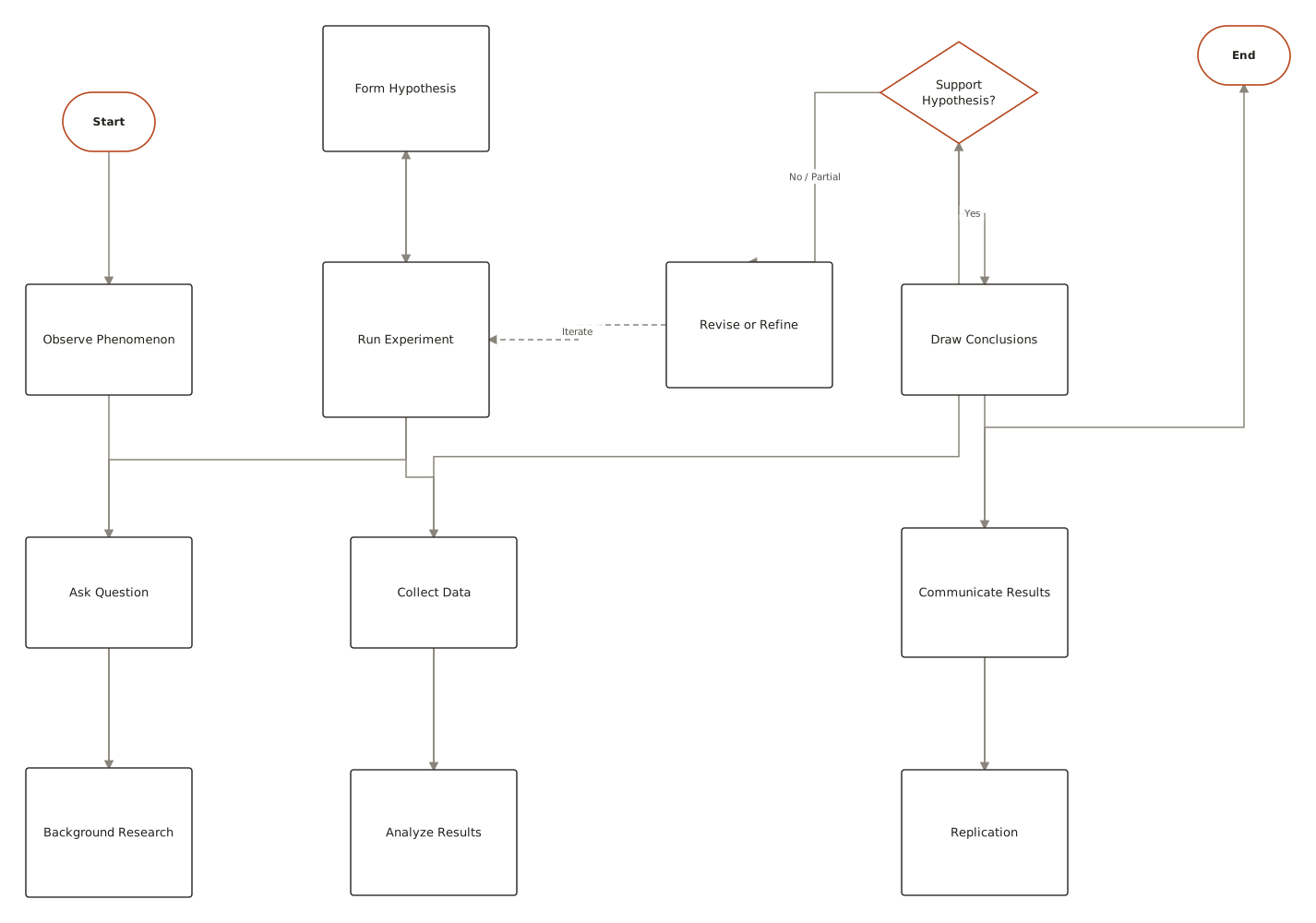
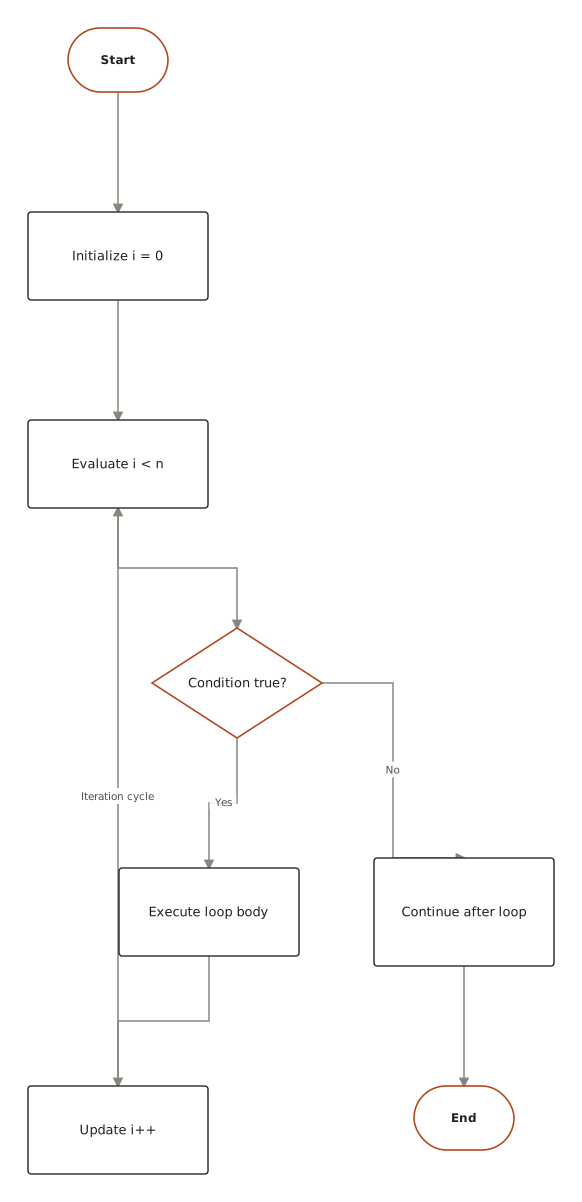
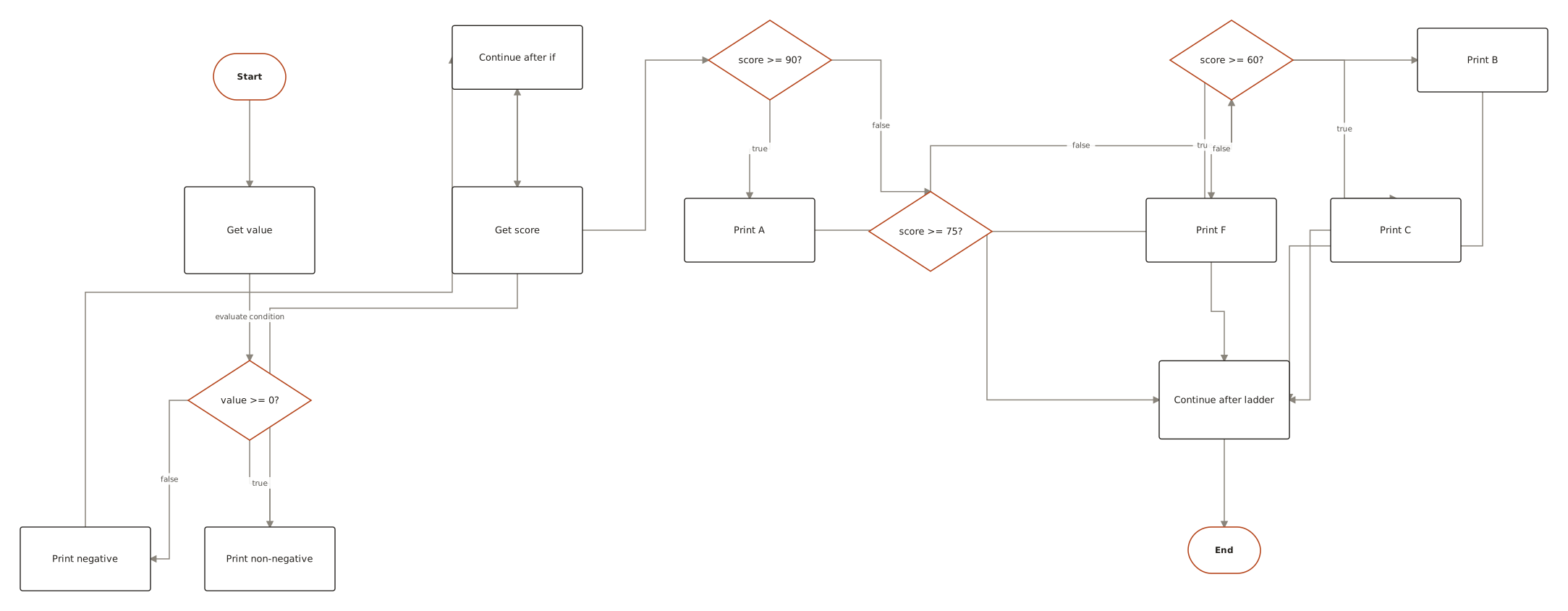
Live diagrams from the public ChartCraft gallery, each generated from a plain-English description. Open one to see the prompt that produced it.
Questions
What is the terminator symbol in a flowchart?
The terminator is the oval (stadium) symbol that marks where a flowchart starts or ends. It is labelled Start, End, Stop, or with the outcome, and it never contains an action.
What is a terminal symbol in a flowchart?
"Terminal symbol" is another name for the terminator: the rounded oval used for the start and end points of a flowchart.
How many start terminators can a flowchart have?
One. A flowchart describes a single process with a single entry point. A second start usually means a second process that belongs in its own chart.
Can a flowchart have more than one end?
Yes. Each distinct outcome can have its own end terminator, labelled with the result. Every path through the chart must still reach one of them.
What is the difference between a terminator and a connector?
A terminator begins or finishes the entire flow. A connector is a small labelled circle that continues the flow at the matching circle elsewhere on the page or on another page.
What is the flowchart start symbol?
The terminator oval labelled Start, or labelled with the triggering event. There is no separate start shape in the standard flowchart set.
What shape is the terminator in Mermaid?
Stadium syntax: A([text]). ChartCraft renders it as the rounded oval used for every start and end node.