Reference
Use case diagram — notation and examples, explained
A use case diagram is UML's answer to one question: who can do what with the system? Actors outside, goals as ovals inside a boundary box, lines for access. This page covers every symbol, the include-vs-extend distinction that trips everyone, and a worked example.
The notation
| Symbol | What it means |
|---|---|
| Actor (stick figure) | A role that interacts with the system — Customer, Admin, or another system. A role, not a person: one user can be several actors. |
| Use case (oval) | A goal an actor achieves with the system, named verb-first: Withdraw cash, Reset password. A goal, not a button click. |
| System boundary (rectangle) | The box around the ovals — everything inside is your system's responsibility, actors stay outside. |
| Association (solid line) | This actor can perform this use case. No arrows needed. |
| «include» (dashed arrow) | The base use case always runs the included one: Withdraw cash includes Authenticate. Points at the included case. |
| «extend» (dashed arrow) | The extension sometimes augments the base: Print receipt extends Withdraw cash. Points at the base case. |
| Generalization (hollow-triangle arrow) | A specialized actor or use case inherits from a general one: Premium Customer is-a Customer. |
Include vs extend — the two-second test
Ask: does the base use case always need it? Always → «include» (mandatory sub-goal, shared by several cases: authentication, logging). Only sometimes, under a condition → «extend» (optional add-on: printing a receipt, applying a coupon). If you can't decide, leave the arrow out — an over-decorated use case diagram is worse than a plain one.
A worked example: ATM
Actors: Customer, Bank system (external), Technician. Inside the ATM boundary: Withdraw cash, Check balance, Deposit funds, Transfer money — all four «include» Authenticate with PIN. Print receipt «extends» Withdraw cash and Deposit funds. The Technician associates with Refill cash and Run diagnostics; the Bank system participates in every transaction case. That single paragraph is the diagram — a use case model is small by design.
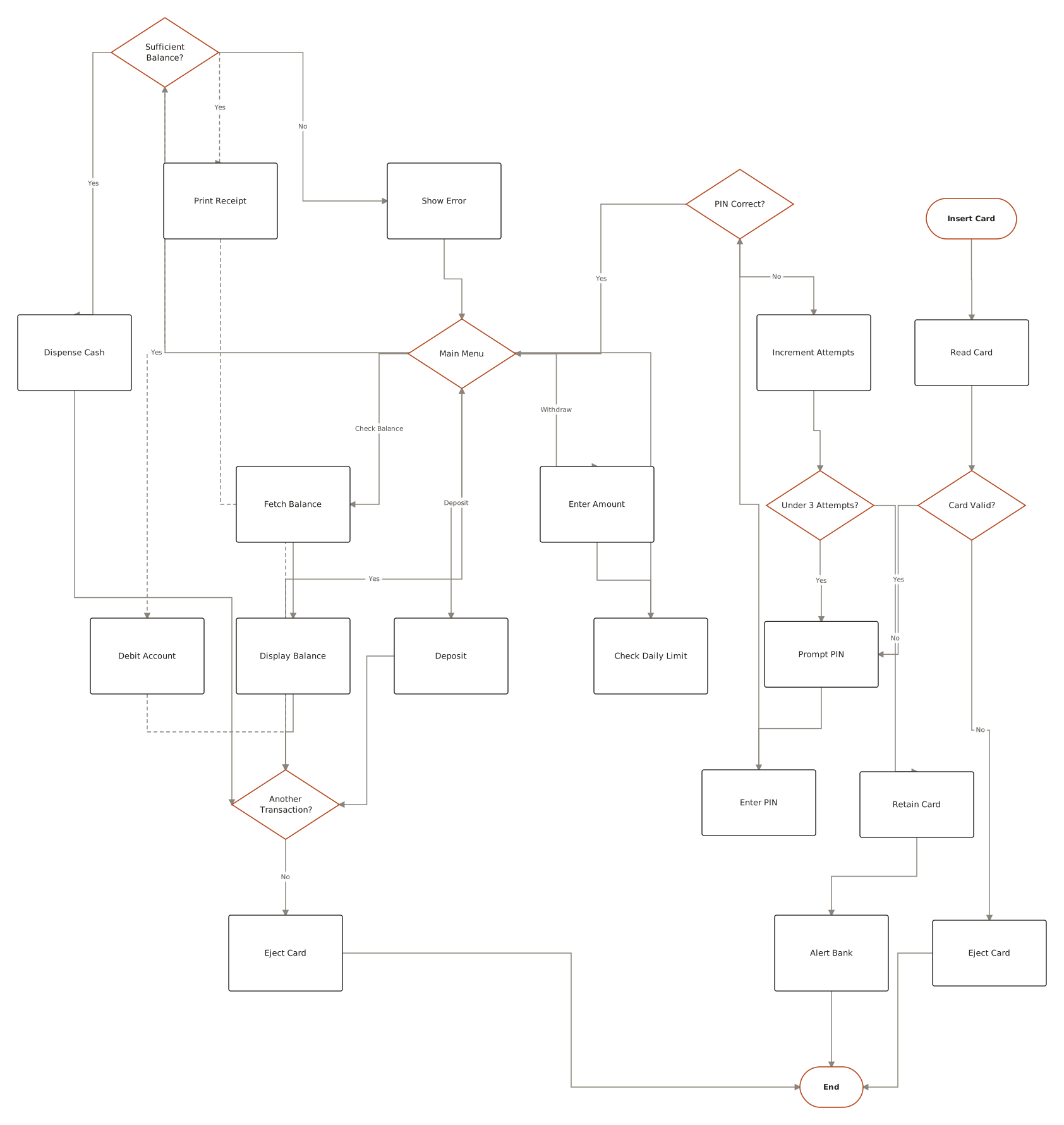
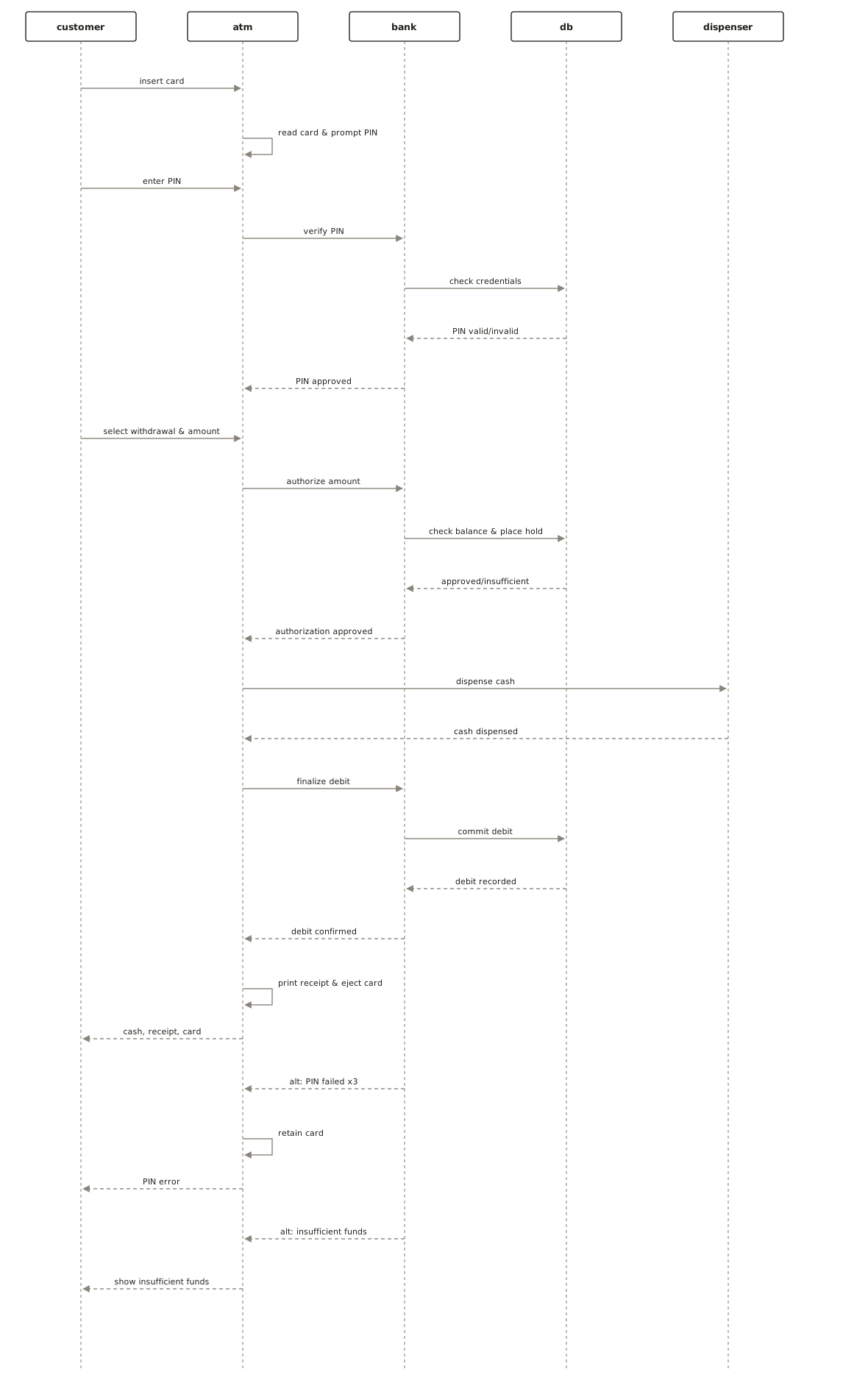
When you want to show how a use case unfolds step by step, that's no longer a use case diagram's job — draw the flow with the activity diagram generator or the message exchange with the sequence diagram generator. Describe the scenario in plain English (“the customer inserts a card, the ATM asks the bank to verify the PIN…”) and ChartCraft draws it.
When to use one — and when not to
Use case diagrams shine at scoping: one page that shows stakeholders every role and every goal, before any flows are designed. They are deliberately shallow — no ordering, no data, no UI. Reach for one at project start and during scope negotiations; switch to activity, sequence, and state diagrams the moment anyone asks “and then what happens?”
Related examples in the gallery
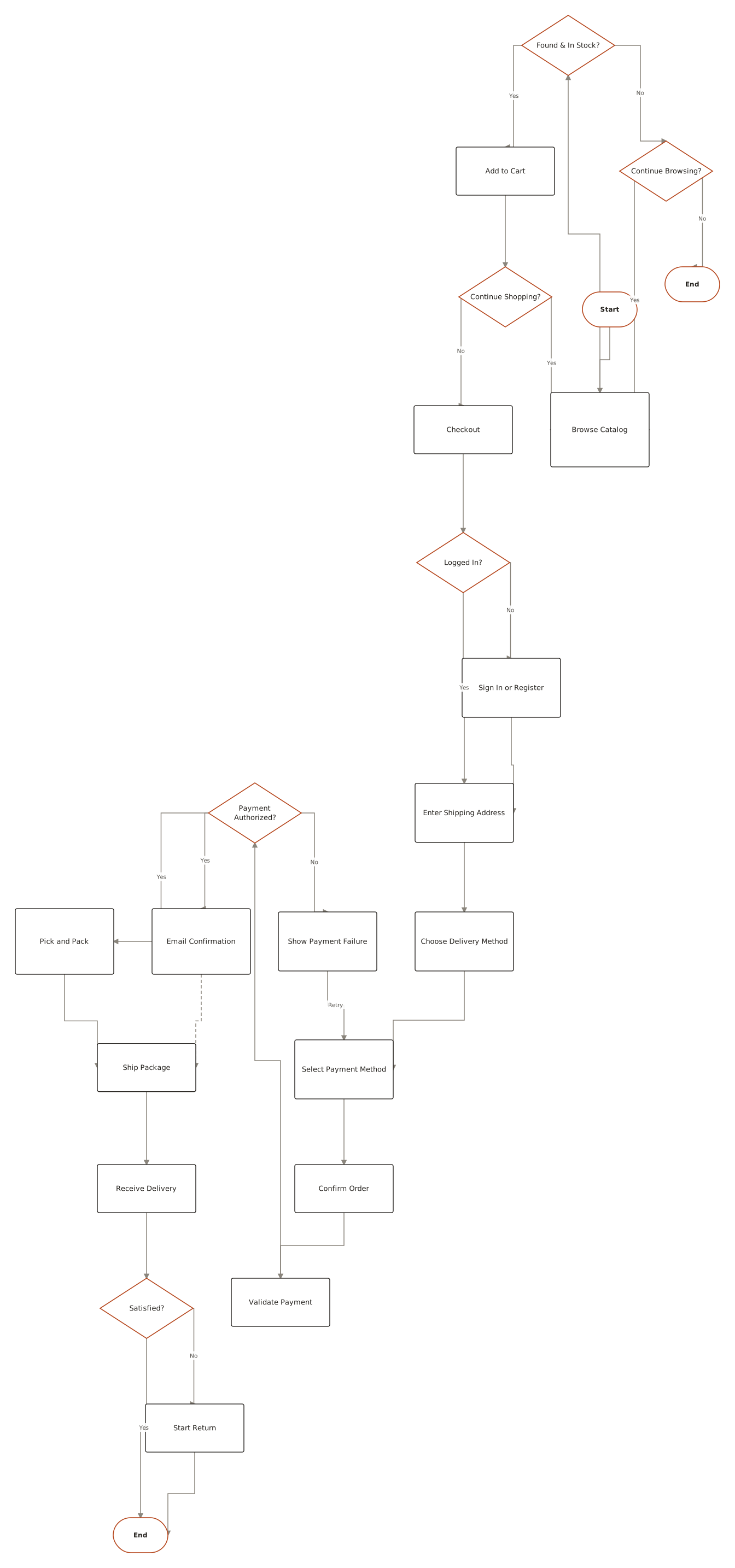
From the public examples gallery — every one produced from a plain-English description. Open one to see its prompt.
Questions
What is a use case diagram?
A UML diagram showing who can do what with a system: actors (roles) outside a boundary box, use cases (goals) as ovals inside it, and lines connecting each actor to the goals they can perform. It scopes a system without describing any flows.
What is the difference between include and extend?
«include» is mandatory — the base use case always runs the included one (Withdraw cash includes Authenticate). «extend» is conditional — the extension sometimes adds behavior to the base (Print receipt extends Withdraw cash). The include arrow points at the included case; the extend arrow points at the base.
What is an actor in a use case diagram?
A role that interacts with the system from outside — a human role like Customer, or an external system like a payment gateway. Roles, not people: the same person may act as both Customer and Admin.
Is a use case diagram the same as a user story?
They cover similar ground at different formality. A user story is a sentence in the backlog; a use case diagram is the map of all roles and goals on one page. Teams often sketch the diagram to find the stories.
How detailed should a use case diagram be?
Shallow on purpose: roles, goals, and access — typically under a dozen ovals. Ordering, branching, and data belong in activity, sequence, and state diagrams, not here.