ER Diagram
ER diagram generator — create ERDs from text
Describe your entities and how they relate — or paste SQL hints — and ChartCraft produces a clean ER diagram with keys and crow's-foot cardinalities, arranged for you.
Prose in. Diagram out.
You type
A university has students and courses. Each student can enrol in many courses, and each course has many students. Every course belongs to exactly one department.
ChartCraft draws
How it works
Describe it
Write what you want in plain English — no syntax to learn.
ChartCraft compiles
It parses your description, builds the structure, and runs an automatic layout.
Refine & export
Tweak with follow-up messages, then export clean SVG or PNG.
Why ChartCraft
Crow's-foot notation
One-to-many, many-to-many, and optional relationships rendered with standard crow's-foot cardinalities.
Keys & attributes
Primary and foreign keys, attributes, and types laid out per entity — readable at a glance.
From prose or SQL
Start from a plain-English description or drop in SQL-style hints; ChartCraft infers the schema.
The notation, in 30 seconds
Crow's-foot notation in one table — entities, keys, and the three cardinality marks that carry all the meaning.
| Element | What it means |
|---|---|
| Entity (box) | A thing you store rows of: Customer, Order, Product. Name it in the singular. |
| Primary key (PK) | The column that uniquely identifies a row. Every entity needs exactly one. |
| Foreign key (FK) | A column holding another entity's PK — it lives on the “many” side of a relationship. |
| One-to-many (crow's foot) | The three-pronged “foot” sits on the many side: one Customer places many Orders. |
| Many-to-many | Never drawn directly — resolved through a junction entity (Enrollment between Student and Course). |
| Optionality (circle / bar) | A circle means “zero or…”, a bar means “exactly”: a Customer may have zero Orders. |
Real examples, generated the same way
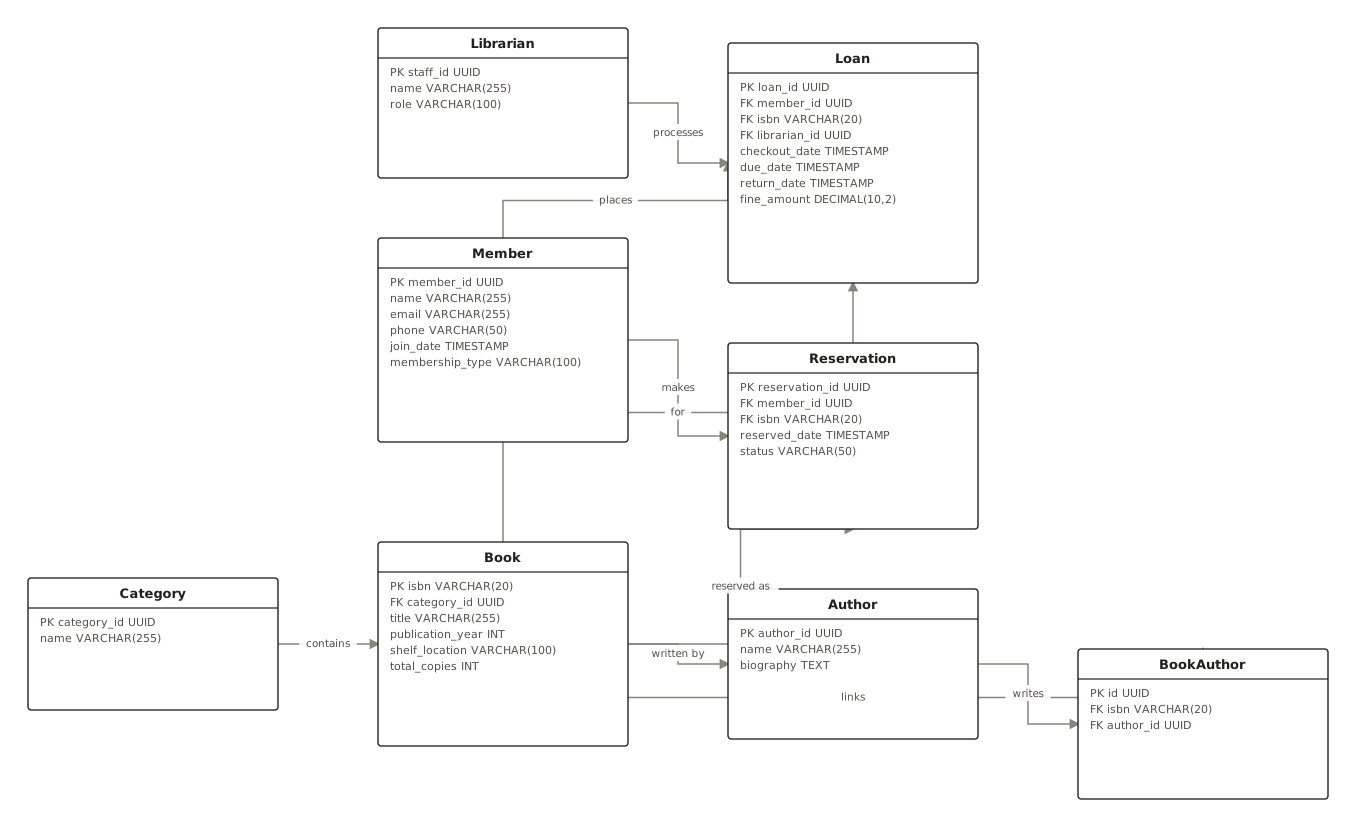
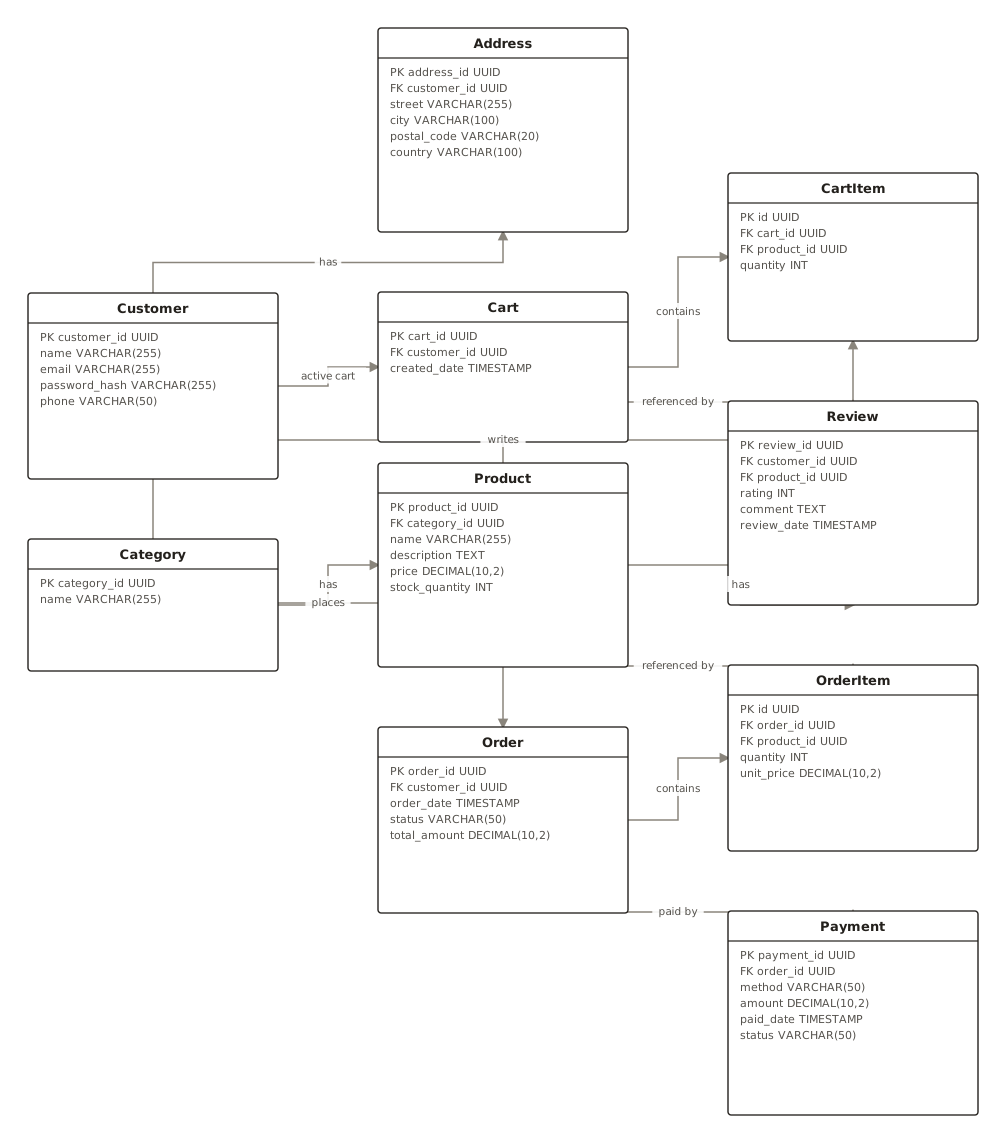
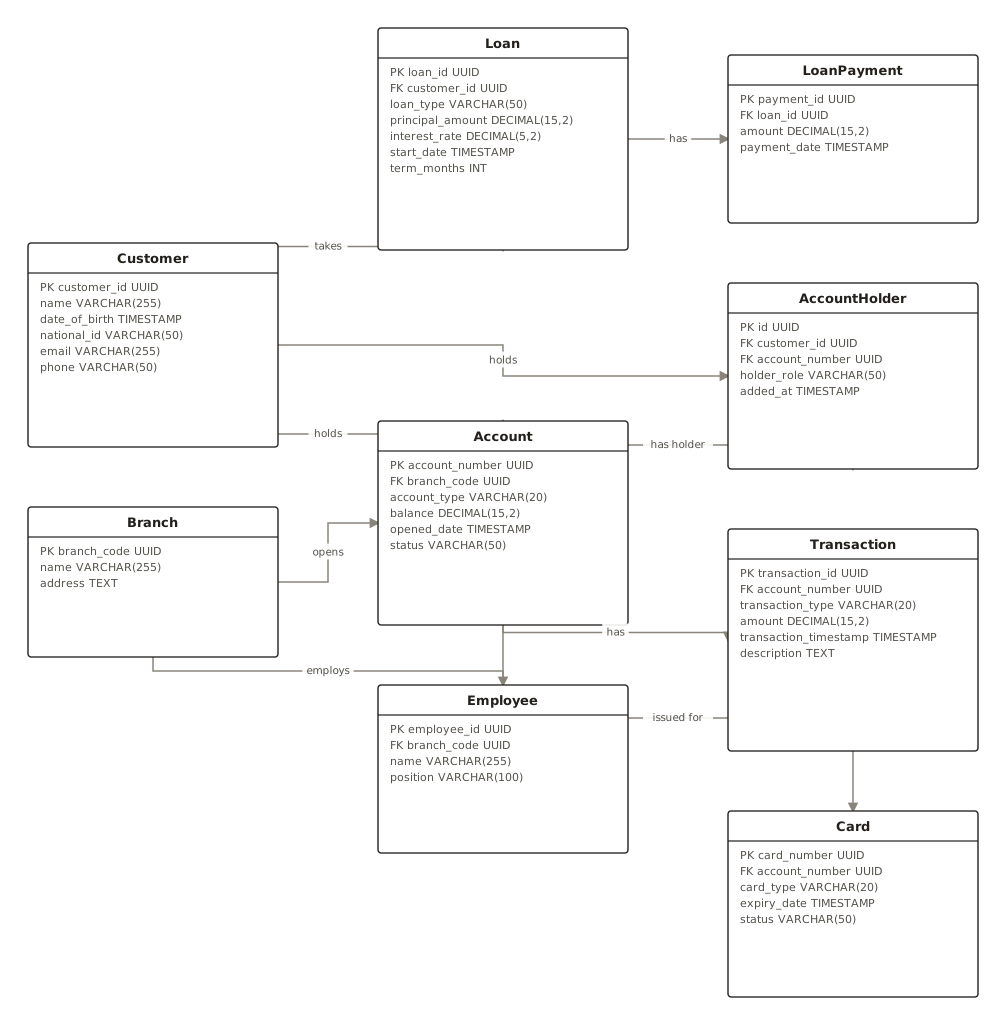
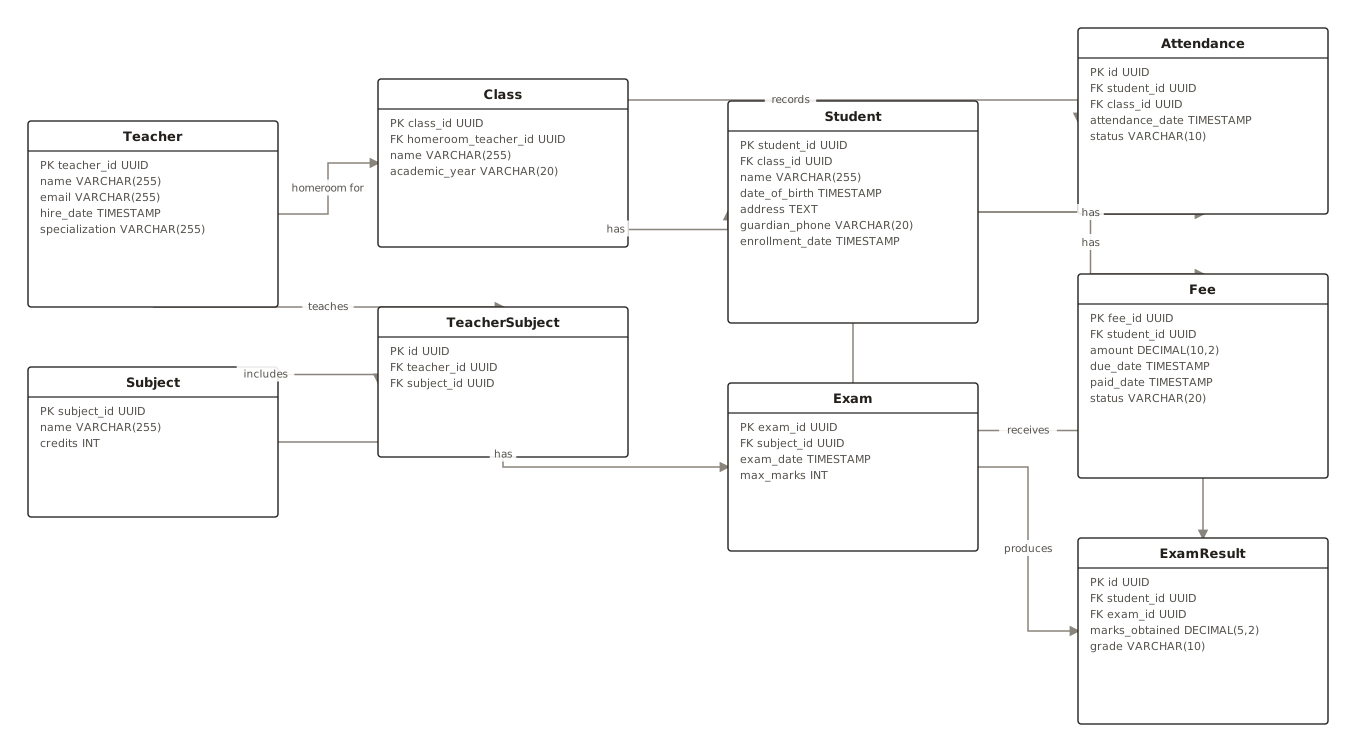
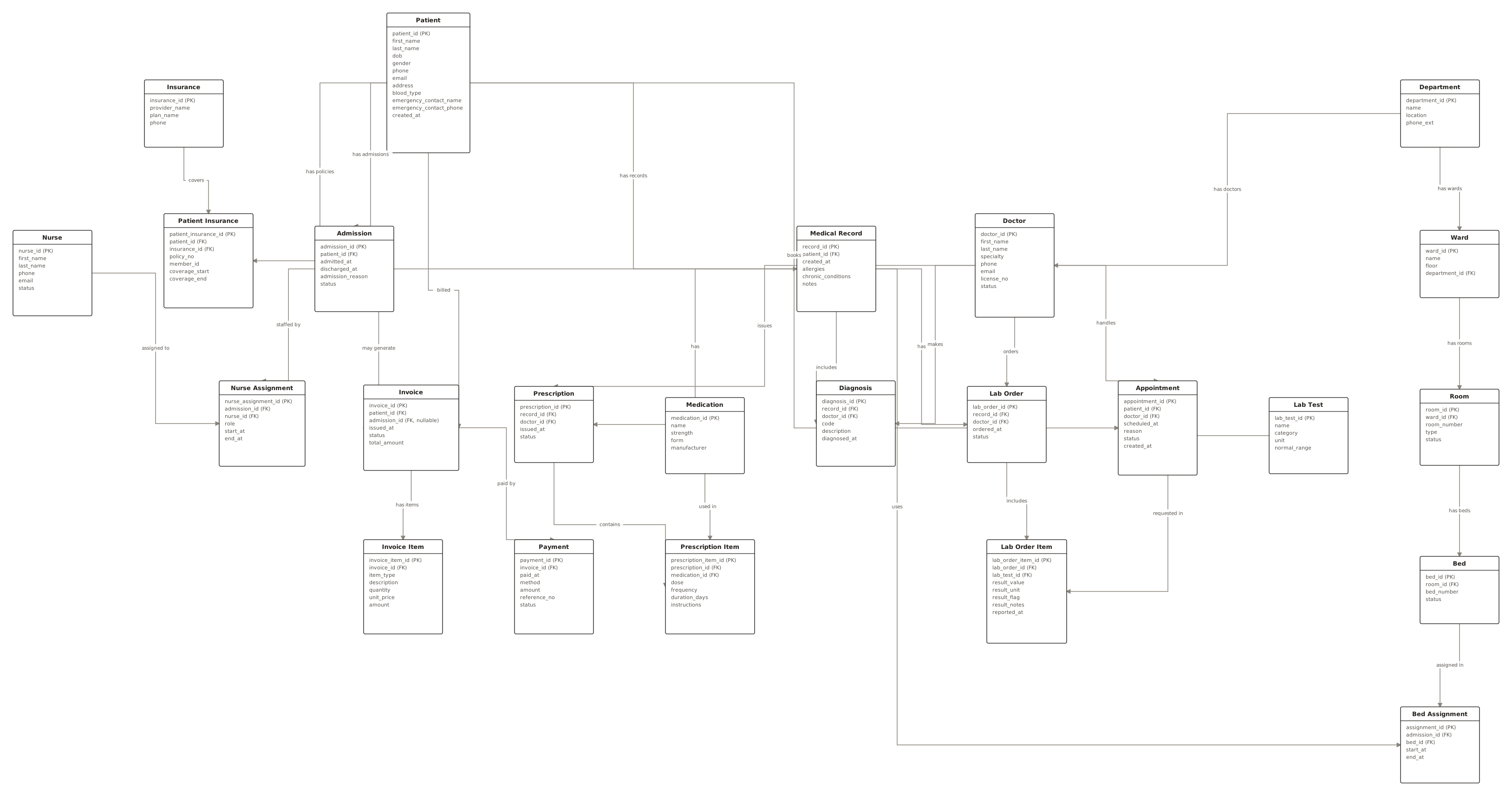
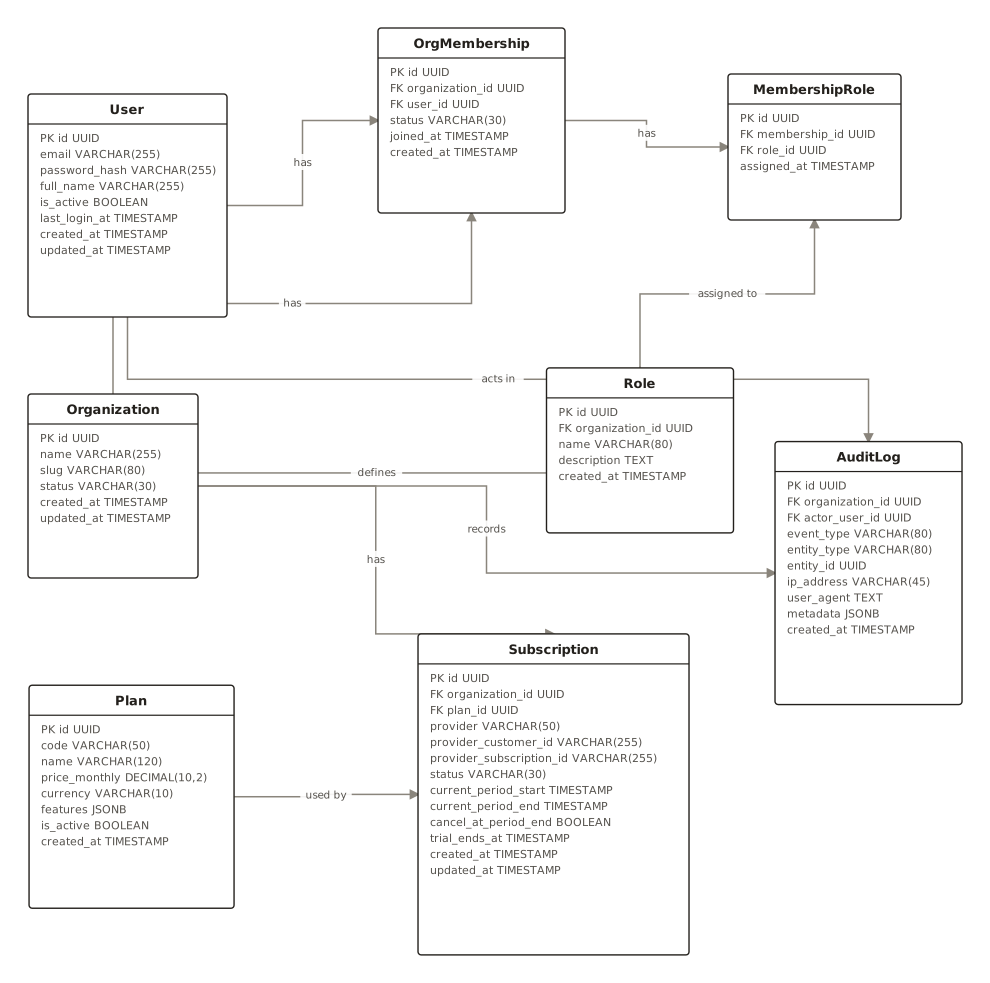
From the public examples gallery — every one produced from a plain-English description. Open one to see its prompt.
Questions
How do I generate an ER diagram?
Describe your entities and relationships in plain English (or paste SQL hints). ChartCraft creates the ERD with keys and cardinalities, automatically laid out.
Does it support crow's-foot notation?
Yes — relationships use standard crow's-foot cardinalities for one-to-one, one-to-many, and many-to-many.
Can I export the ERD?
Yes, export to SVG or PNG with no watermark on any plan.
What's the difference between an ER diagram and a database schema?
An ERD is the conceptual map — entities, relationships, cardinalities. The schema adds physical detail: exact types, indexes, constraints. Draw the ERD first; the schema follows almost mechanically.
How do I model a many-to-many relationship?
Introduce a junction entity holding a foreign key to each side — Student and Course connect through Enrollment. It usually earns extra columns of its own, like enrolled_date or grade.