AI Diagram Generator
AI diagram generator: text to diagram in seconds
Describe any process, system, or data model in plain English and ChartCraft compiles it into a clean, labelled diagram — automatically laid out and ready to export as SVG or PNG.
Prose in. Diagram out.
You type
Describe a checkout flow: the customer adds items to a cart, enters payment, we authorise the card, and on success we create the order and email a receipt.
ChartCraft draws
How it works
Describe it
Write what you want in plain English — no syntax to learn.
ChartCraft compiles
It parses your description, builds the structure, and runs an automatic layout.
Refine & export
Tweak with follow-up messages, then export clean SVG or PNG.
Why ChartCraft
Six diagram types
Flowcharts, sequence, ERD, class/UML, state machines, and BPMN — one tool, picked automatically from your description.
Real layout engine
Not a chat that spits out code you fix by hand. ChartCraft lays out nodes and routes edges so the diagram is readable immediately.
Export anywhere
Download crisp SVG or PNG with no watermark, or keep editing in the studio with plain-language follow-ups.
The notation, in 30 seconds
UML is a family of notations. These four diagram types cover most real-world use — and ChartCraft generates all four from plain English.
| Element | What it means |
|---|---|
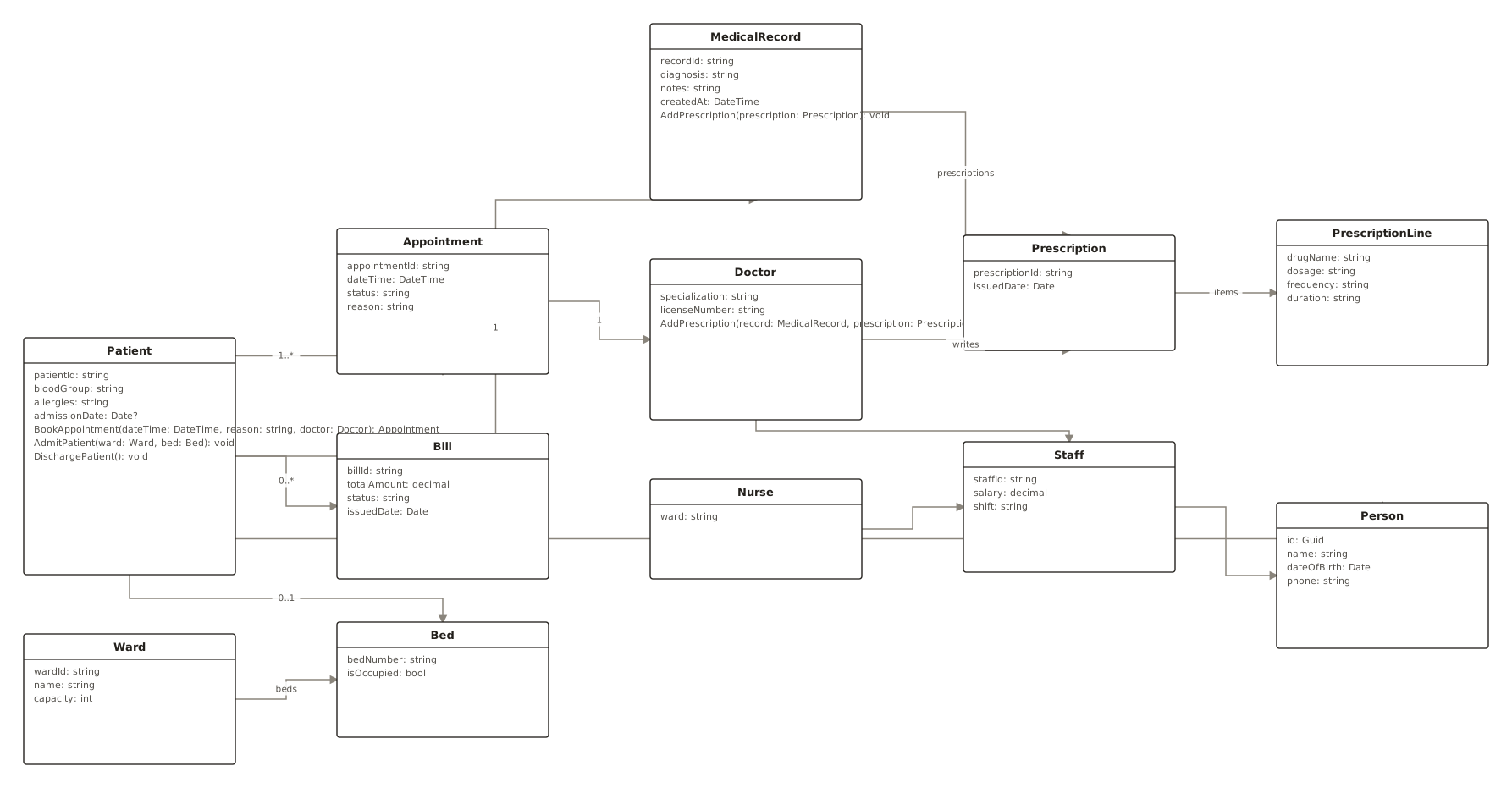
| Class diagram | Structure: classes, attributes, methods, inheritance, and ownership relationships. |
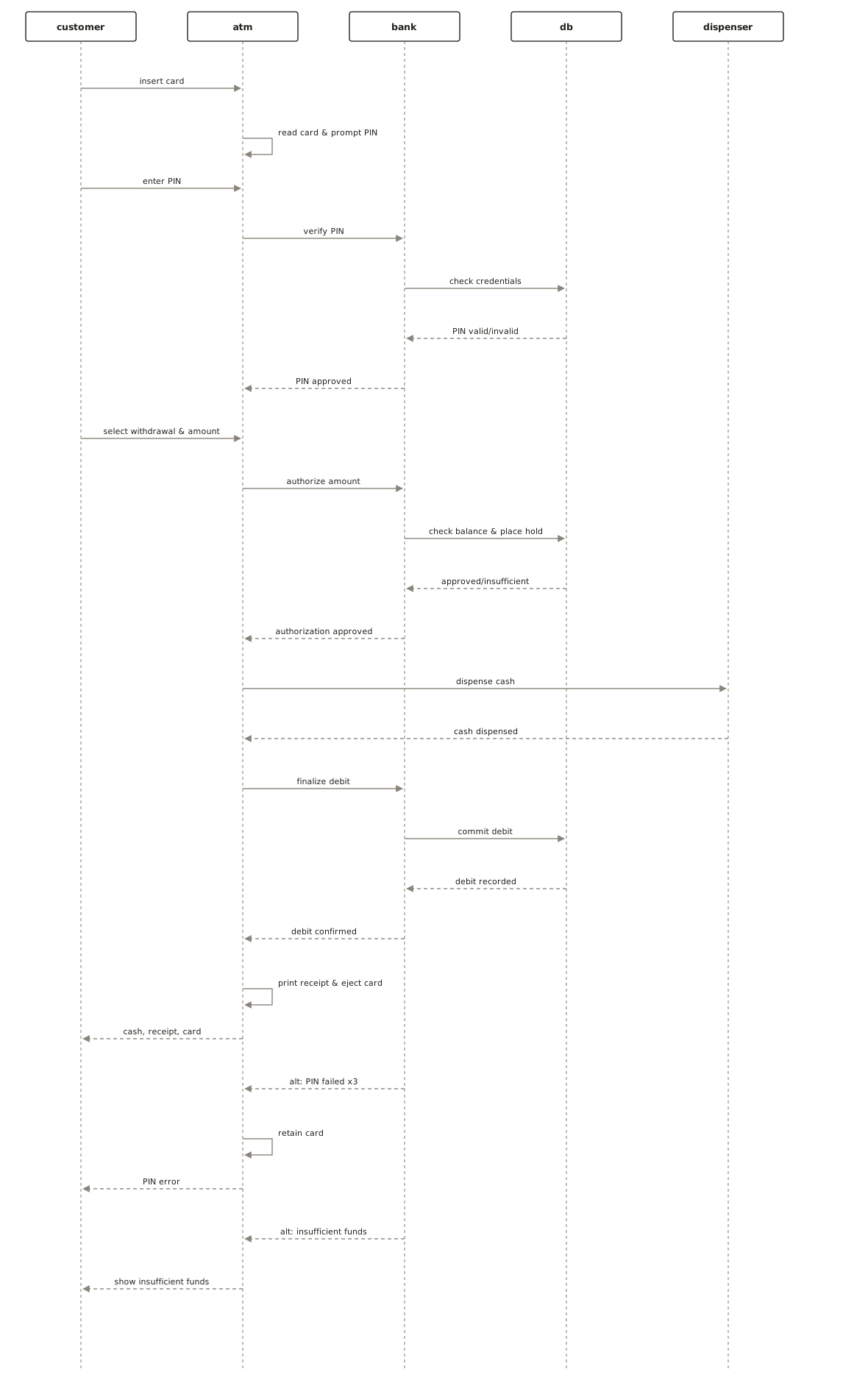
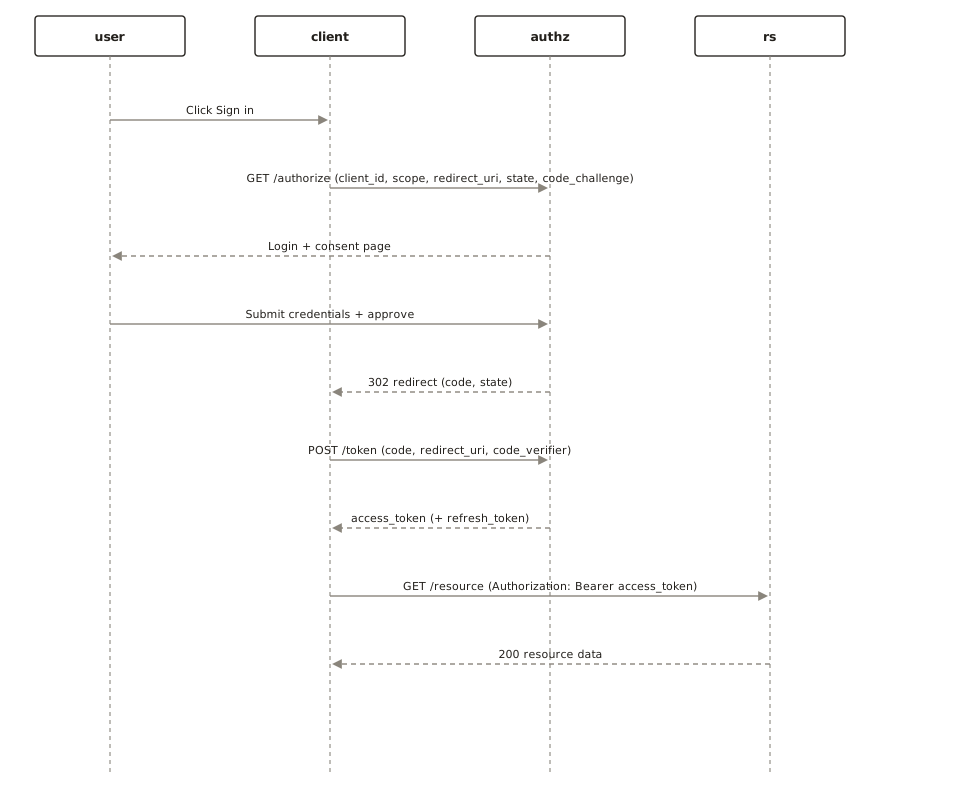
| Sequence diagram | Interaction over time: who calls whom, in what order, with what replies. |
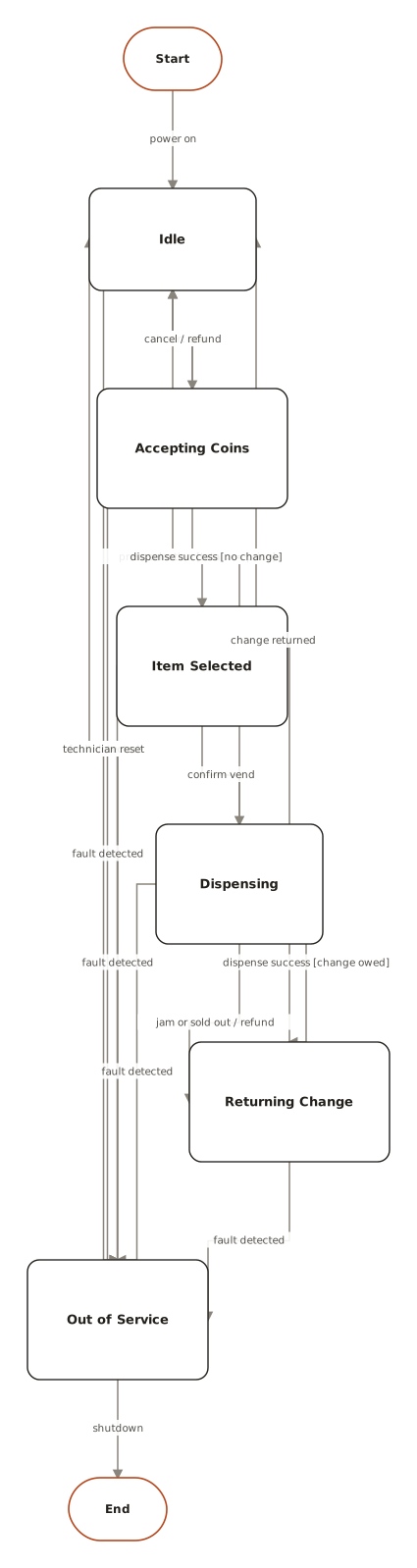
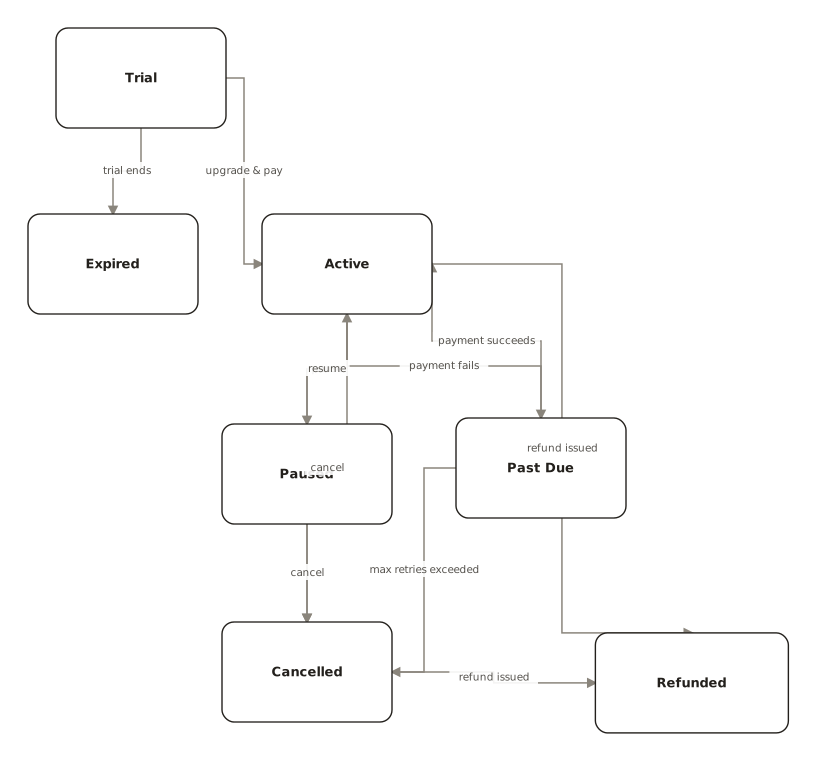
| State diagram | Lifecycle: the states one object moves through and the events that move it. |
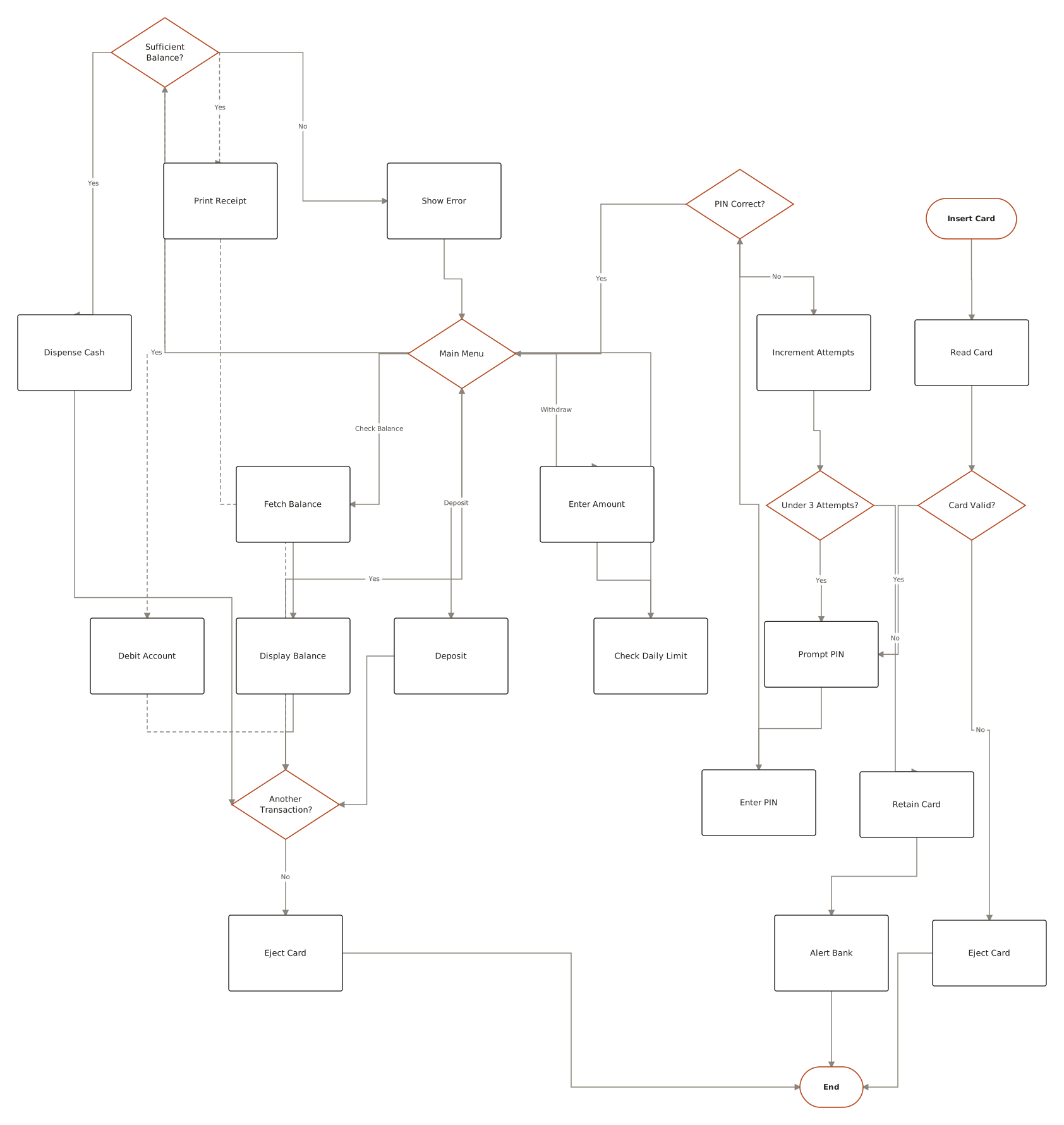
| Activity diagram | Workflow: actions, decisions, and parallel paths — UML's flowchart. |
| Multiplicity marks | 1, 0..1, and * on association ends — how many of each side participate. |
| Stereotypes | «» labels like «interface» or «abstract» that refine what a box means. |
Real examples, generated the same way
From the public examples gallery — every one produced from a plain-English description. Open one to see its prompt.
Questions
How does the AI diagram generator work?
You type a description in plain English. ChartCraft parses it, chooses the right diagram type, generates the structure, and runs an automatic layout so nodes and connections are arranged cleanly.
Is it free?
Yes — you can generate your first 3 diagrams with no account. A free account gives you 5 AI diagrams a month, and paid plans start at $10/mo for more.
What can I make?
Flowcharts, sequence diagrams, entity-relationship diagrams (ERDs), UML class diagrams, state machines, and BPMN process diagrams.
Which UML diagram should I start with?
For most systems: a class diagram for the domain structure, then a sequence diagram for the most important flow. State and activity diagrams join when a lifecycle or workflow needs pinning down.
Do people still use UML?
The formal, tool-enforced UML process is rare now, but class, sequence, and state diagrams are everyday tools — they're the shared vocabulary for describing structure and behaviour.