draw.io alternative
A draw.io alternative that skips the dragging
draw.io is free but manual. ChartCraft is an AI draw.io alternative: describe the diagram and it's drawn and laid out for you. Export SVG/PNG. Free to try.
ChartCraft vs draw.io (diagrams.net)
| ChartCraft | draw.io (diagrams.net) | |
|---|---|---|
| Input | Plain English (AI) | Manual drag-and-drop |
| Layout | Automatic | Manual |
| Learning curve | None | Low–medium |
| Platform | Web | Web + desktop, offline capable |
| Price to start | Free — 3 diagrams, no account | Completely free |
| Export | SVG / PNG, no watermark | Many formats, all free |
| Best for | Fast diagrams from a description | Free, offline, fully manual control |
draw.io (diagrams.net) is a trademark of its respective owner. This comparison reflects typical use and is provided to help you choose the right tool.
Which should you pick?
Choose ChartCraft when…
- You'd rather type a description than drag and route every box
- Auto-layout matters — you tweak text, not coordinates
- You value plain-English editing over pixel-level control
Stay with draw.io (diagrams.net) when…
- You need full manual control over every pixel, free forever
- Offline editing or self-hosted storage is a requirement
- You already keep .drawio files in your repos and like it
An honest answer beats a sales pitch: plenty of teams use both — draw.io (diagrams.net) for its strengths, ChartCraft when a described diagram beats a drawn one.
Prose in. Diagram out.
The prompt
When a support ticket arrives, classify it. If it's urgent, page the on-call engineer; otherwise add it to the queue. After resolution, email the customer and close the ticket.
ChartCraft draws
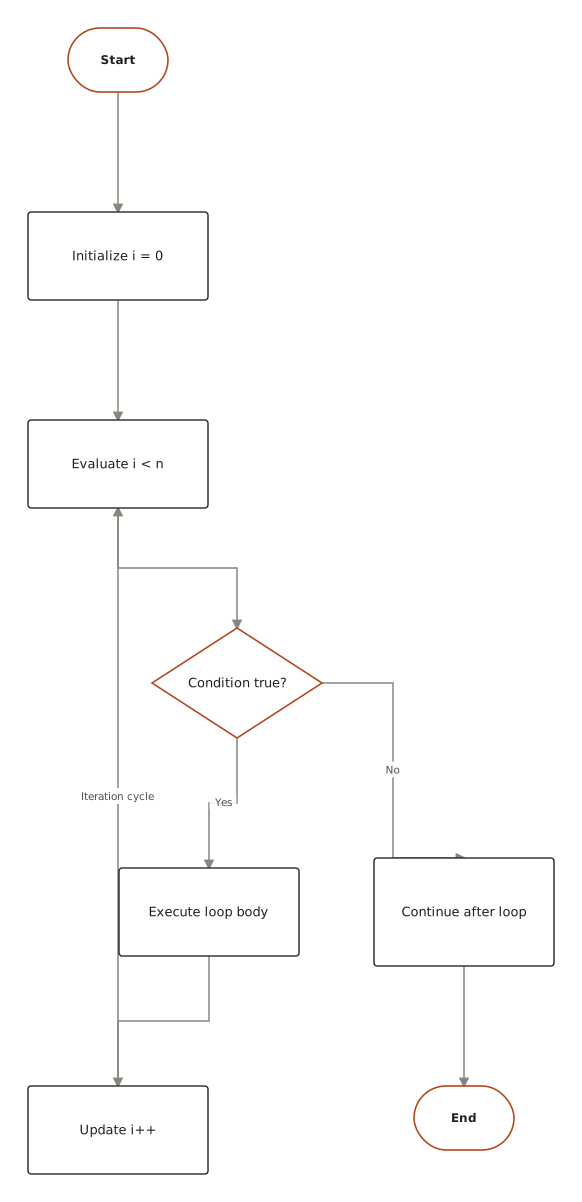
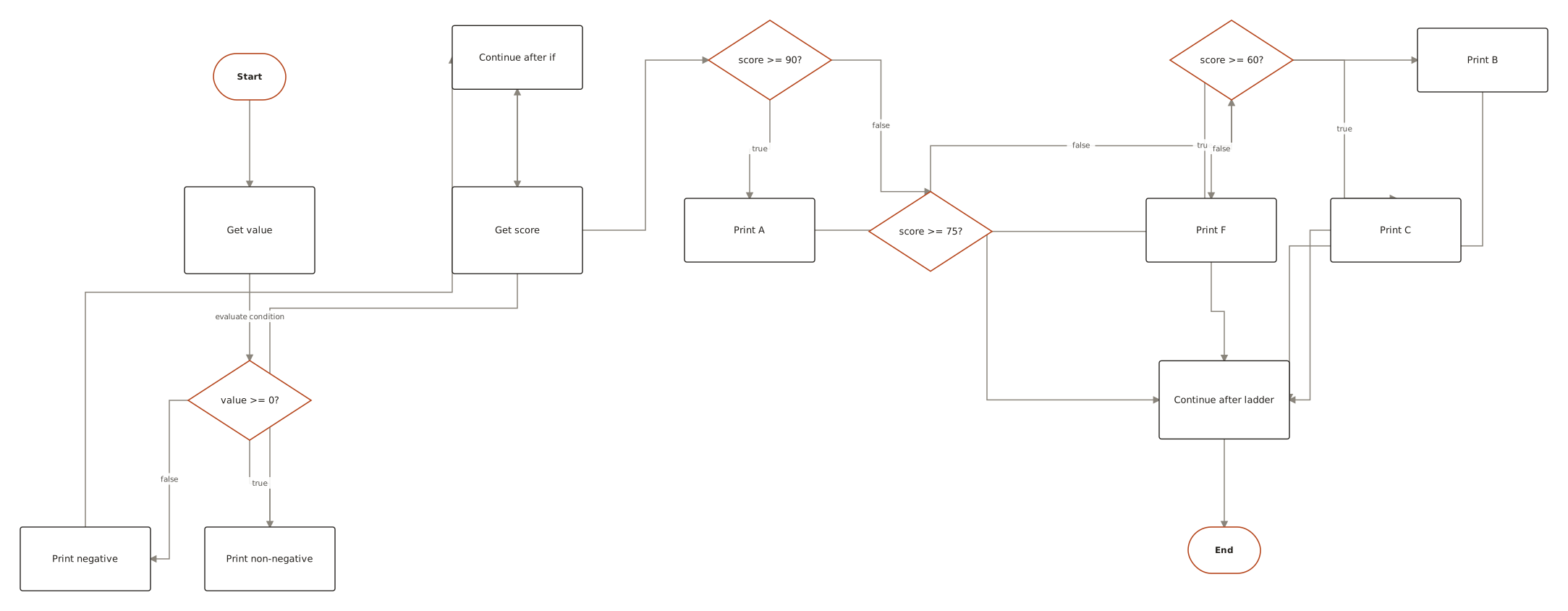
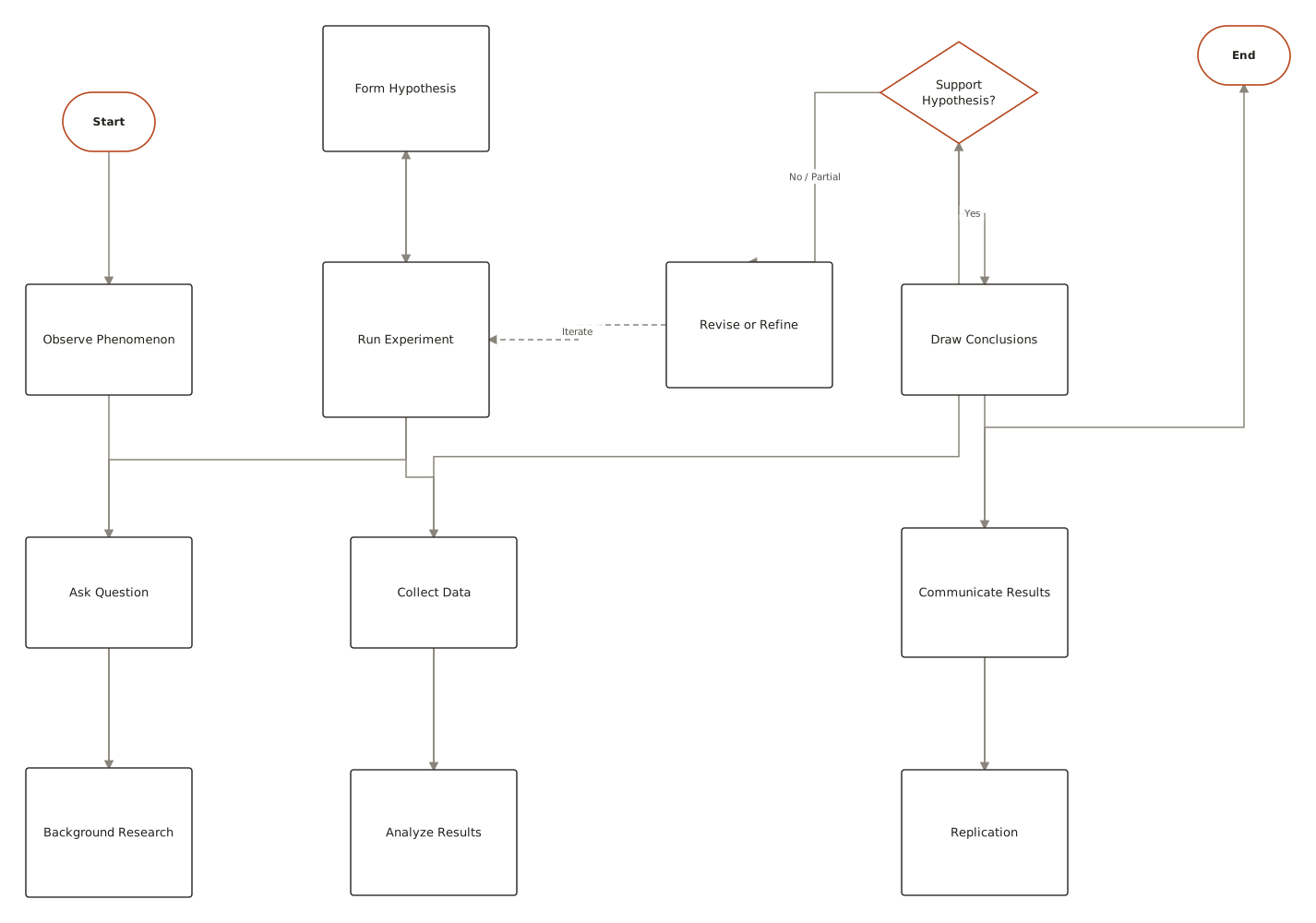
What the output looks like
Generated with ChartCraft and published in the examples gallery — open one to see its prompt, or use it as a starting point.
Questions
Is ChartCraft a good draw.io (diagrams.net) alternative?
If you'd rather describe a diagram than draw it, yes. ChartCraft turns plain English into laid-out flowcharts, ERDs, BPMN, and UML diagrams, then exports SVG or PNG. It complements draw.io (diagrams.net) rather than replacing every use case.
Can I import my existing draw.io (diagrams.net) diagrams?
There's no file importer — the input is a description, not a file. In practice recreating a diagram takes a couple of sentences: paste a written summary of what it shows and refine from there.
Is it free?
You can make your first 3 diagrams with no account, then 5 a month on a free account. Paid plans start at $10/mo.
Can I export my diagrams?
Yes — SVG and PNG export are available on every plan, with no watermark.
What diagram types does ChartCraft generate?
Flowcharts, ER diagrams, UML class diagrams, state machines, activity diagrams, sequence diagrams, and BPMN process diagrams — all from plain-English descriptions.