Reference · UML 2.5.1
Activity diagram symbols: actions, decisions, forks and swimlanes
In short
A UML activity diagram shows the flow of work through a process. Its symbols are: the initial node (filled circle) where the flow starts; actions (rounded rectangles) for each step; the decision and merge nodes (diamonds) for alternative paths, with a guard in square brackets on each outgoing edge; the fork and join bars (thick lines) for paths that run in parallel; object nodes (plain rectangles) for data that passes between actions; send-signal (convex pentagon), accept-event (concave pentagon) and time-event (hourglass) nodes for interaction with the outside; the activity final node (bull's-eye) that ends the whole activity and the flow final node (circle with an X) that ends one path only; and swimlanes (activity partitions) that show who performs each action. Notation per UML 2.5.1 clause 15 (OMG formal/2017-12-05).
Updated · by the ChartCraft team · Simbol activity diagram (Bahasa Indonesia)
What are the activity diagram symbols and what does each one mean?
UML 2.5.1 groups activity diagram elements into nodes (control nodes, actions, object nodes), edges and grouping constructs. The table gives each symbol, its UML name, its meaning and — where Mermaid 11.3+ has an equivalent shape — the Mermaid flowchart syntax that draws it.
Control nodes: start, end, branch, parallel
| Symbol | Node | In → out | Meaning | Mermaid |
|---|---|---|---|---|
| Initial node | 0 → 1 | Where the flow starts when the activity is invoked. One per activity is usual; UML allows more. | S@{ shape: sm-circ } | |
| Activity final node | 1+ → 0 | Ends the entire activity: every token on every path is destroyed, including parallel ones still running. | E@{ shape: framed-circle } | |
| Flow final node | 1+ → 0 | Ends this path only; other parallel paths continue. Use it to drop one branch of a fork. | X@{ shape: cross-circ } | |
| Decision node | 1 → many | Chooses exactly one outgoing edge, decided by the guards written in square brackets on the edges: [approved], [declined], [else]. | D{Approved?} | |
| Merge node | many → 1 | Brings alternative paths back together. Same diamond as a decision; no synchronisation — whichever token arrives passes through. | M{ } | |
| Fork node | 1 → many | Splits one flow into several that run concurrently. Thick horizontal or vertical bar. | F@{ shape: fork } | |
| Join node | many → 1 | Waits until a token has arrived on every incoming edge, then continues as one flow. | J@{ shape: fork } |
Actions and object nodes
| Symbol | Node | Meaning | Mermaid |
|---|---|---|---|
| Action | One step of work, named with a verb phrase: "Validate address", "Send invoice". The only place where something actually happens. | A(Validate address) | |
| Call behaviour action | An action that invokes another activity; marked with a rake (fork-like) symbol in the lower right. The equivalent of a sub-process. | — | |
| Object node | Data or an object flowing between actions, optionally with its state in brackets: Order [confirmed]. | O[Order] | |
| Pin | A small square on an action's border: an input or output object of that action. Compact form of an object node. | — | |
| Send signal action | Convex pentagon: sends a signal or message to something outside the activity and continues without waiting. | — | |
| Accept event action | Concave pentagon: waits for an external event or signal before continuing — "Payment received". With no incoming edge it stays armed for the whole activity. | — | |
| Accept time event action | Hourglass: waits for a point in time or a delay — "end of month", "after 24 h". | T@{ shape: hourglass } | |
| Comment | A dog-eared note attached to any element with a dashed line. | — |
Edges
| Symbol | Edge | Meaning | Mermaid |
|---|---|---|---|
| Control flow | Solid arrow: when the source action finishes, the target may start. | A --> B | |
| Object flow | Solid arrow into or out of an object node or pin: the data produced by one action feeds the next. | A --> O[Order] --> B | |
| Guarded edge | An edge with a condition in square brackets; from a decision node every outgoing edge needs one, and they must be mutually exclusive. | D -- "[balance > 0]" --> B | |
| Interrupting edge | Zigzag arrow leaving an interruptible region: when the event fires, everything inside the region is aborted. | — |
Grouping: swimlanes and regions
| Symbol | Element | Meaning | Mermaid |
|---|---|---|---|
| Activity partition (swimlane), vertical | Columns, one per performer — Customer, Web shop, Warehouse. Each action sits in the lane of whoever does it; an edge crossing a lane is a hand-over. | subgraph Customer ... end | |
| Activity partition, horizontal | Same thing as rows; a grid of both is a multidimensional partition (e.g. role × location). | subgraph Warehouse ... end | |
| Interruptible activity region | Dashed rounded box; an interrupting edge leaving it cancels everything inside — "customer cancels order". | — | |
| Expansion region | Dashed box with input/output collections; its contents run once per element of the collection (for-each). | — |
What is an activity diagram?
An activity diagram is the UML behaviour diagram for workflows: the steps of a use case, a business process or an algorithm, including branching, parallel work and who does what. UML 2.5.1 (clause 15) defines its semantics with token flow — a token moves along the edges, and a node fires when the tokens it needs have arrived — which is what makes fork/join and the two kinds of final node precise rather than decorative.
What is the difference between decision, merge, fork and join?
Decision and merge handle alternatives: one path is taken, and the merge simply lets it through. Fork and join handle concurrency: all paths are taken, and the join waits for all of them. Decision and merge are both diamonds; fork and join are both bars — the number of incoming versus outgoing edges tells you which is which.
| Node | Shape | In → out | Behaviour | Pairs with |
|---|---|---|---|---|
| Decision | Diamond | 1 → many | Takes exactly one outgoing edge, chosen by the guards | Merge |
| Merge | Diamond | many → 1 | Passes any arriving token through, no waiting | Decision |
| Fork | Bar | 1 → many | Copies the token to every outgoing edge — all paths run | Join |
| Join | Bar | many → 1 | Waits for a token on every incoming edge, then emits one | Fork |
Classic error: closing a fork with a merge. The merge lets each parallel token through separately, so whatever follows runs once per branch. Close a fork with a join; close a decision with a merge.
When do I use activity final versus flow final?
Use the activity final node (bull's-eye) when the whole workflow is over: it kills every remaining token, including parallel branches still in progress. Use the flow final node (circle with an X) to end just one branch — for example, a notification path that has nothing more to do while the main path continues to the join.
How do swimlanes work in an activity diagram?
Divide the diagram into partitions, one per performer — a role, a department, a system — and place each action in the partition of whoever carries it out. The flow arrows stay the same; where an arrow crosses from one lane into another is where responsibility changes hands. UML calls these activity partitions; they can be vertical, horizontal or both.
What does an activity diagram look like with these symbols?
An online order with three swimlanes: the customer fills the cart and enters payment details; the web shop authorises the payment and a decision node with [approved] / [declined] guards either shows an error or sends the confirmation; an Order [confirmed] object node then passes to the warehouse, which picks, packs and hands over to the courier. The Mermaid version below adds a fork/join so that stock is updated in parallel with the confirmation email, and a retry loop for declined payments.
Mermaid has no dedicated activity diagram type. A flowchart with the shapes added in Mermaid 11.3 — sm-circ for the initial node, framed-circle for the activity final, fork for fork and join bars — plus subgraph as a swimlane gets close:
flowchart TD
    subgraph Customer
        S@{ shape: sm-circ, label: "start" } --> A1(Add items to cart)
        A1 --> A2(Enter payment details)
    end
    subgraph Web shop
        A3(Authorise payment) --> D1{Payment approved?}
        D1 -- "[declined]" --> A4(Show payment error)
        D1 -- "[approved]" --> F@{ shape: fork, label: "fork" }
        F --> A5(Send order confirmation)
        F --> A6(Update stock)
        A5 --> J@{ shape: fork, label: "join" }
        A6 --> J
    end
    subgraph Warehouse
        A7(Pick and pack order) --> A8(Hand over to courier)
        A8 --> E@{ shape: framed-circle, label: "end" }
    end
    A2 --> A3
    A4 --> A2
    J --> A7
Activity diagram vs flowchart — what is the difference?
Both show a sequence of steps with branches. An activity diagram is part of UML and adds concurrency (fork/join), responsibility (swimlanes), data (object nodes), external events (signals, timers) and a precise token semantics; a flowchart is simpler, older (ISO 5807) and better suited to algorithms and one-person procedures.
| Aspect | Activity diagram | Flowchart |
|---|---|---|
| Standard | UML 2.5.1 (OMG) | ISO 5807:1985 |
| Start / end | Filled circle / bull's-eye (+ flow final) | Rounded "terminator" box |
| Step | Rounded rectangle (action) | Rectangle (process) |
| Branch | Diamond with [guards] | Diamond with yes/no |
| Parallel paths | Fork and join bars | No dedicated symbol |
| Who does it | Swimlanes (partitions) | Optional, informal |
| Data | Object nodes, pins | Parallelogram (input/output) |
| External events | Signal, accept-event, time-event nodes | None |
| Reference | This page | Flowchart symbols |
What are the most common activity diagram mistakes?
Nearly all of them are about the control nodes: guards missing or overlapping, forks closed by the wrong node, or the wrong final node.
| Mistake | Why it is wrong | Fix |
|---|---|---|
| Decision edges without guards | The reader (and any tool) cannot tell which path is which. | Write a guard in square brackets on every outgoing edge; use [else] for the remainder. |
| Overlapping guards | [amount > 100] and [amount > 500] can both be true — UML says the choice is then undefined. | Make guards mutually exclusive. |
| Fork closed by a merge | Each branch's token passes separately; downstream actions run several times. | Close a fork with a join. |
| Activity final used to end one branch | It terminates the whole activity, cancelling parallel work. | Use a flow final node. |
| Action named with a noun | "Invoice" is an object, not work. | Verb + object: "Issue invoice". |
| Decision inside an action | "Check and approve or reject" hides the branch. | Action "Check request", then a decision node. |
| Flowchart terminators in a formal model | Rounded "Start" / "End" boxes are flowchart notation (ISO 5807), not UML; fine in a sketch, not in a model others will read as UML. | Use the initial node and the activity final node. |
| Lane crossing with no hand-over | An edge crossing a lane but the next action is still performed by the previous role. | Move the action to the correct lane. |
What do real diagrams with these symbols look like?
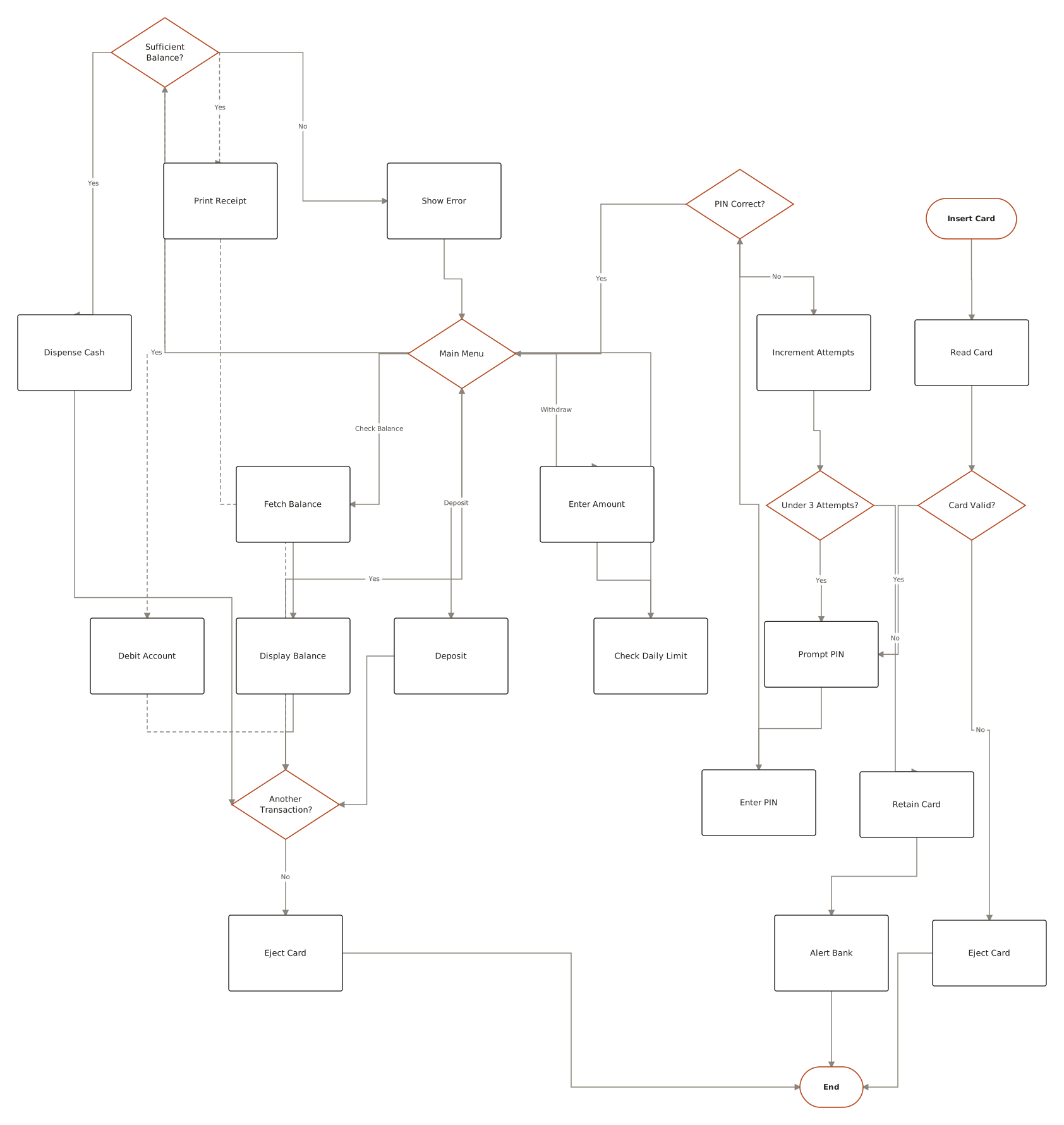
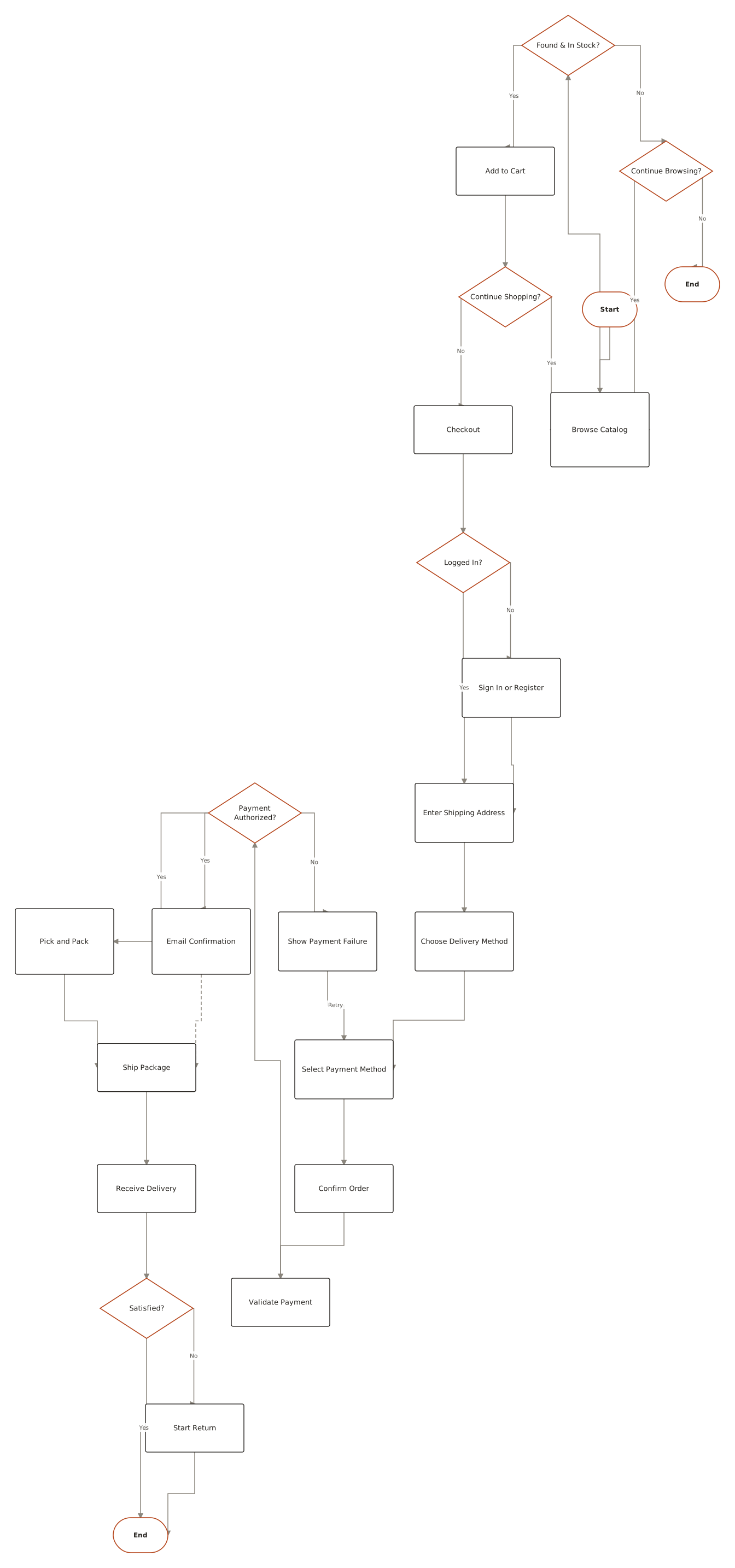
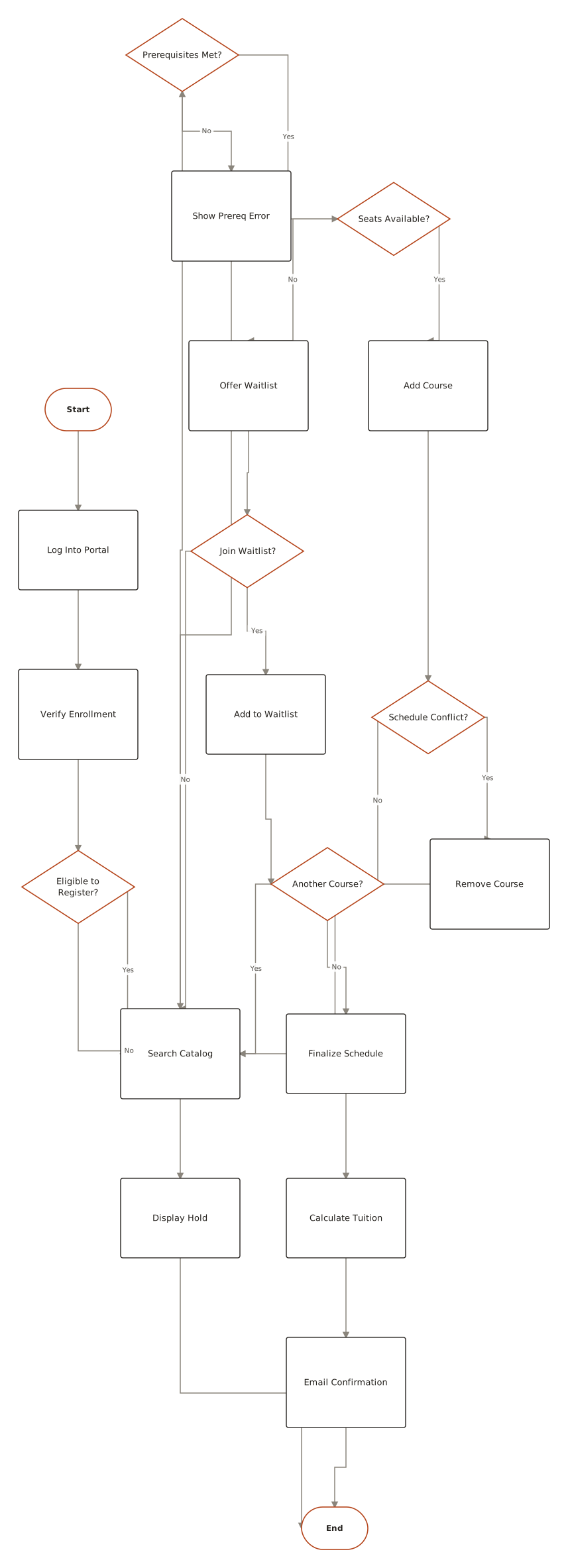
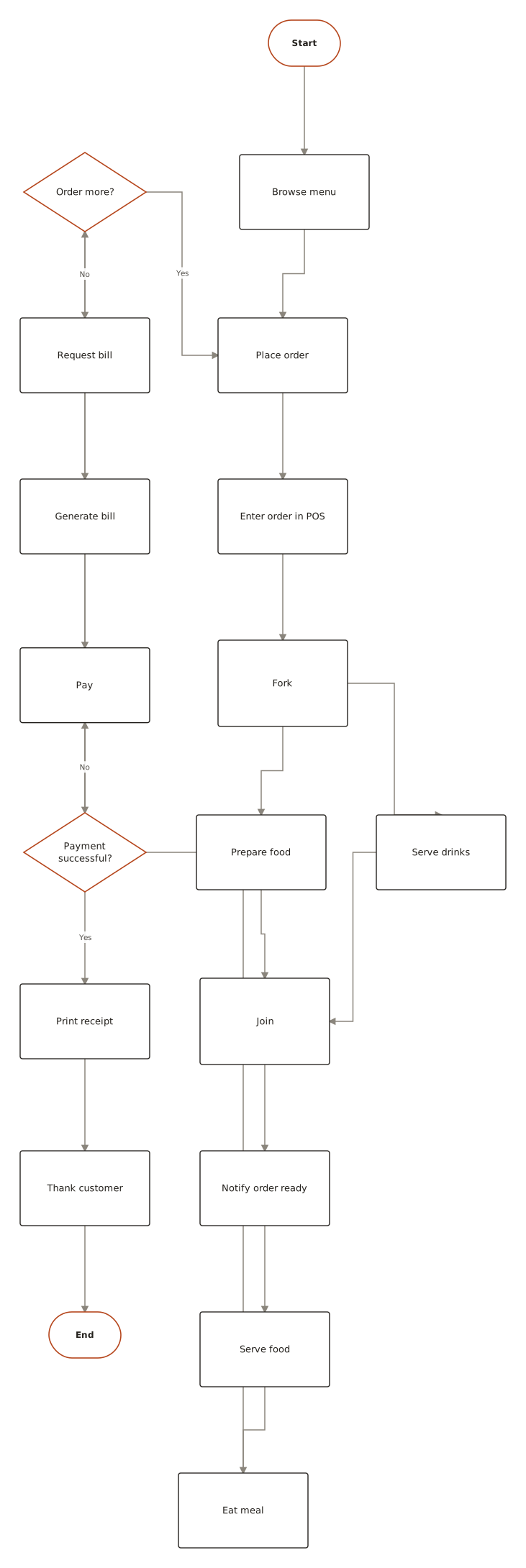
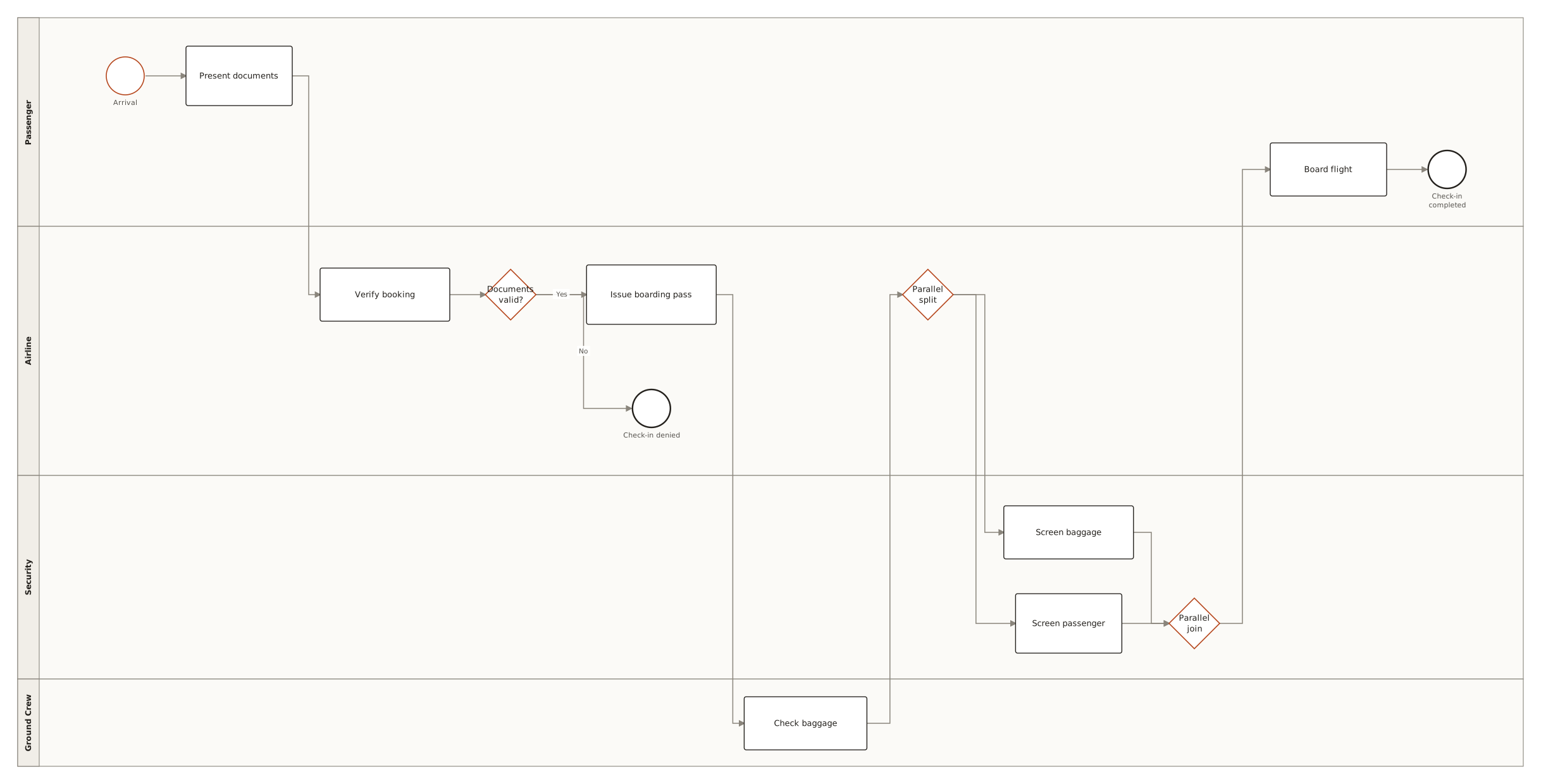
Live diagrams from the public ChartCraft gallery, each generated from a plain-English description — open one to see the prompt that produced it.
Questions
What are the symbols of an activity diagram?
Initial node (filled circle), action (rounded rectangle), decision and merge (diamond), fork and join (thick bar), object node (rectangle), send-signal (convex pentagon), accept-event (concave pentagon), time event (hourglass), activity final (bull's-eye), flow final (circle with an X), and swimlanes (partitions) for the performers.
What is the difference between the two end symbols?
The activity final node (a filled circle inside a ring) ends the whole activity and stops every parallel path. The flow final node (a circle with an X) ends only the path that reaches it; other paths keep running.
What does the thick black bar mean?
A fork (one edge in, several out) that starts parallel paths, or a join (several in, one out) that waits for all of them to finish. The symbol is the same; the number of edges on each side tells you which it is.
What is the difference between a decision node and a fork?
A decision chooses one path, selected by guard conditions; a fork takes all paths at the same time. A decision is a diamond and is closed by a merge; a fork is a bar and is closed by a join.
What is a guard in an activity diagram?
A boolean condition in square brackets on an edge leaving a decision node, such as [approved] or [amount > 100]. Exactly one guard should be true for any given situation; [else] catches everything the others do not.
What is a swimlane in an activity diagram?
A partition — a column or row — that groups the actions performed by one role, department or system. UML 2.5.1 calls it an activity partition. An edge crossing from one lane to another shows a hand-over of responsibility.
Is an activity diagram the same as a flowchart?
No. An activity diagram is a UML behaviour diagram with symbols for parallel paths (fork/join), performers (swimlanes), data (object nodes) and external events (signals, timers). A flowchart (ISO 5807) covers sequence and decisions only, with different start/end and step shapes.
Can Mermaid draw an activity diagram?
Not as a dedicated type. Use a flowchart with Mermaid 11.3+ shapes — sm-circ for the initial node, framed-circle for the activity final, cross-circ for flow final, fork for fork and join bars — and subgraph blocks as swimlanes. Signal and accept-event pentagons have no Mermaid shape.