Network Diagram
Network diagram generator — topology from a description
List the devices and how they connect — internet, firewall, switches, access points, servers — and ChartCraft draws the network diagram with segments grouped and links labelled.
Prose in. Diagram out.
You type
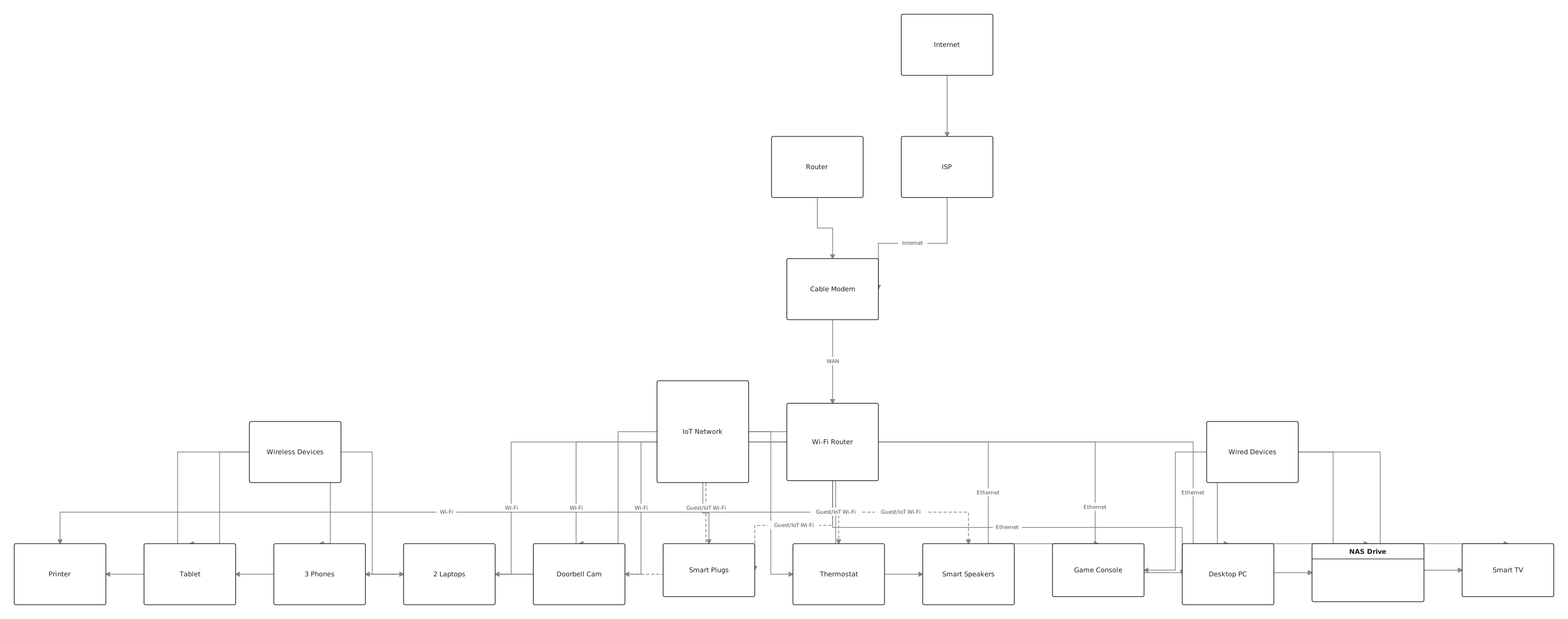
Internet to cable modem to Wi-Fi router. Wired: desktop, smart TV, NAS. Wireless: two laptops, phones. IoT devices on an isolated guest network.
ChartCraft draws
How it works
Describe it
Write what you want in plain English — no syntax to learn.
ChartCraft compiles
It parses your description, builds the structure, and runs an automatic layout.
Refine & export
Tweak with follow-up messages, then export clean SVG or PNG.
Logical vs physical network diagrams
A physical network diagram shows hardware and cabling — which port connects to which switch. A logical diagram shows how traffic flows — subnets, VLANs, routing, firewall zones. Most diagrams people need are logical: they answer “can this device reach that one, and what sits in between?” Describe either and group by zone: internet edge, core, user LAN, servers, guest.
| Topology | Shape and trade-off |
|---|---|
| Star | Everything connects to a central switch or router. Simple, one point of failure — how homes and small offices work. |
| Tree / hierarchical | Core, distribution, access layers. How real office networks scale. |
| Mesh | Devices interconnect redundantly. Resilient, expensive — backbones and Wi-Fi mesh systems. |
| Bus / ring | Shared medium or loop — mostly historical, still in some industrial networks. |
Network diagram examples
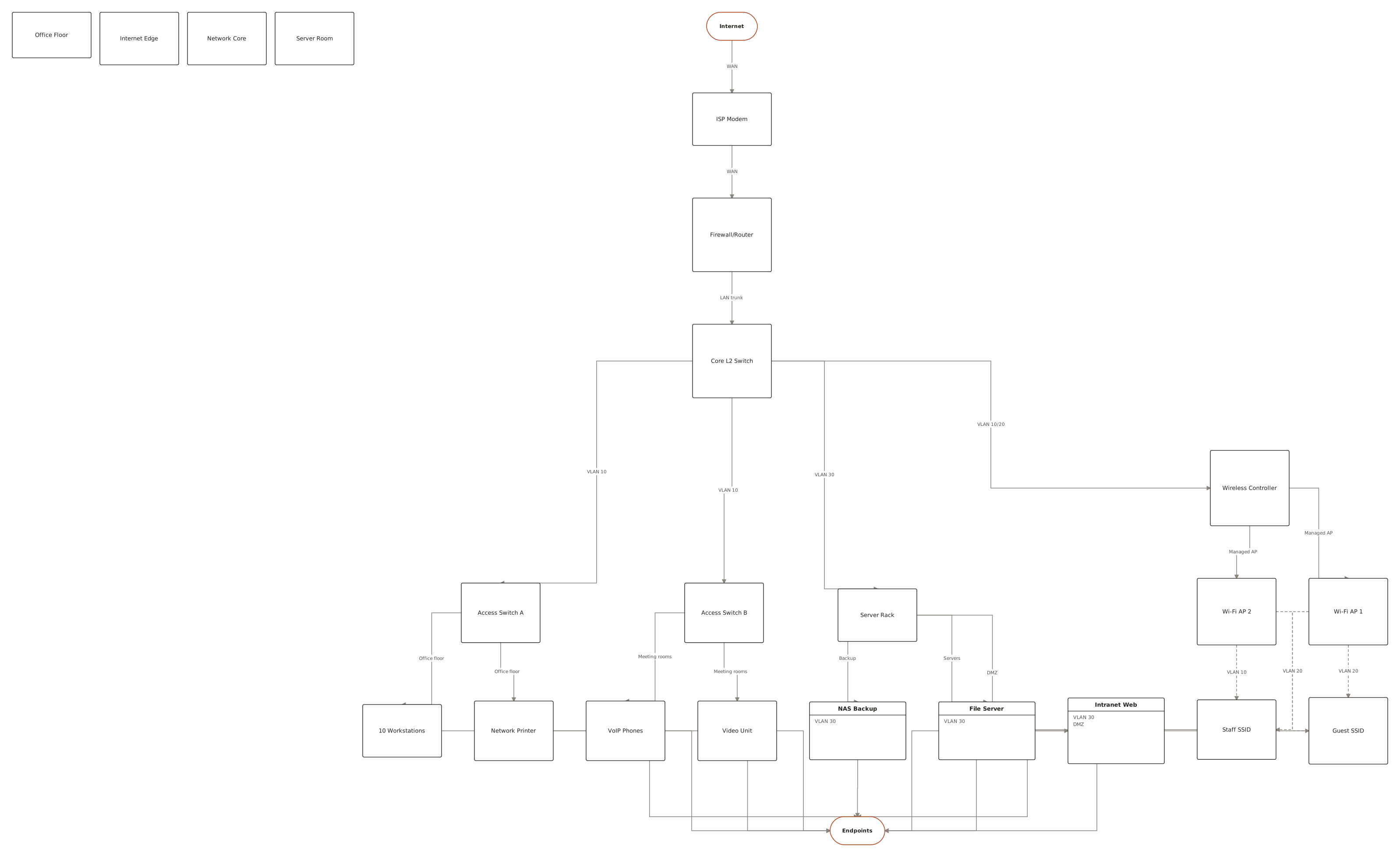
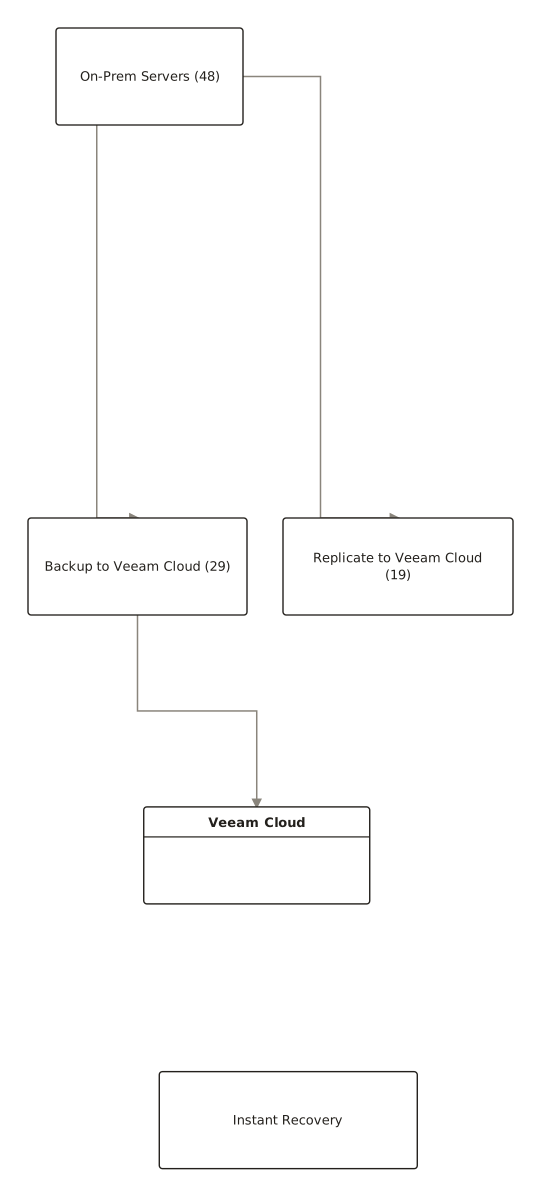
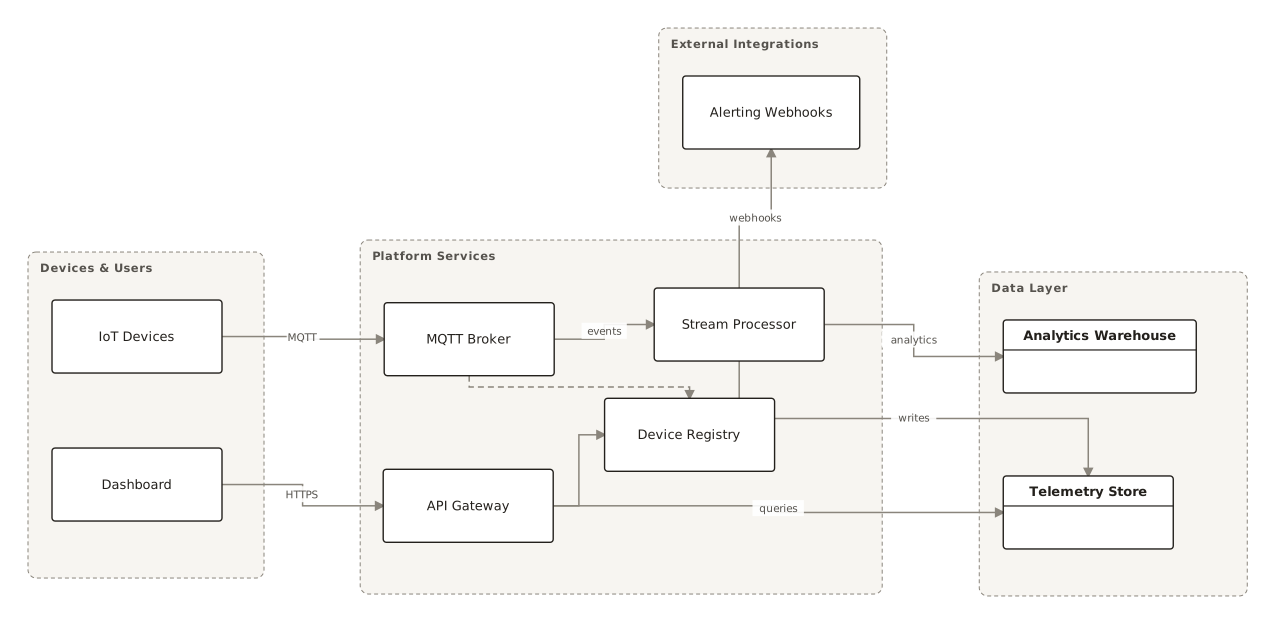
From the public examples gallery — every one produced from a plain-English description. Open one to see its prompt.
Questions
How do I create a network diagram from text?
List devices from the internet inward and say what connects to what: “internet to modem to firewall; firewall to core switch; switch to two access points and the server rack”. ChartCraft draws the topology and groups the zones.
What should a home network diagram include?
The modem, the router, wired devices, wireless devices, and — if you have smart-home gear — a separate guest/IoT segment so cameras and plugs can't reach your computers. That last boundary is the one worth drawing.
What is a network topology diagram?
A network diagram focused on the shape of the connections — star, tree, mesh — rather than on individual cables. It's the map you reach for when planning growth or debugging reachability.
Can it draw VLANs and subnets?
Yes — name the segments in your description (staff VLAN 10, guest VLAN 20, servers VLAN 30) and they're grouped and labelled in the diagram.
Can I export the diagram?
Yes, export to SVG or PNG with no watermark on any plan.