How-to
How to make a UML class diagram from a description
How to make a class diagram fast: describe your types, attributes, methods, and inheritance, and ChartCraft renders the UML class diagram.
Step by step
01Name the classes
The significant nouns of your domain become classes: Account, Transaction, Card. Skip utility plumbing — a class diagram is about the domain, not every file.
02Fill the compartments
Give each class its defining attributes (name: type) and the operations that matter (deposit(), authorize()). Three to seven of each is plenty for a readable diagram.
03Draw the is-a arrows
Where classes share behaviour, extract a parent and connect children with hollow-triangle inheritance arrows. Interfaces get dashed realization arrows.
04Add associations with multiplicity
Connect classes that hold references to each other and pin the counts: a Customer has 1..* Accounts, an Order owns * OrderLines (composition).
05Generate and iterate
Describe the model in plain English — ChartCraft draws the boxes, compartments, and arrows with correct UML arrowheads. Refine conversationally, then export.
From sentence to class diagram, in three passes
A class diagram earns its keep one relationship type at a time: inheritance first, then associations, then interfaces. Here's a small fleet model built in that order.
Pass 1 · You type
A Vehicle has a plate and can start(). Car and Truck are Vehicles.
“Is-a” sentences become hollow-triangle inheritance arrows, always pointing at the parent. Car and Truck get only what makes them different — the shared parts live in Vehicle.
Pass 2 · You add
A Driver owns one or more Vehicles.
“Has-a” sentences become associations. The 1..* multiplicity records the business rule — a driver without vehicles isn't a driver in this domain — without a word of prose.
Pass 3 · You finish
Car and Truck are Insurable — an interface with premium().
Contracts become interfaces with dashed realization arrows. Note what didn't happen: Vehicle stayed untouched — the interface applies only where the sentence said it does.
Best practices — and the classic mistakes
Do
- Model the domain, not the framework — leave controllers, DTOs, and helpers out unless the diagram is about them.
- Prefer composition arrows over inheritance when the relationship is “owns” rather than “is”.
- Put multiplicities on every association — 1, 0..1, or *; unlabelled lines invite wrong assumptions.
- Abstract classes in italics (or marked abstract) so readers know they're never instantiated.
- One diagram, one story: an inheritance view and an ownership view beat one diagram showing everything.
Avoid
- Inheritance used for code reuse (“Car extends Engine”) — that relationship is composition.
- Arrowheads swapped — the hollow triangle must touch the parent, diamonds touch the owner.
- Every private field and getter listed — the diagram becomes a code dump nobody reads.
- Missing multiplicities, leaving readers to guess whether a relationship is 1:1 or 1:many.
The notation, in 30 seconds
The UML class box and the five arrows that matter. Arrowheads carry the meaning — hollow triangle for “is-a”, diamonds for “owns”.
| Element | What it means |
|---|---|
| Class box | Three stacked compartments: name, attributes (name: type), methods (call()). |
| Inheritance (hollow triangle) | “Is-a”. Dog ▷ Animal. The triangle touches the parent. |
| Realization (dashed + triangle) | “Implements”. A class fulfilling an interface's contract. |
| Association (plain line) | “Knows about”. Add multiplicities at the ends: 1, 0..1, *. |
| Aggregation (hollow diamond) | “Has, but doesn't own” — parts survive the whole. Team ◇ Player. |
| Composition (filled diamond) | “Owns” — parts die with the whole. Order ◆ OrderLine. |
Worked class diagram examples
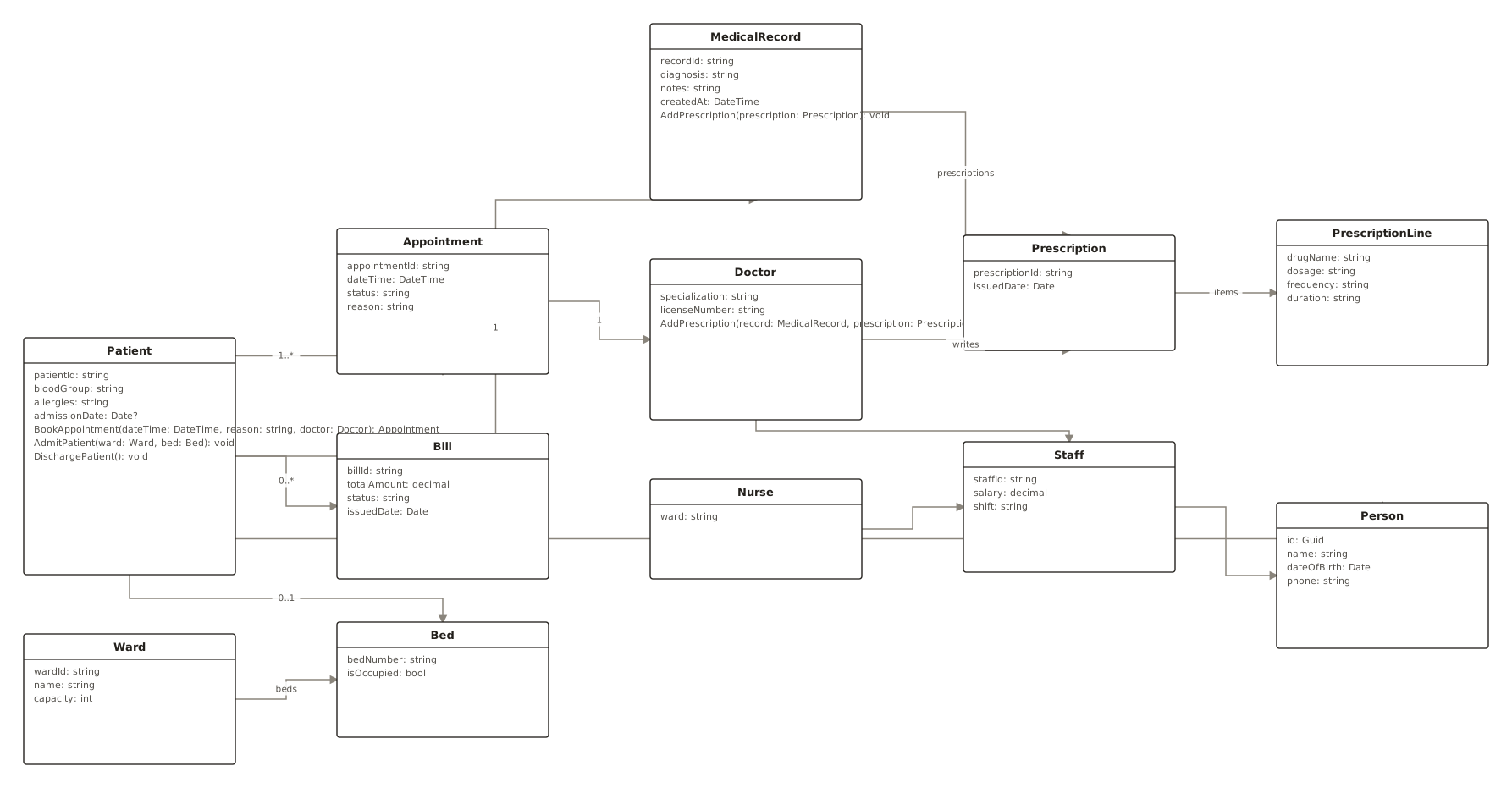
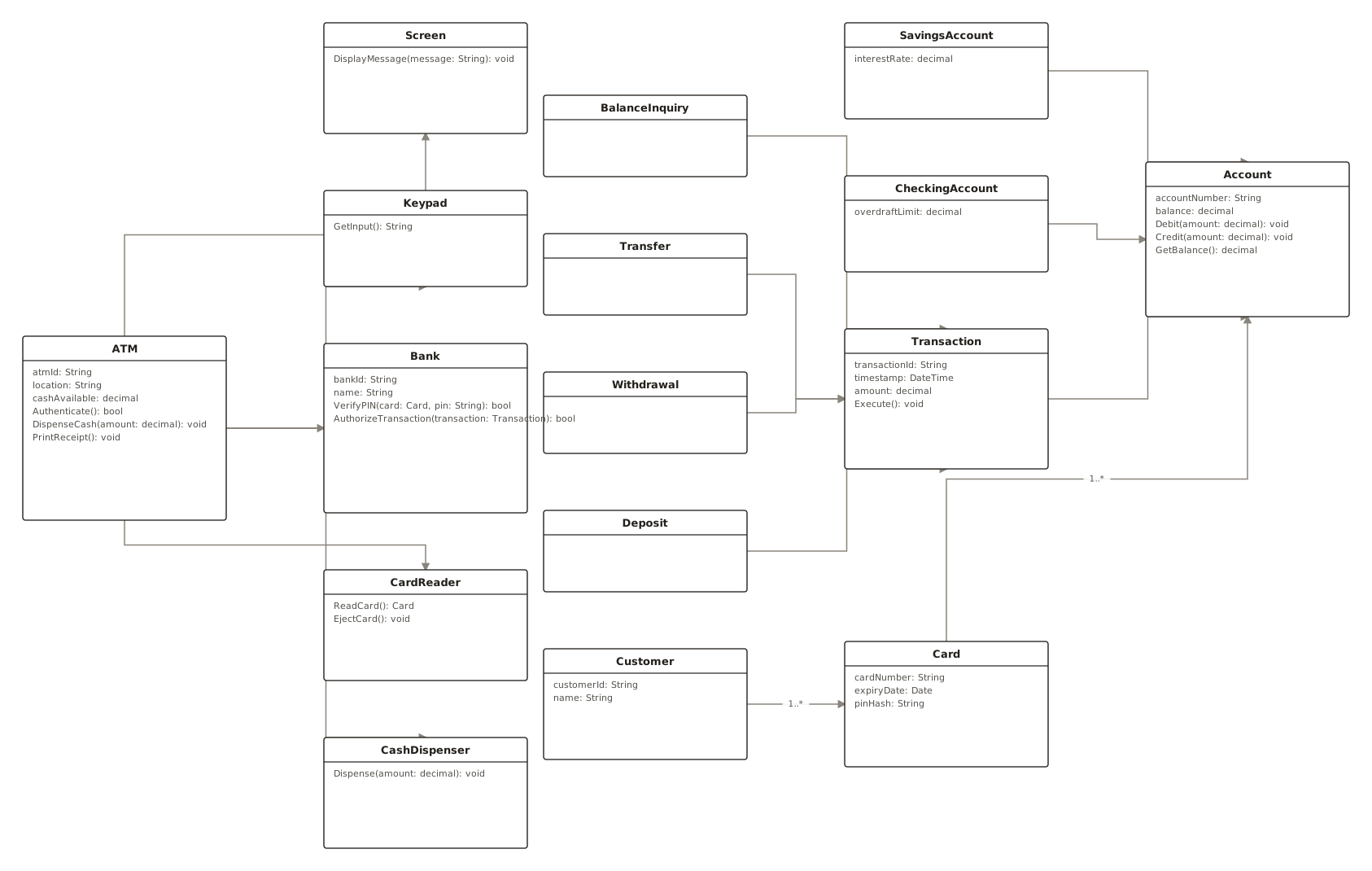
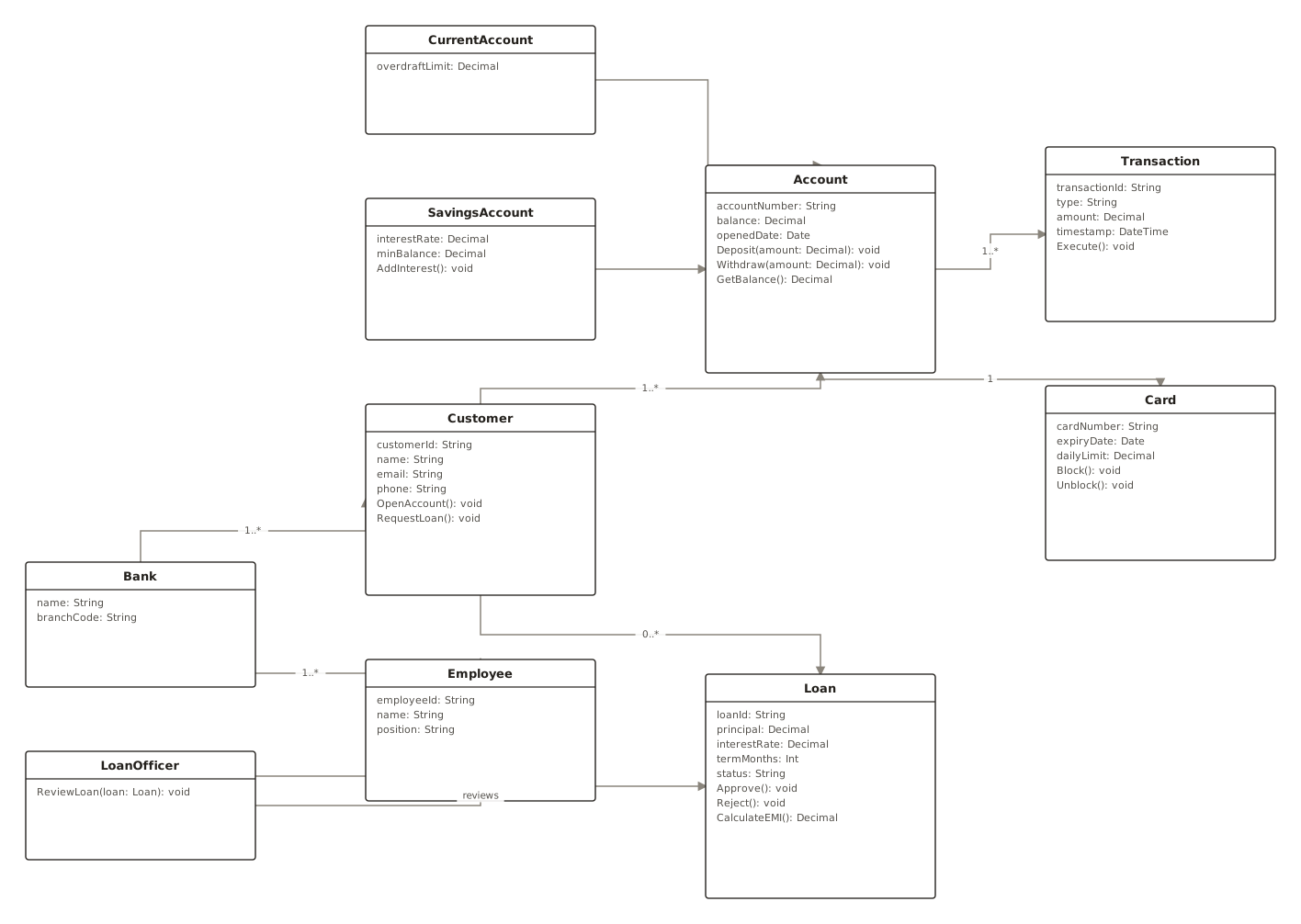
Generated with ChartCraft and published in the examples gallery — open one to see its prompt, or use it as a starting point.
Questions
What's the fastest way to make a class diagram?
Describe it in plain English. ChartCraft parses your description, builds the class diagram, and runs an automatic layout so you don't place or connect anything by hand.
Do I need to know any diagram syntax?
No. You write a normal sentence or two; ChartCraft handles the notation and layout.
What's the difference between aggregation and composition?
Both are “has-a” diamonds. Composition (filled) means exclusive ownership — delete the Order and its OrderLines go with it. Aggregation (hollow) means the parts live independently — disband a Team and the Players remain.
Should every class in my codebase appear in the diagram?
No. A useful class diagram tells one story about the domain — 5 to 12 classes. Generate separate diagrams for separate subsystems rather than one wall-sized chart.
Can I export the result?
Yes, export to SVG or PNG on any plan, including the free tier.