Flowchart templates
Flowchart templates you edit by describing changes
Start from a flowchart template and edit it in plain English instead of dragging boxes. Auto-laid-out, export to SVG or PNG. Free to try.
Prose in. Diagram out.
The prompt
A new user signs up, verifies their email, and if their profile is incomplete we prompt for details before activating the account and showing a welcome screen.
ChartCraft draws
More flowchart examples
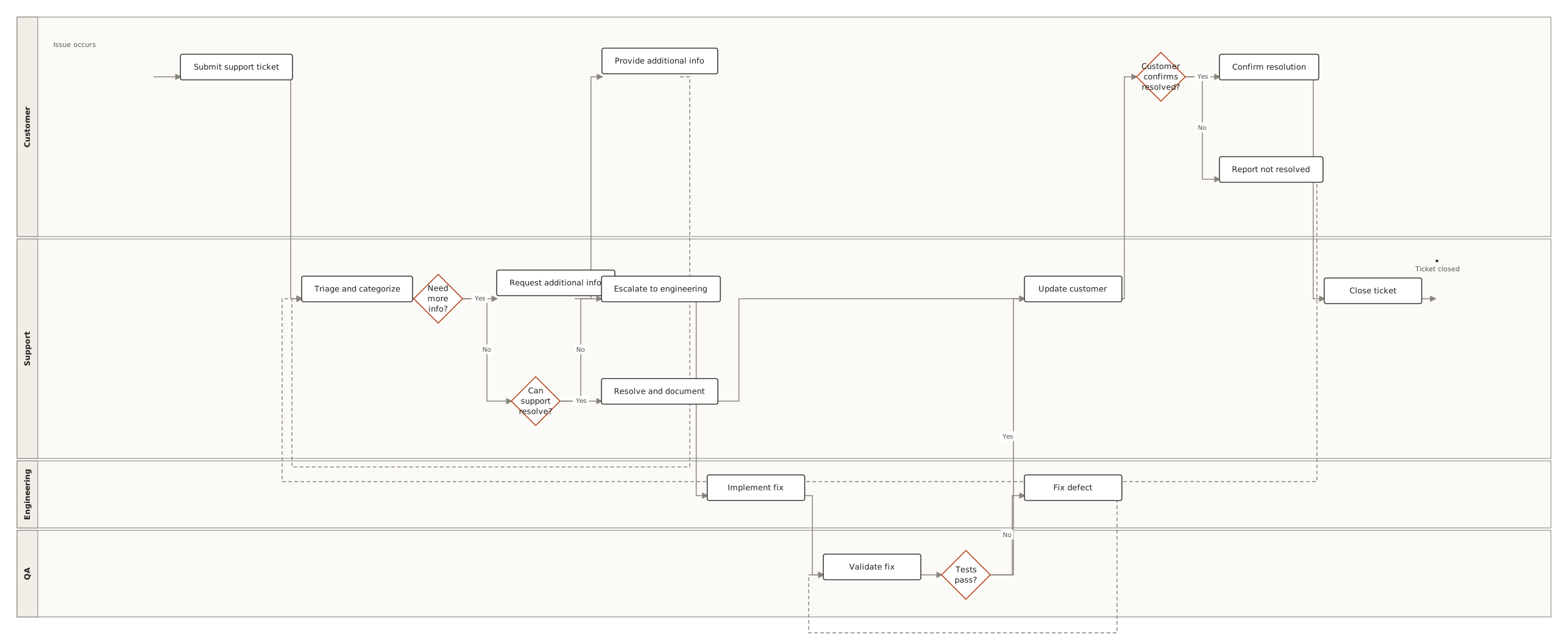
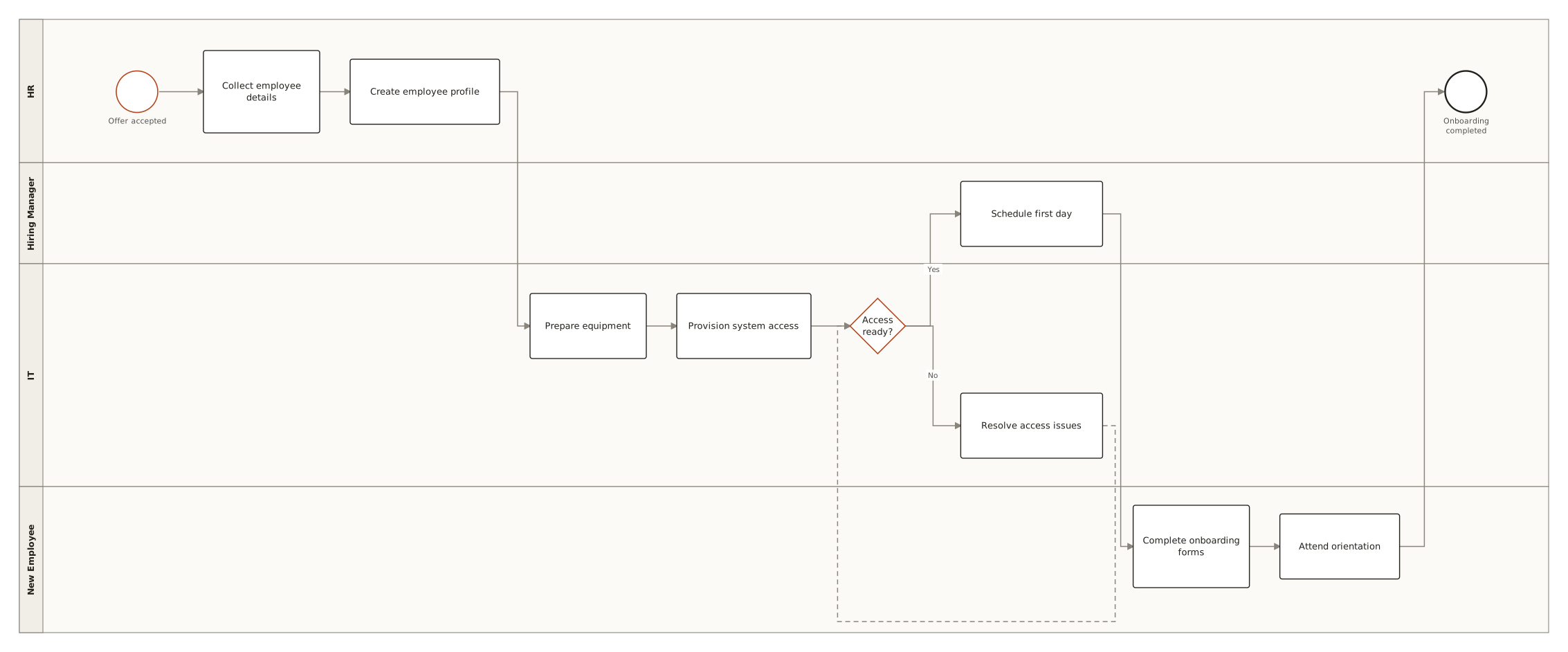
Generated with ChartCraft and published in the examples gallery — open one to see its prompt, or use it as a starting point.
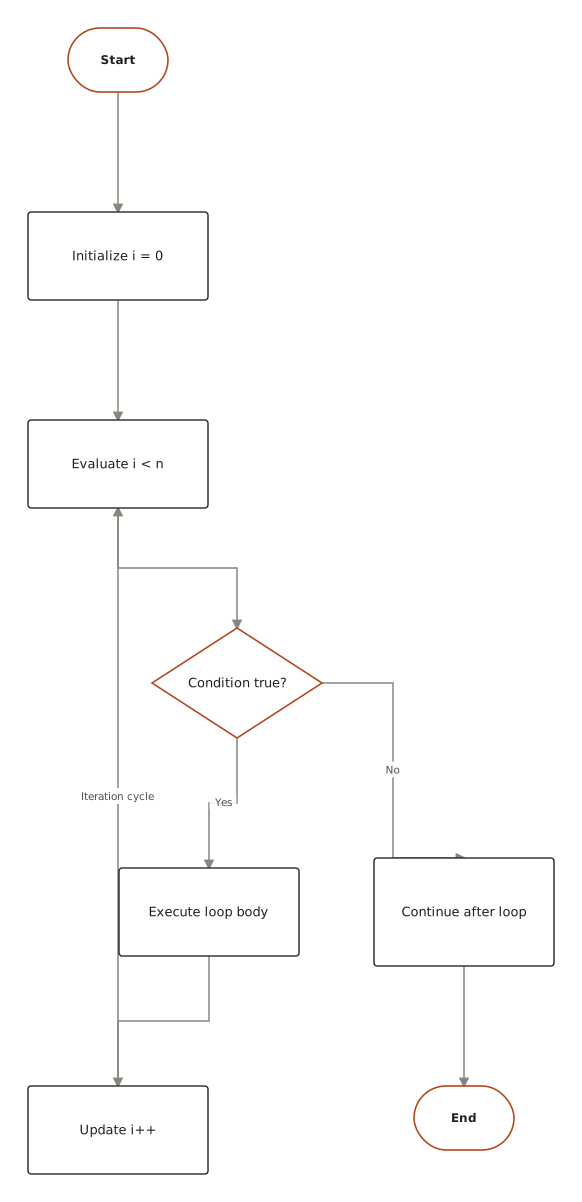
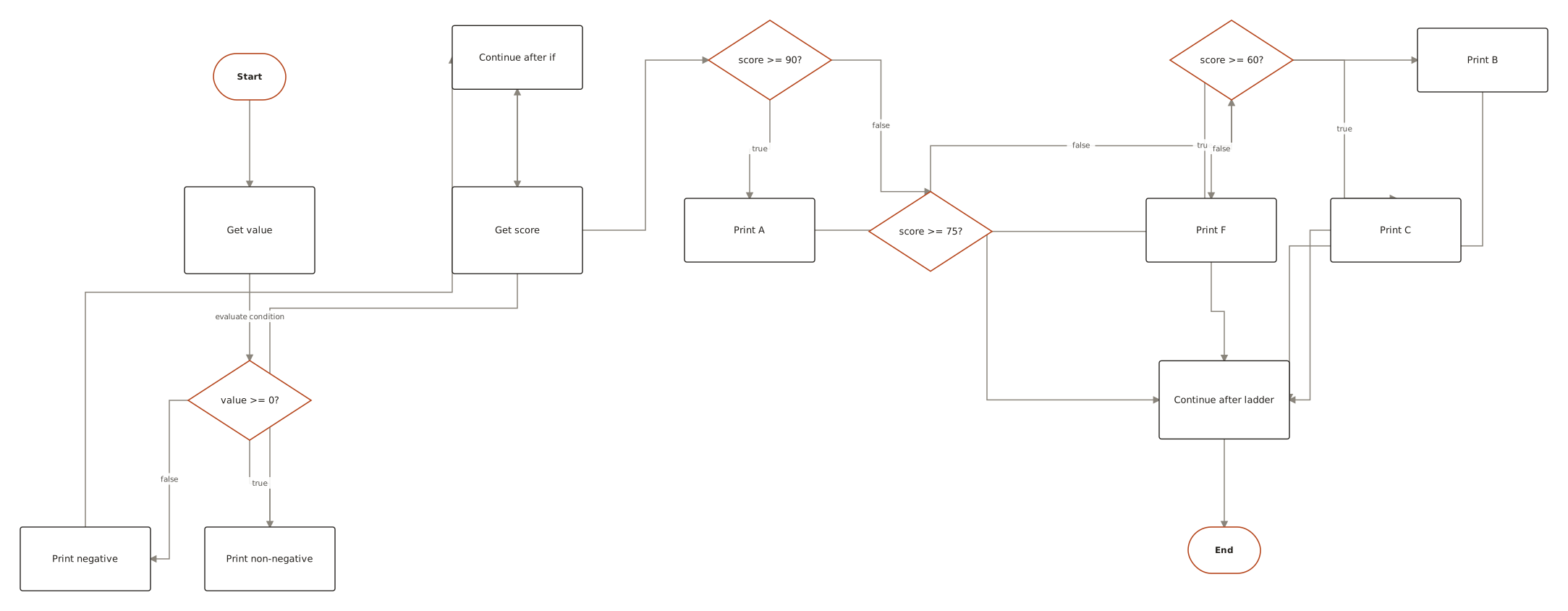
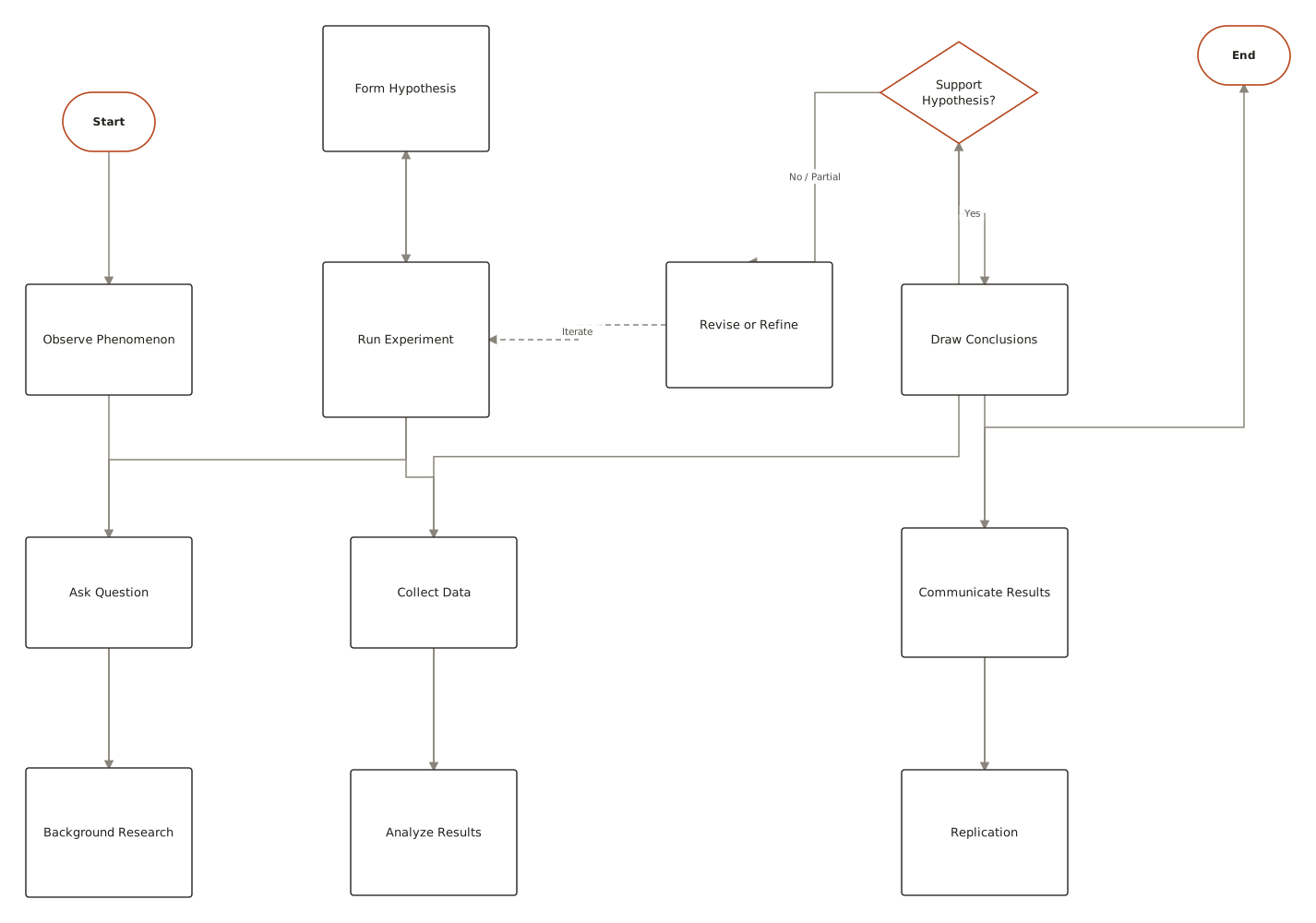
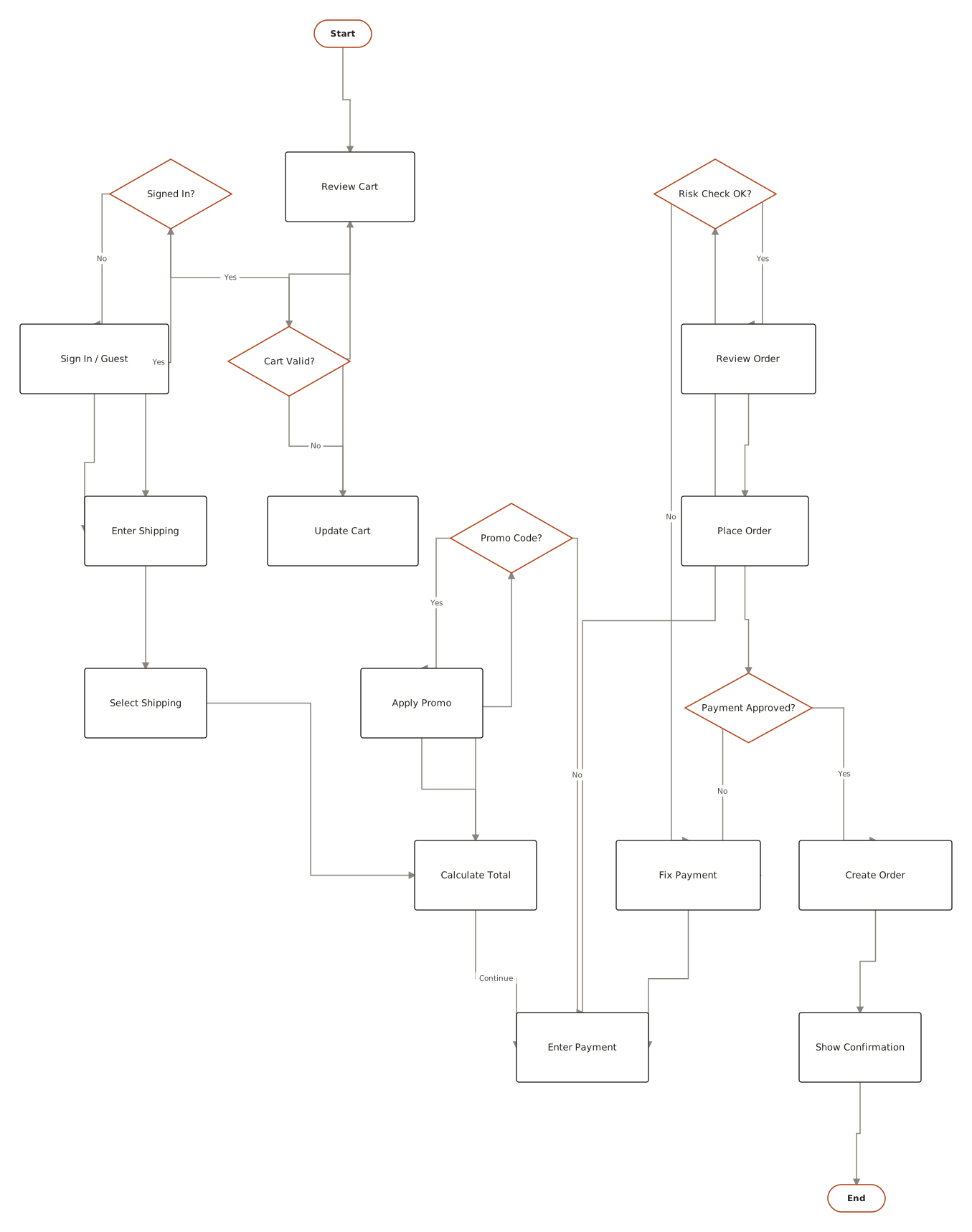
Templates for the classroom
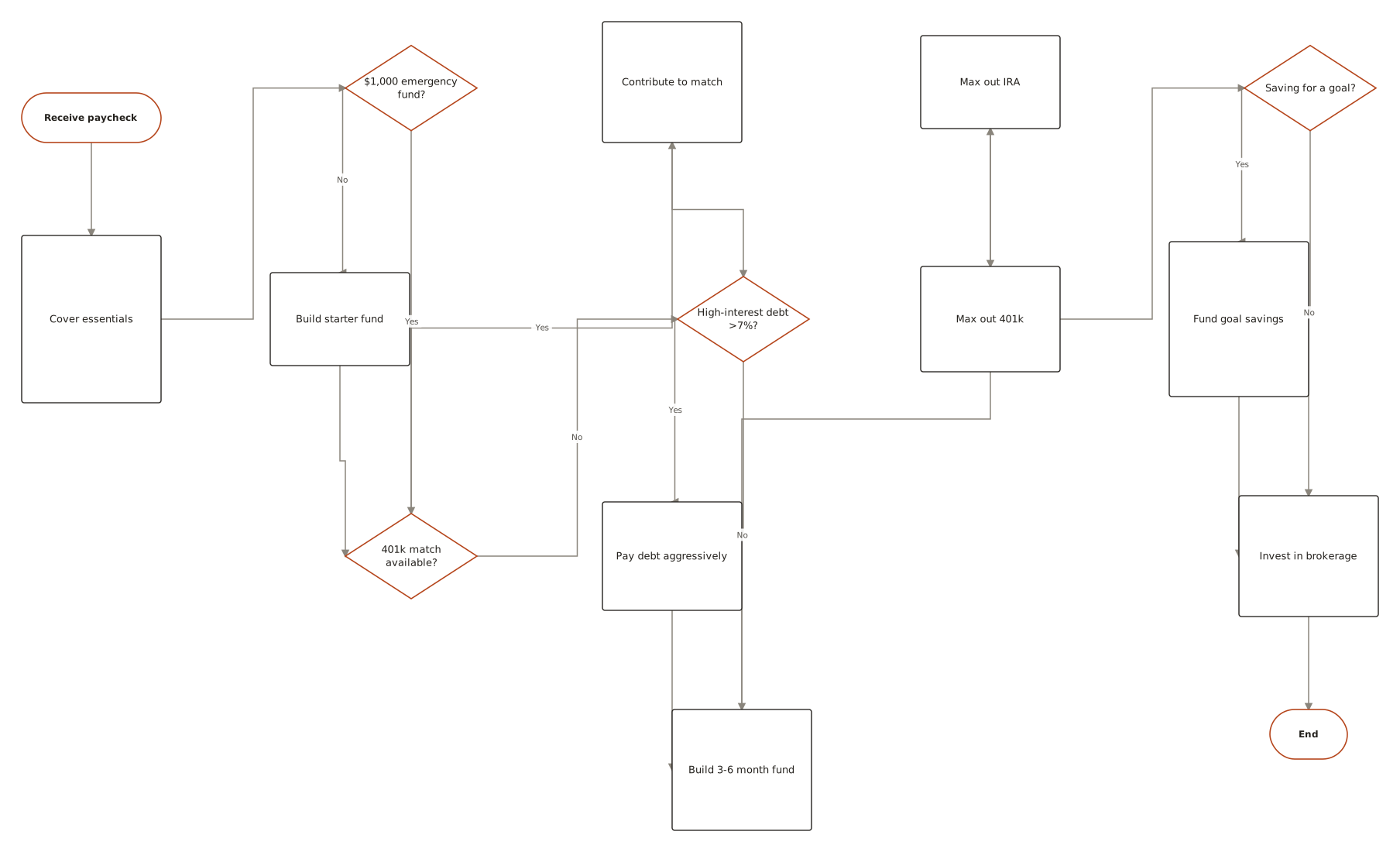
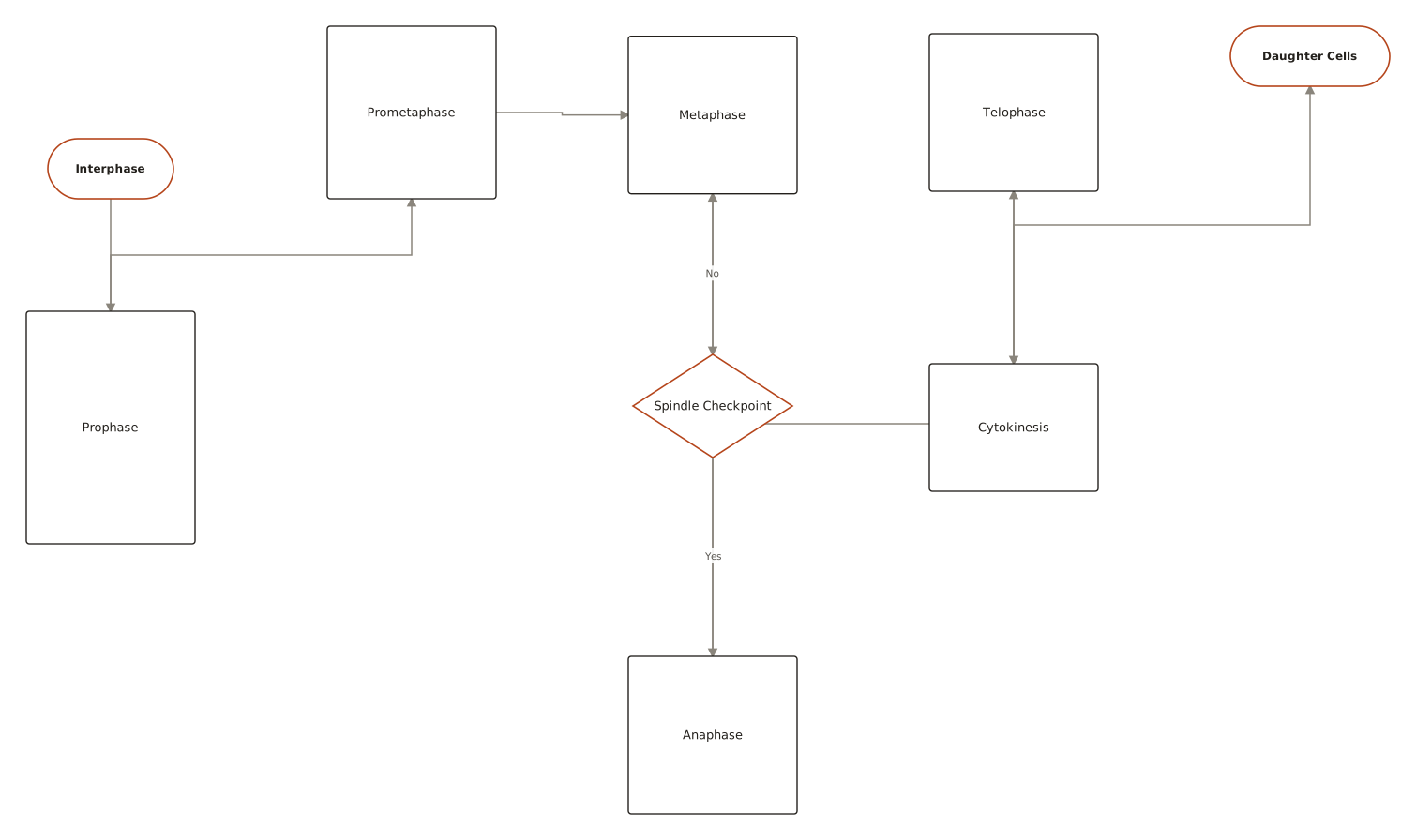
The most-requested school and study flowcharts, ready to copy — each generated from a short description you can edit to match your curriculum.

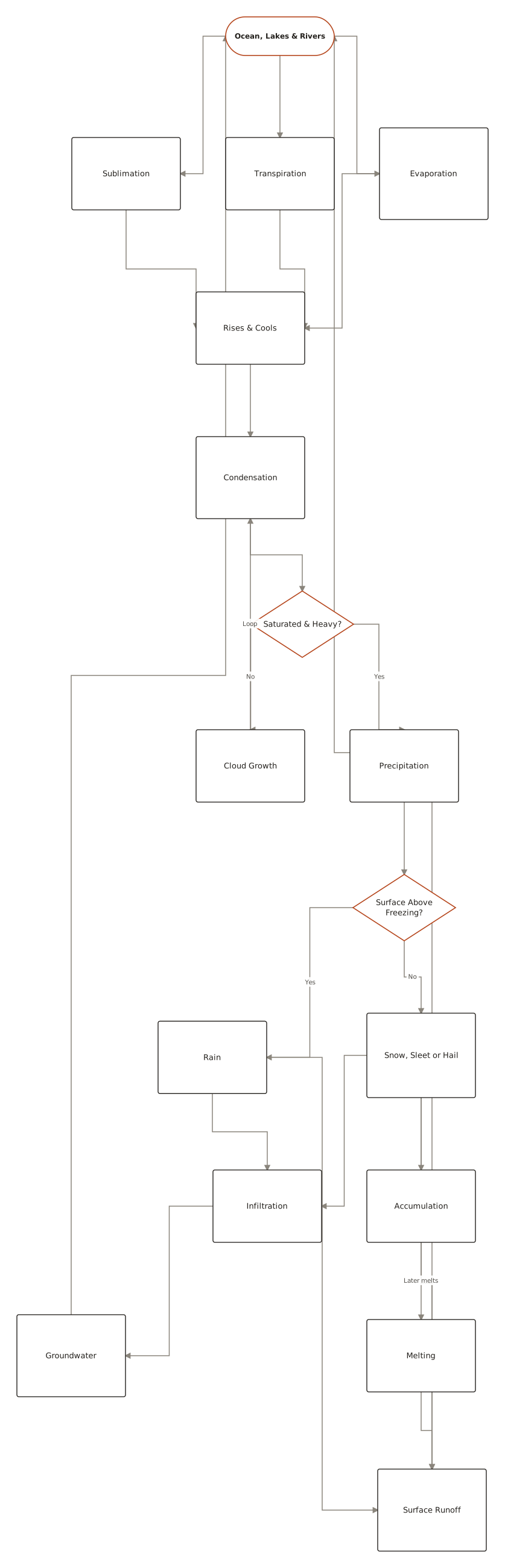
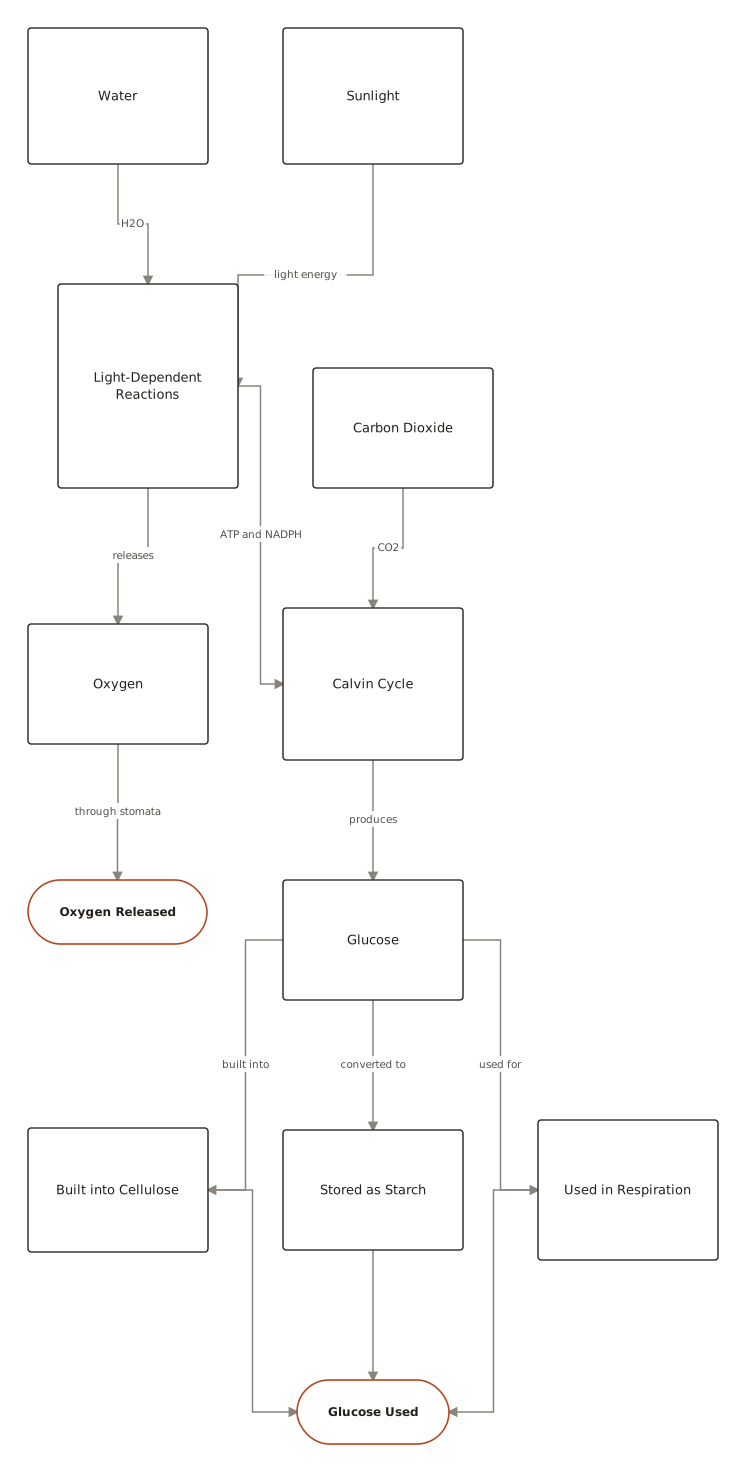
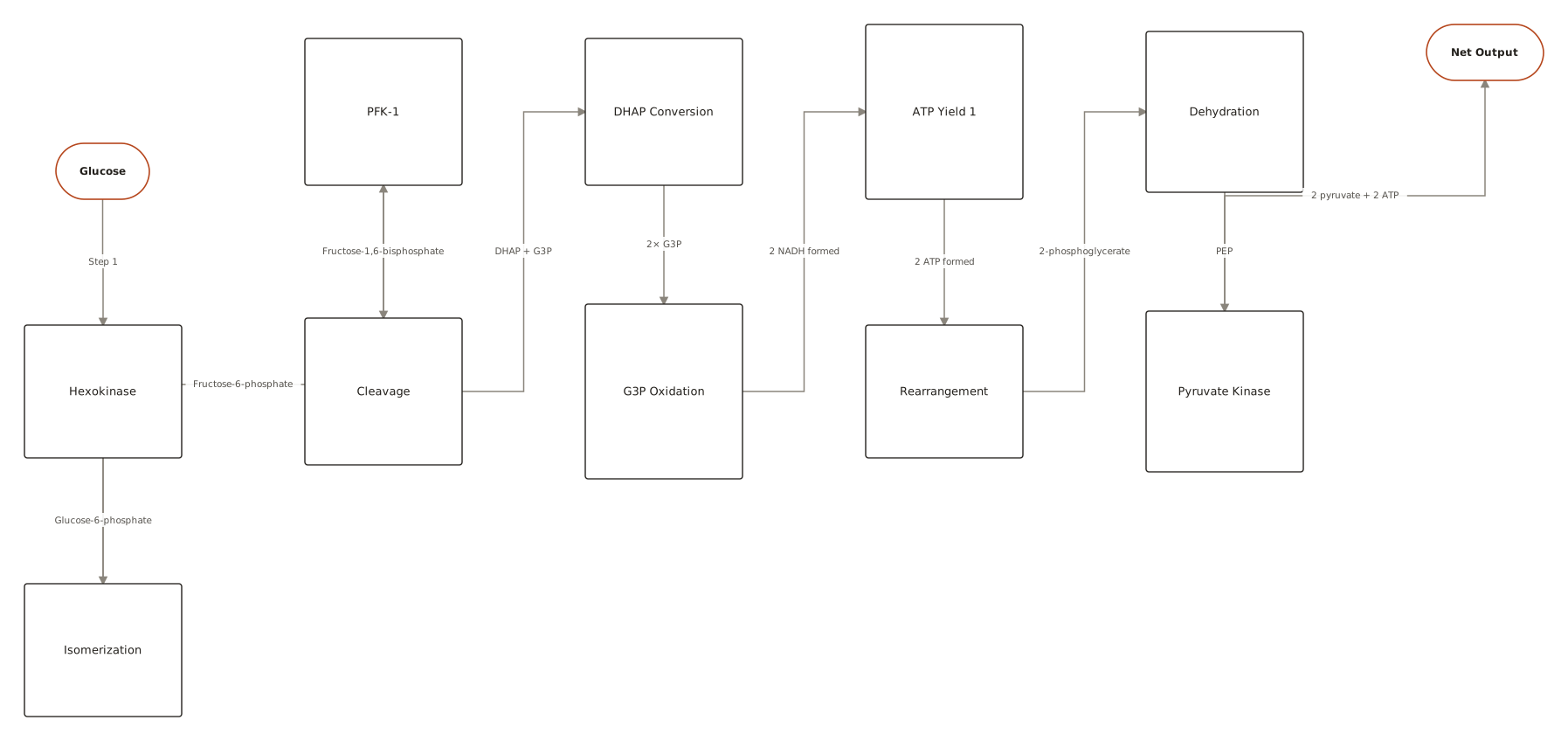
The notation, in 30 seconds
Six shapes cover almost every flowchart you'll ever draw — the full set of 21 is in our flowchart symbols guide.
| Element | What it means |
|---|---|
| Terminator (rounded rectangle) | Where the flow starts and ends. One Start, at least one End. |
| Process (rectangle) | A single step that does something — verb first: “Validate input”, “Send receipt”. |
| Decision (diamond) | A question with labelled exits — Yes/No, or one exit per case. |
| Flowline (arrow) | The order of execution. Keep it flowing one direction: top-to-bottom or left-to-right. |
| Input/Output (parallelogram) | Data entering or leaving: read a form, print a report, write a file. |
| Connector (circle) | A labelled jump that avoids drawing long lines across the page. |
Best practices — and the classic mistakes
Do
- Flow one direction — top-to-bottom for processes, left-to-right for timelines; never both in one chart.
- Label every branch out of a decision, even when it feels obvious.
- Keep one chart to roughly 15–25 nodes; split anything bigger into a parent chart with subprocess boxes.
- Start labels with verbs (“Verify email”), decisions with questions (“Profile complete?”).
- One Start. Multiple Ends are fine — one per distinct outcome.
Avoid
- Unlabelled branches — a diamond with two bare arrows forces every reader to guess.
- Dead ends — a path that never reaches an End terminator usually means a forgotten failure case.
- Mixed altitude — “Submit form” next to “TCP handshake” in the same chart. Pick one level of detail.
- Decisions drawn as processes — if the box implies a choice, it should be a diamond with labelled exits.
Questions
How were these flowchart examples made?
Each example was generated by ChartCraft from a plain-English prompt, then laid out automatically — the same way you'd make your own. Click any example to see its full page.
Can I use these flowchart examples as templates?
Yes — open an example, copy its prompt into the studio, then edit it in plain English to fit your case.
How many symbols do I actually need to know?
Six: terminator, process, decision, flowline, input/output, and connector. The other fifteen exist for specialised charts — see the flowchart symbols guide for the complete set with meanings.
When should I split a flowchart into two?
Past roughly 25 nodes, or when two audiences need different detail. Replace the detailed section with a predefined-process box and give it its own chart.
Is it free?
Your first 3 diagrams are free with no account, then 5 a month on a free account.