State Machine
State diagram generator — state machines from text
Describe a lifecycle — the states something moves through and what triggers each move — and ChartCraft draws the state machine diagram with transitions and guards.
Prose in. Diagram out.
You type
An order starts as Pending. When paid it becomes Processing. Once shipped it is Shipped, then Delivered on arrival. From Pending it can be Cancelled.
ChartCraft draws
How it works
Describe it
Write what you want in plain English — no syntax to learn.
ChartCraft compiles
It parses your description, builds the structure, and runs an automatic layout.
Refine & export
Tweak with follow-up messages, then export clean SVG or PNG.
Why ChartCraft
States & transitions
Each state and the events that move between them are drawn as a clean finite-state machine.
Guards & conditions
Conditional transitions are labelled so the rules of the lifecycle are explicit.
Start & end states
Initial and final states are rendered with standard notation for an unambiguous lifecycle.
The notation, in 30 seconds
A state machine is four ideas: states, events, transitions, and the start/end markers. Everything else is refinement.
| Element | What it means |
|---|---|
| Initial state (filled dot) | Where the machine begins — exactly one per diagram. |
| State (rounded box) | A condition the object can rest in: Pending, Shipped, Locked. Name with adjectives or nouns, never verbs. |
| Transition (arrow + event) | The move between states, labelled with the event that causes it: pay, timeout, cancel. |
| Guard ([condition]) | A bracketed condition that must hold for the transition to fire: pay [balance ≥ price]. |
| Final state (bullseye) | A terminal state the object never leaves — Delivered, Closed. |
| Self-transition | An event that re-enters the same state — a retry that doesn't change status. |
Real examples, generated the same way
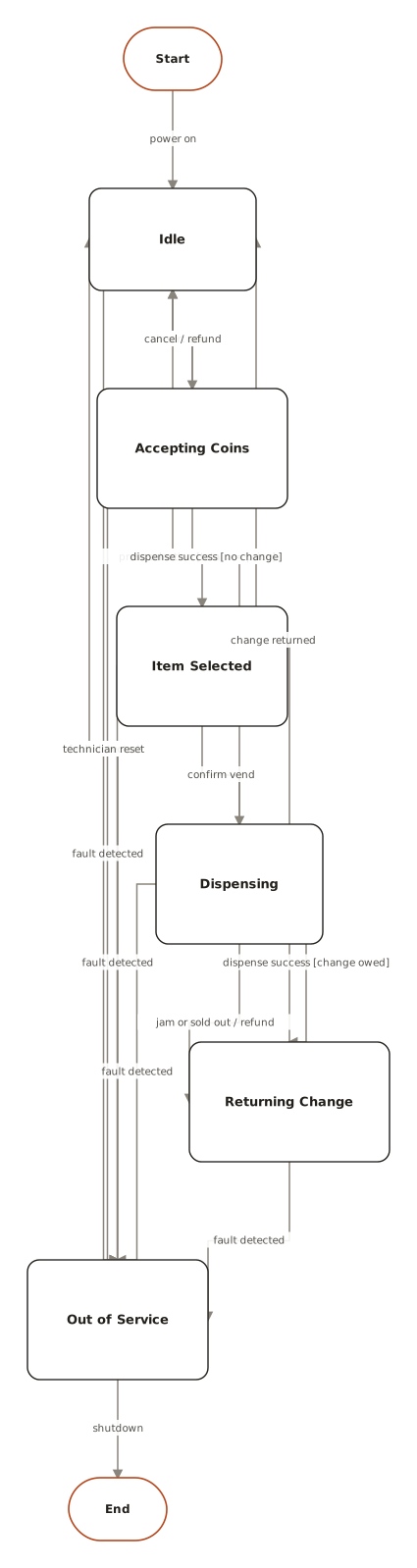
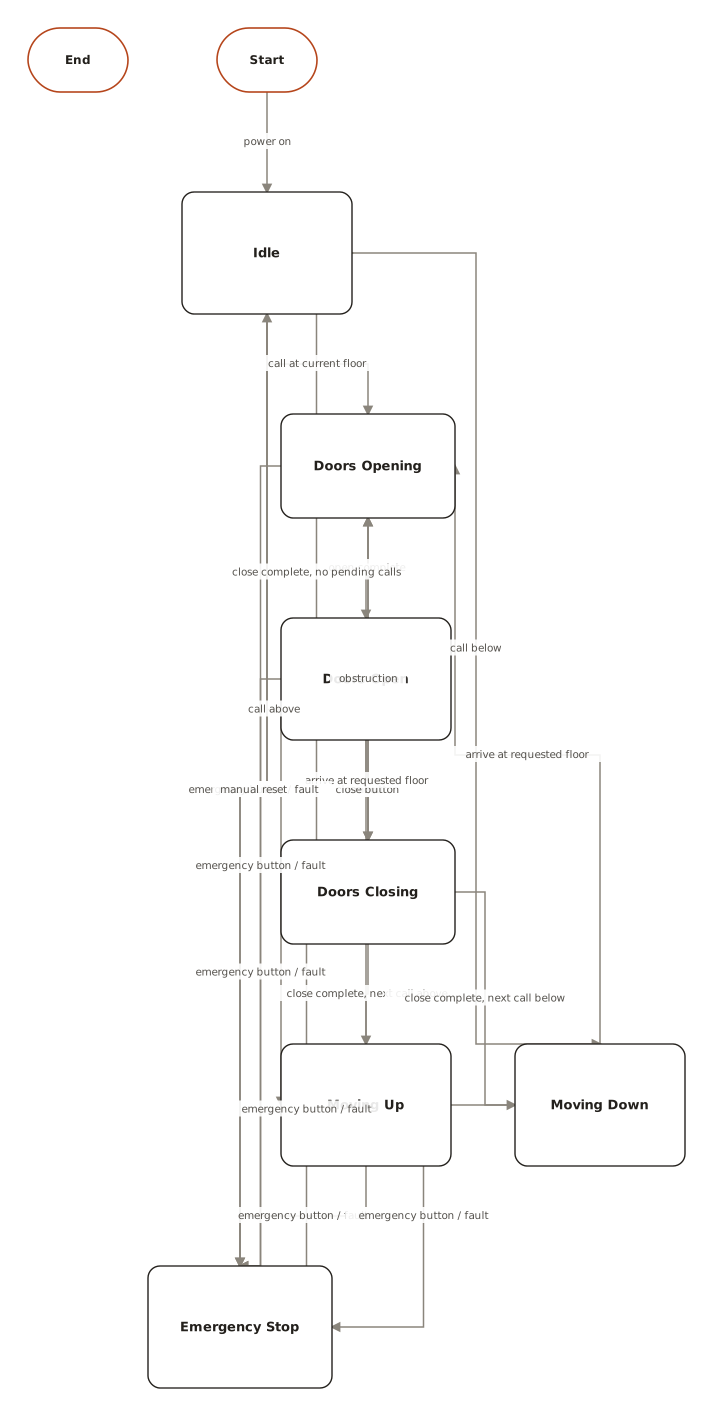
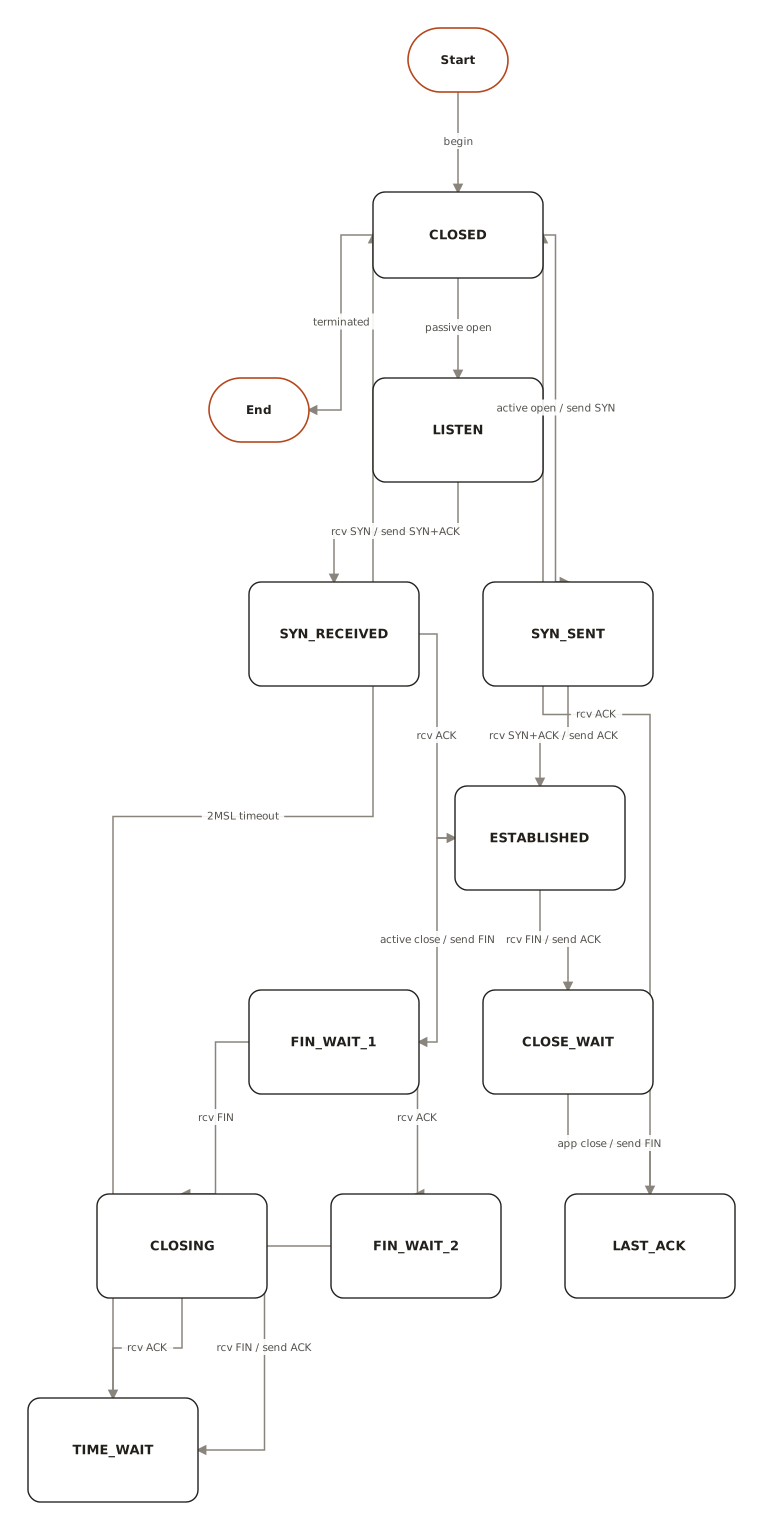
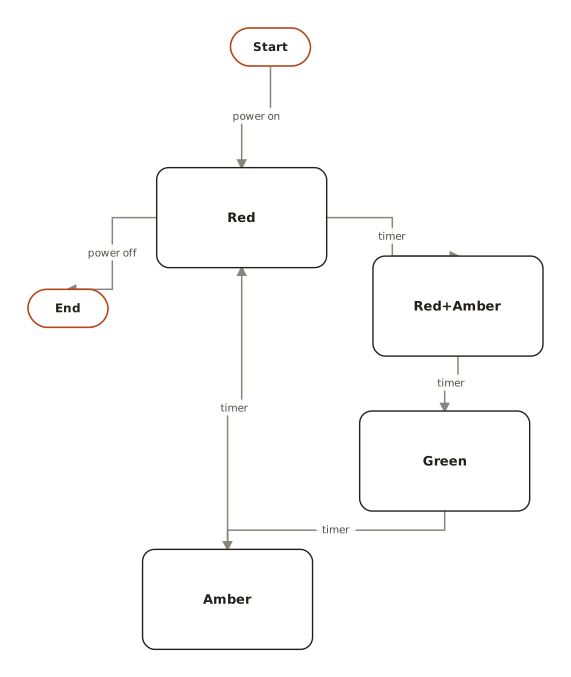
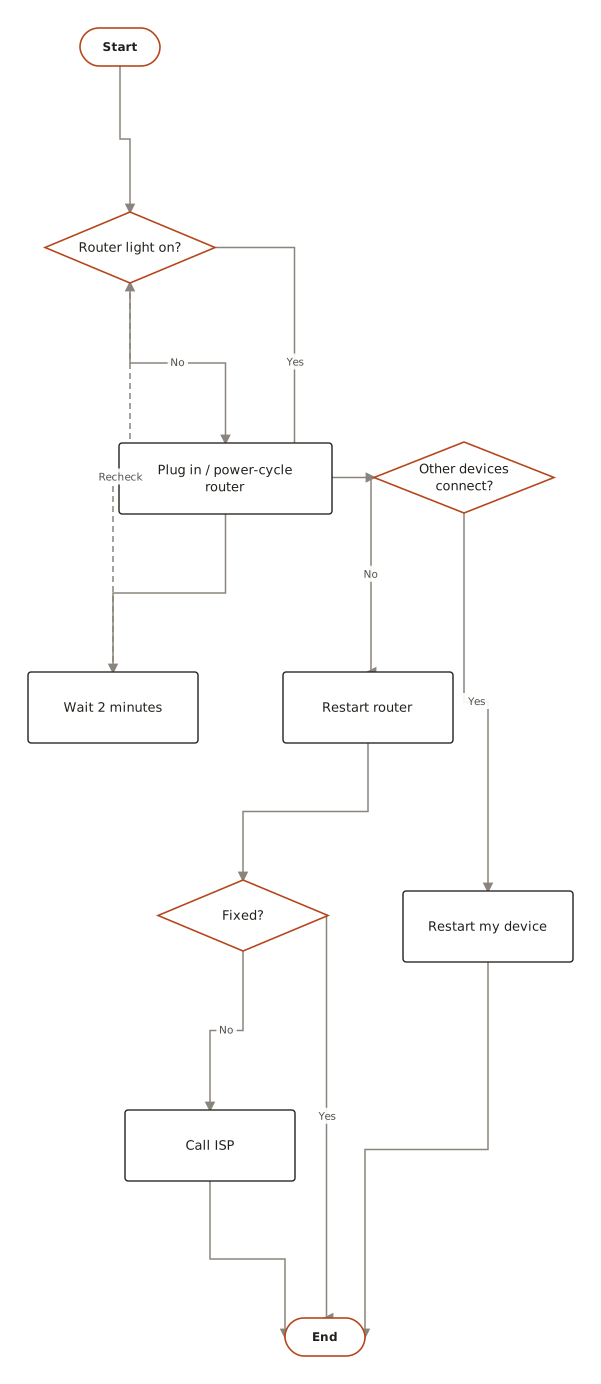
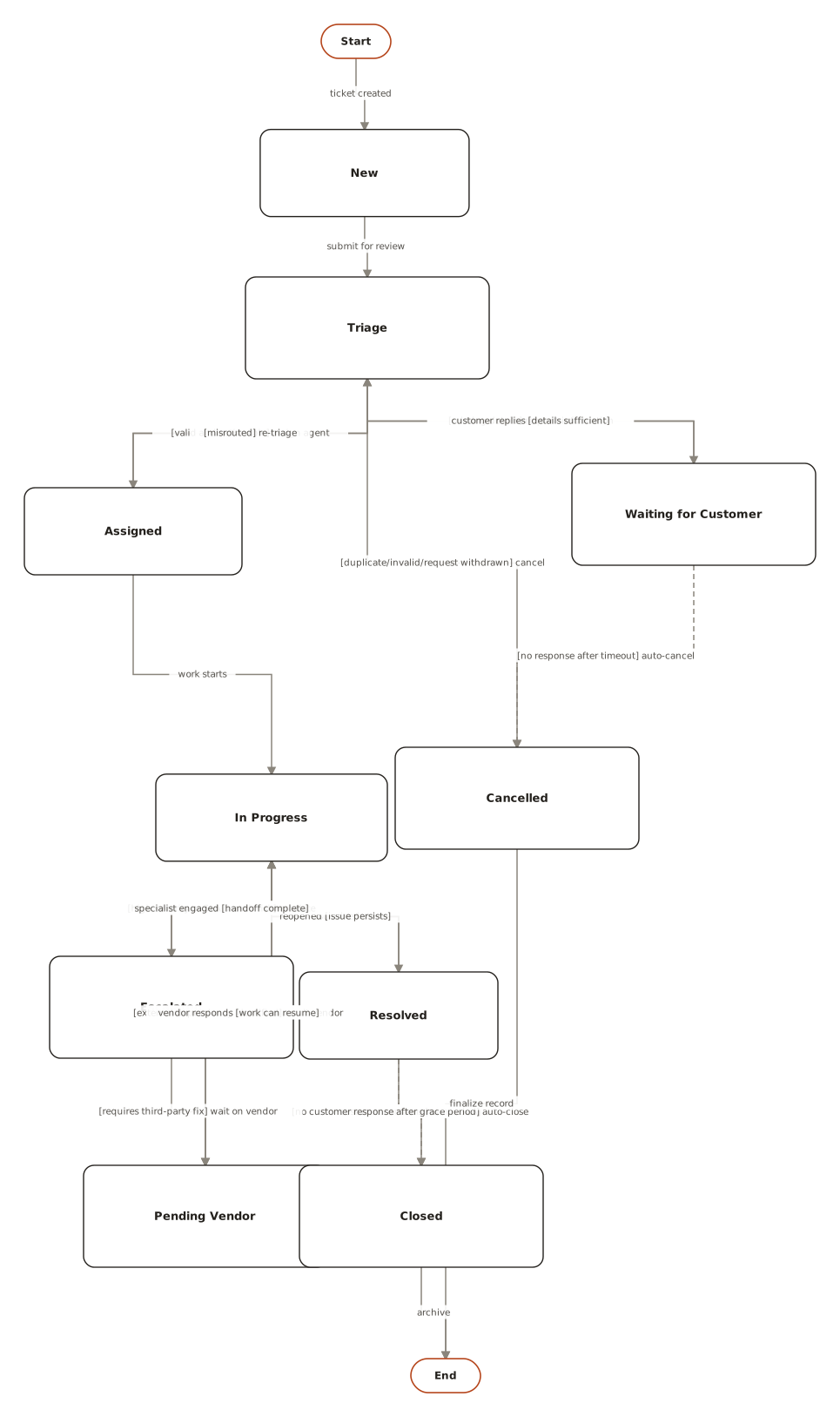
From the public examples gallery — every one produced from a plain-English description. Open one to see its prompt.
Questions
How do I make a state diagram from text?
Describe the states and what causes each transition. ChartCraft generates a state machine diagram, automatically laid out.
Can it model guards?
Yes — conditional transitions and guards are labelled on the edges between states.
Can I export the diagram?
Yes, export to SVG or PNG with no watermark on any plan.
What's the difference between a state diagram and a flowchart?
A flowchart follows a process from start to finish — steps happen once, in order. A state machine describes one object over its whole life: it rests in states and moves only when events fire, possibly cycling forever.
How do I know if something is a state or a step?
Ask whether the object can sit there indefinitely. “Pending approval” can last a week — state. “Send the approval email” takes milliseconds and completes — that's a transition's side effect.