Reference · Flowchart symbols
Flowchart loop symbol: how to draw while, for and do-while loops
In short
A flowchart has no dedicated loop shape in everyday use. A loop is drawn with a decision diamond that tests the loop condition and a flow line that returns to a point before that test. A while loop tests first, a do-while loop runs the body once and then tests, and a for loop adds a set-up step and an update step around the test. ISO 5807 also defines a preparation hexagon and a loop limit pair for loops, which some textbooks use.
Updated · by the ChartCraft team · part of the flowchart symbols reference
What is the loop symbol in a flowchart?
In practice the loop symbol is a pattern, not a shape: a decision diamond whose "keep going" exit leads through the loop body and back to the diamond. Two standard shapes can also mark a loop explicitly, but you will meet them mostly in textbooks and exam answers.
| Symbol | Name | Role in a loop | How common |
|---|---|---|---|
| Decision diamond | Tests the loop condition; one exit enters the body, the other leaves the loop | Standard in all loops | |
| Return flow line | The arrow from the end of the body back to the test | Standard in all loops | |
| Preparation (hexagon) | Holds loop set-up and test in one box, for example "i = 1 to 10" | Textbooks; some tools | |
| Loop limit (begin and end) | A pair of chamfered boxes that bracket the loop body | Rare; ISO 5807 | |
| Process | The loop body and counter updates | Standard |
Mermaid has a hexagon (A{{i = 1 to 10}}) for the preparation symbol, but no loop-limit shape. Use a diamond and a back arrow if the diagram has to render everywhere.
How do you draw a while loop in a flowchart?
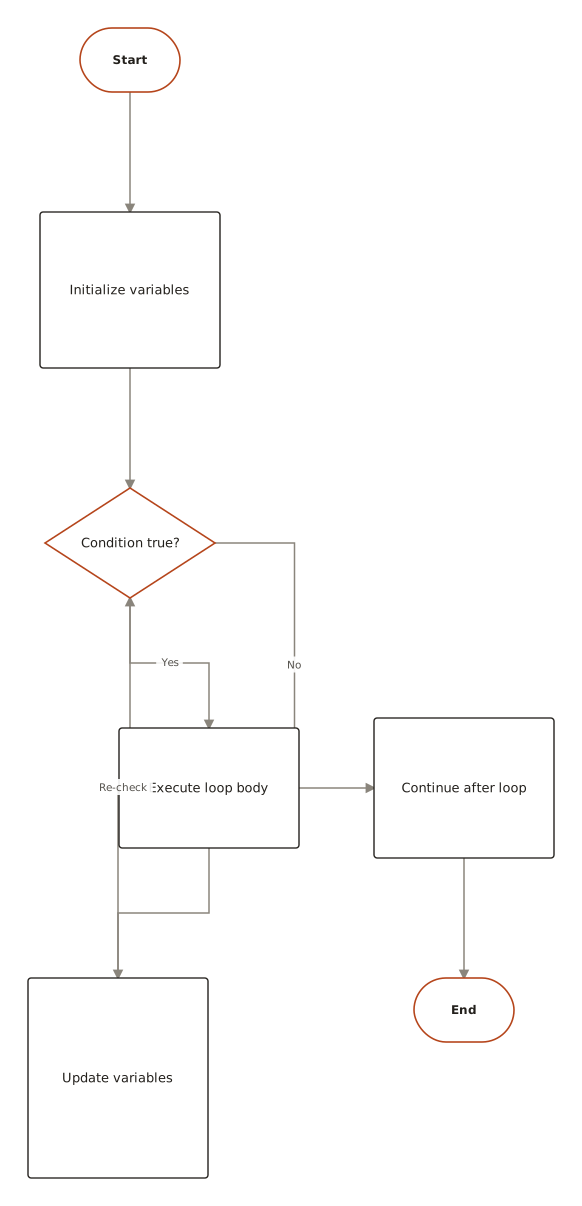
Draw the condition as a diamond before the body. If the condition is true, the Yes arrow goes through the loop body and back to the diamond; if it is false, the No arrow leaves the loop. Because the test comes first, the body may run zero times. The chart below counts from 1 to 3.
flowchart TD
    S([Start]) --> A[count = 1]
    A --> D{count <= 3?}
    D -->|Yes| P[Print count]
    P --> I[count = count + 1]
    I --> D
    D -->|No| X([End])
See the full while loop flowchart example in the gallery.
How do you draw a for loop in a flowchart?
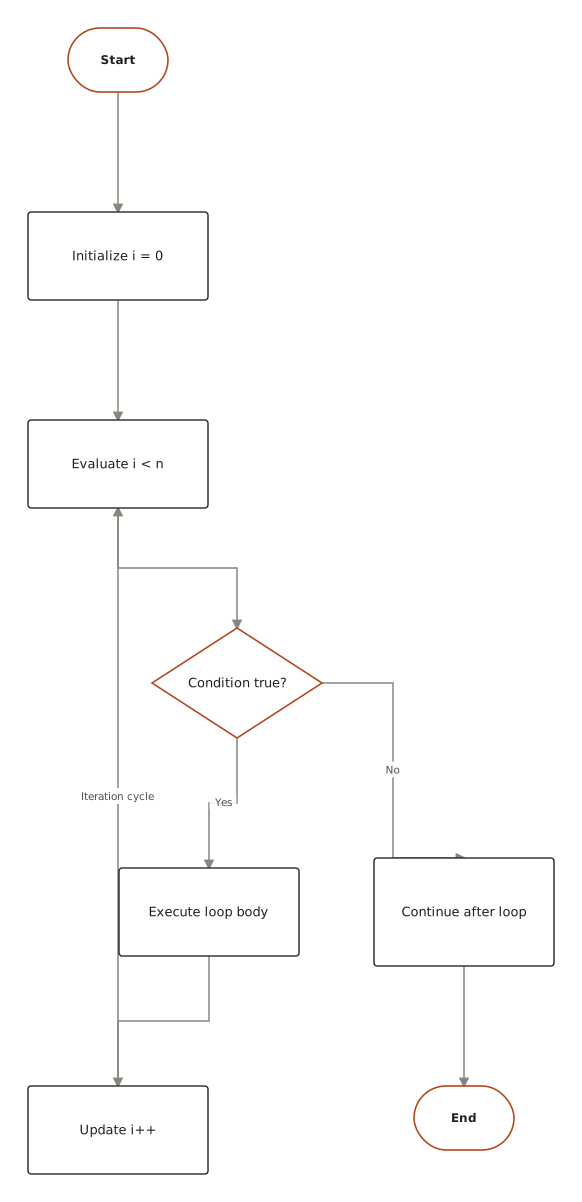
Draw the for loop as a while loop with its three parts separated: an initialisation step before the test, the test as a diamond, and an update step at the end of the body that returns to the test. Alternatively draw a single preparation hexagon labelled with the whole header, such as "i = 1 to 10". See the for loop flowchart example.
| Part of the for header | Flowchart shape | Placed |
|---|---|---|
Initialisation (i = 0) | Process rectangle | Once, before the diamond |
Condition (i < n) | Decision diamond | At the top of every pass |
| Body | One or more processes | On the Yes branch |
Update (i = i + 1) | Process rectangle | Last in the body, arrow returns to the diamond |
What is the difference between while, for and do-while loops in a flowchart?
The difference is where the test sits and where the counter changes. A while loop and a for loop test before the body; a do-while loop runs the body and then tests, so it always runs at least once.
| Loop | Test position | Minimum runs | Typical use |
|---|---|---|---|
| While | Before the body | 0 | Repeat until a condition changes, count unknown |
| For | Before the body, with set-up and update steps | 0 | Known number of passes or a counter |
| Do-while | After the body | 1 | Ask for input until it is valid |
For a do-while, enter the body first, then the diamond, with the Yes arrow returning to the top of the body.
How do you avoid infinite loops in a flowchart?
Make sure something inside the loop body changes the value the diamond tests. If the counter or flag is never updated, the Yes branch is taken forever. Add a step that updates it, and check that the No exit is reachable.
What do real flowcharts with these symbols look like?
Live diagrams from the public ChartCraft gallery, each generated from a plain-English description. Open one to see the prompt that produced it.
Questions
What is the loop symbol in a flowchart?
A decision diamond that tests the loop condition, with an arrow that returns from the end of the loop body to the test. Some charts use a hexagon (preparation) or a loop-limit pair instead.
How do you draw a while loop in a flowchart?
Put the condition in a diamond. The Yes exit goes through the body and back to the diamond; the No exit leaves the loop.
How do you draw a for loop in a flowchart?
Initialise the counter in a process box, test it in a diamond, run the body on the Yes branch, update the counter, and return to the diamond. Or use a single hexagon labelled with the header.
What is the difference between a while loop and a do-while loop?
A while loop tests before the body and may run zero times. A do-while loop tests after the body and always runs at least once.
What shape is the loop symbol?
There is no single loop shape in common use. Loops use the diamond and a return arrow; the hexagon is the standard preparation symbol that some charts use for loop headers.
Does Mermaid support loop symbols?
Mermaid supports the diamond and the hexagon (A{{text}}). A loop is written as an ordinary edge from the last step back to the decision.
How do you stop an infinite loop in a flowchart?
Add a step inside the loop that changes the tested variable, and make sure the No exit of the diamond can be reached.