Reference · Flowchart symbols
Flowchart input/output symbol: what the parallelogram represents
In short
In a flowchart the parallelogram represents input or output: data entering the process (read, enter, scan) or leaving it (print, write, send). The same shape is used for both. More specific output shapes exist, such as the display shape for screens and the document shape for printed output. Initialization (setting a variable to a start value) is normally a plain process rectangle, not a parallelogram.
Updated · by the ChartCraft team · part of the flowchart symbols reference
In a flowchart, what does a parallelogram represent?
A parallelogram stands for data crossing the boundary of the process, either in or out. ISO 5807 calls it the data symbol, and programming courses call it the input/output symbol. The label starts with a verb such as Read, Enter, Input, Print or Display, followed by the data.
| Symbol | Name | Use it for | Example label |
|---|---|---|---|
| Input / output (data) | Any data read in or written out, when the medium does not matter | Read temperature | |
| Manual input | Keyed in by a person on a keyboard | Enter password | |
| Display | Output shown on a screen | Display total | |
| Document | A printed report, invoice or form | Print invoice | |
| Stored data | Data read from or written to a database or file | Load customer record |
Which flowchart symbol is used for output?
The parallelogram is the general output symbol: write "Output", "Print" or "Display" and the value. Use the display shape when the output appears on a screen and the document shape when it is printed, if your audience knows these variants; otherwise the parallelogram is understood everywhere.
| Output kind | Symbol | Label example |
|---|---|---|
| Unspecified or general | Parallelogram | Output result |
| On a screen | Display shape | Display error message |
| Printed or a file for people | Document shape | Print receipt |
| Stored for the system | Database / stored data | Save order |
What is the initialization symbol in a flowchart?
There is no separate initialization shape. Setting a variable to a start value, such as count = 0, is an action inside the program, so it goes in a process rectangle. If the value comes from the user, it is an input and takes a parallelogram. Some textbooks draw loop set-up in a hexagon (the preparation symbol); the content is still an initialization.
| What you are doing | Symbol |
|---|---|
Setting total = 0 | Process rectangle |
| Reading the starting value from the user | Parallelogram |
Loop header such as i = 1 to 10 | Preparation hexagon (or process + diamond) |
| Loading starting data from a file | Parallelogram or stored-data shape |
What does a flowchart with input and output look like?
This chart reads a Celsius temperature (input), converts it (process) and outputs the Fahrenheit value (output). The input comes before the calculation and the output after it, which is the usual order.
flowchart TD
    S([Start]) --> I[/Read temperature in Celsius/]
    I --> P[Fahrenheit = Celsius x 9/5 + 32]
    P --> O[/Output Fahrenheit/]
    O --> X([End])
What are the rules for input and output symbols?
Keep each parallelogram to one input or output action, start the label with a verb, and place it where the data actually crosses the boundary.
- One action per box. "Read name and print greeting" is an input followed by an output.
- Name the data. "Read age" is better than "Input".
- Prompts are outputs. "Display: Enter your age" is an output, then "Read age" is an input.
- One arrow in, one arrow out. A parallelogram never branches; use a diamond for that.
What do real flowcharts with these symbols look like?
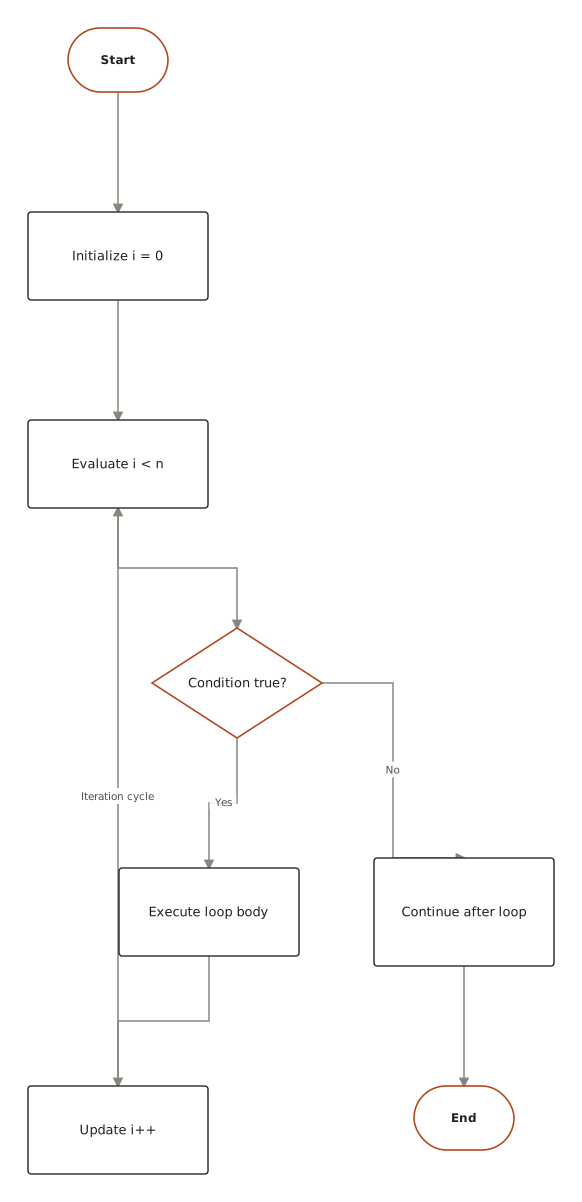
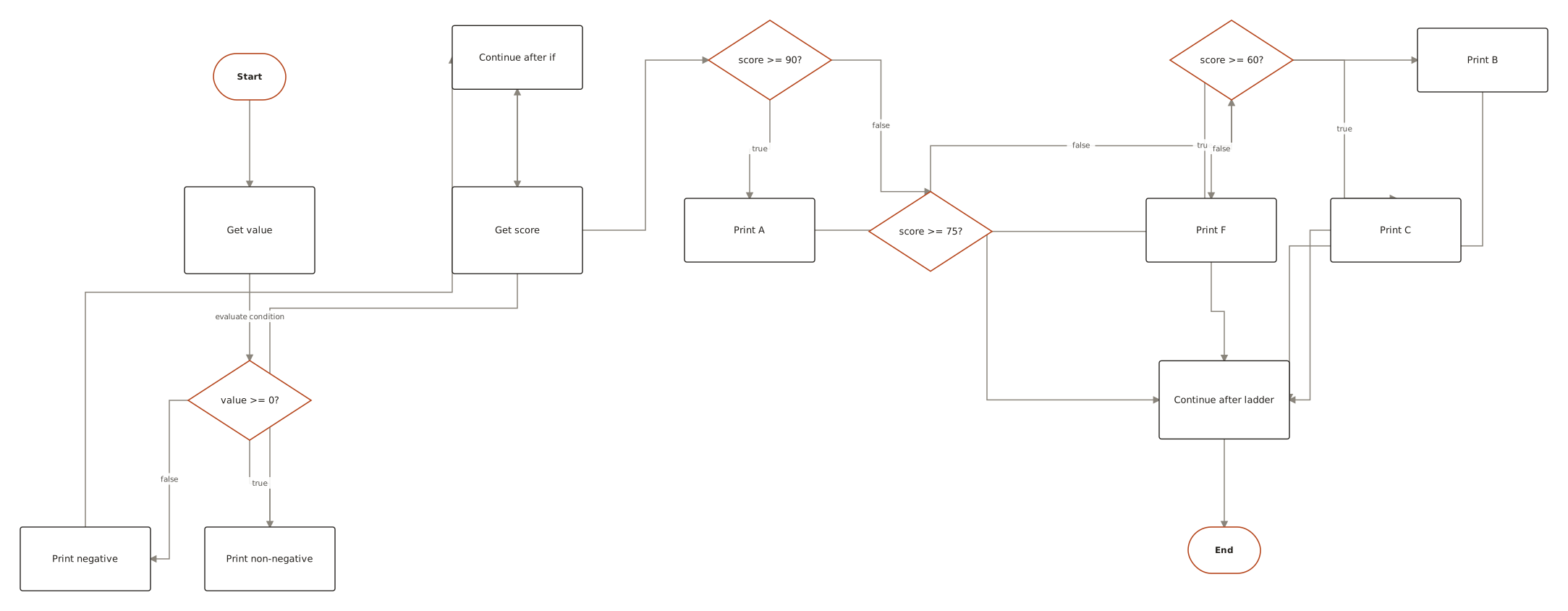
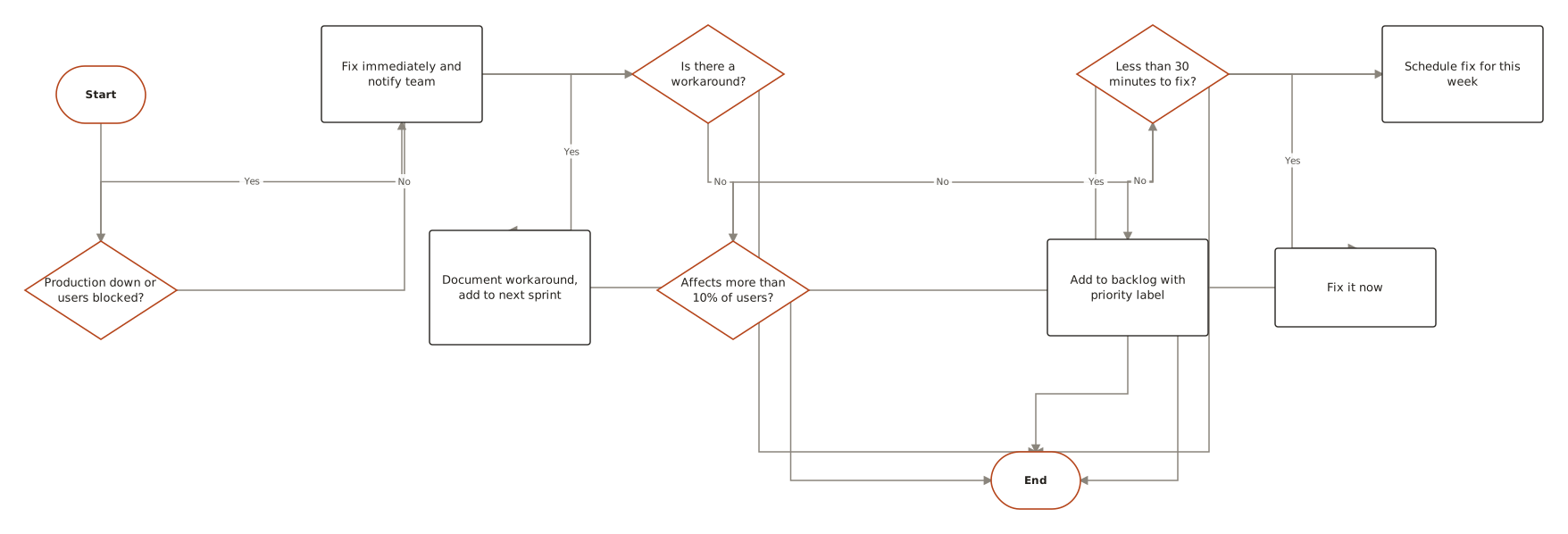
Live diagrams from the public ChartCraft gallery, each generated from a plain-English description. Open one to see the prompt that produced it.
Questions
What does a parallelogram represent in a flowchart?
Input or output: data entering or leaving the process, such as reading a value from the user or printing a result.
Which flowchart symbol is used for output?
The parallelogram, usually labelled Output, Print or Display. A display shape (screen) and a document shape (printout) are more specific variants.
What is the initialization symbol in a flowchart?
There is none. Initialization such as count = 0 is a process rectangle. Reading a starting value from a user is an input parallelogram.
Is input a different shape from output?
Not in the basic set: both use the parallelogram. Only the label (Read or Print) tells them apart, unless you use the manual input or display variants.
What is the difference between a process and an input/output symbol?
A process transforms data inside the program. An input/output symbol moves data across the boundary of the program.
How do you write a parallelogram in Mermaid?
With slashes inside brackets: A[/Read value/]. Use A[\Output\] for the reverse slant.