Explained with a diagram · Data engineering
Kappa architecture: one stream-processing path, explained with a diagram
In short
Kappa architecture is a data-processing architecture in which every event is appended to an immutable log and all processing, live and historical, runs through a single stream-processing path. There is no separate batch layer: to recompute results you replay the log through a new version of the same streaming job and switch readers to its output. Jay Kreps proposed it in 2014 as a simpler alternative to the Lambda architecture, which implements the same logic twice, once in a batch system and once in a stream system.
Updated · by the ChartCraft team · one of the patterns and models explained with a diagram
What does a Kappa architecture look like as a diagram?
Events flow from top to bottom: sources append to a log, a stream-processing job reads the log and writes an output table, and applications query that table. The only extra part is the reprocessing path, a second copy of the job that replays the log from the beginning into a new table.
Mermaid code for this diagram
flowchart TD
    subgraph stream["Stream processing (one code base)"]
        jobV1["Stream job v1 (live)"]
        jobV2["Stream job v2 (replays from the start)"]
    end
    subgraph serving["Serving layer"]
        tableV1[("Output table v1")]
        tableV2[("Output table v2")]
    end
    sources["Event sources (apps, devices, databases)"]
    log[("Immutable event log (long retention)")]
    app["Applications and queries"]
    sources -->|"append events"| log
    log -->|"live stream"| jobV1
    log -->|"replay history"| jobV2
    jobV1 -->|"writes"| tableV1
    jobV2 -->|"writes"| tableV2
    tableV1 -->|"read today"| app
    tableV2 -.->|"switch when caught up"| app
Paste it into any Mermaid renderer, or check and export it with the Mermaid syntax checker and Mermaid to PNG.
What are the components of a Kappa architecture?
A Kappa architecture has an append-only log as its canonical data store, a stream-processing system that computes results from it, and a serving layer that applications query. Batch processing is replaced by replaying the log.
| Part of the diagram | What it is | What it does |
|---|---|---|
| Event sources (apps, devices, databases) | Anything that produces events | Appends each event to the log once. Events are immutable: state changes only when a new event is appended. |
| Immutable event log (long retention) | A distributed, ordered, append-only log | Keeps the full history you want to be able to reprocess and allows several subscribers. Apache Kafka is the usual example, but any system with long retention of ordered data works. |
| Stream job v1 (live) | The current stream-processing job | Consumes the live stream and continuously updates the output table. |
| Stream job v2 (replays from the start) | A second instance of the job with new code | Started only when the logic changes. It reads from the beginning of the retained log, with higher parallelism, and writes to a new table. |
| Output table v1 | The serving table in use | Holds the results applications read today. It is deleted after the switch. |
| Output table v2 | The serving table being rebuilt | Fills up as job v2 replays history, and takes over once that job has caught up. |
| Applications and queries | Readers of the results | Query the serving layer and are redirected from the old table to the new one at cut-over. |
How does reprocessing work in a Kappa architecture?
You reprocess by replaying the log through a new version of the same streaming job, and only when the processing code changes. Jay Kreps described it as four steps.
- Use Kafka, or another system that retains the full log and allows multiple subscribers. To be able to reprocess 30 days of data, set retention to 30 days.
- Start a second instance of the stream-processing job that reads from the beginning of the retained data and writes to a new output table.
- When the second job has caught up, switch the application to read from the new table.
- Stop the old version of the job and delete the old output table.
Keeping both tables for a short time has a benefit: you can revert instantly by pointing the application back at the old table.
What is the difference between Kappa and Lambda architecture?
Lambda architecture feeds the same data into a batch system and a stream system in parallel and merges their results at query time; Kappa architecture sends all data through one stream-processing path. Kappa has the same goals but only one code base to write, test and operate.
| Lambda architecture | Kappa architecture | |
|---|---|---|
| Processing paths | Two: a batch layer and a speed (stream) layer | One: stream processing |
| Transformation logic | Implemented twice, once per system | Implemented once |
| Recomputing history | The batch layer recomputes continuously | Replay the log through a new job, only when the code changes |
| Query time | Stitches batch and real-time results together | Reads one output table |
| Main cost | Running, debugging and keeping two systems in sync | Temporarily double storage in the output database, which must also take high-volume writes during the reload |
When should you use a Kappa architecture?
Use it when you need low-latency results from event data and want to be able to recompute them without maintaining a second, batch implementation. Its real advantage is simplicity: people develop, test, debug and operate one processing framework.
Use it when
- Results are needed with low latency, and the processing logic changes over time.
- You can keep as much history in the log as you will ever need to reprocess.
- You want a single code base instead of matching batch and stream implementations.
Skip it when
- You are not latency sensitive; a batch-processing framework alone is enough.
- The log cannot retain enough history to rebuild the results.
- The output database cannot hold two copies of the results or absorb the write volume of a reload.
What are common mistakes with a Kappa architecture?
The mistakes are almost all about replay: not being able to do it, or doing it in a way that cannot be undone.
- Retention shorter than the history you need. You can only reprocess what the log still holds.
- Rewriting the live table in place. Write the replay to a new table and switch readers, so you can fall back to the old one.
- Replaying at normal parallelism. Increase the parallelism of the reprocessing job so that it catches up quickly.
- Keeping a batch pipeline with the same logic just in case. That is a Lambda architecture again, with two implementations to keep in sync.
- Thinking the data cannot go anywhere else. Streams can still be mirrored to HDFS or another offline store for analysis; you just do not run the reprocessing there.
How do you draw a Kappa architecture diagram?
Draw a single pipeline of sources, log, stream job, output table and applications, then add the reprocessing path as a second job and table fed from the same log, with a dashed arrow for the cut-over.
What do real data architecture diagrams look like?
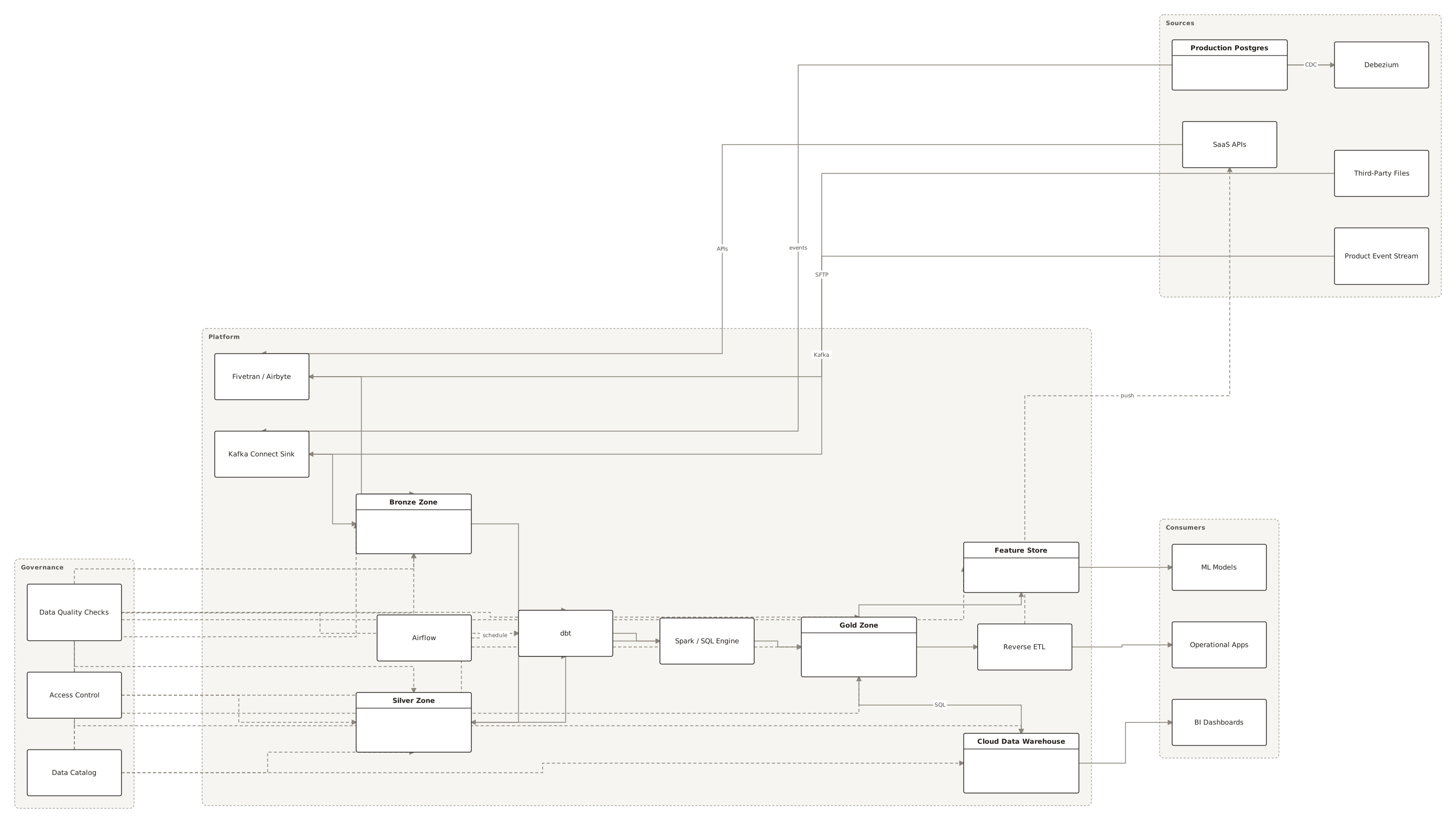
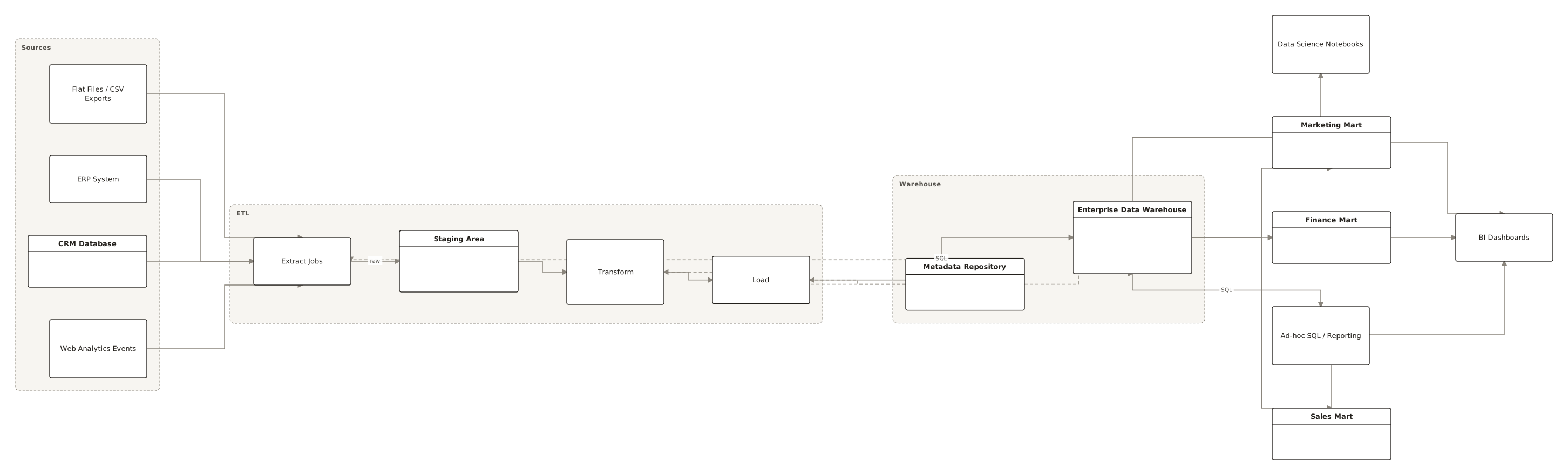
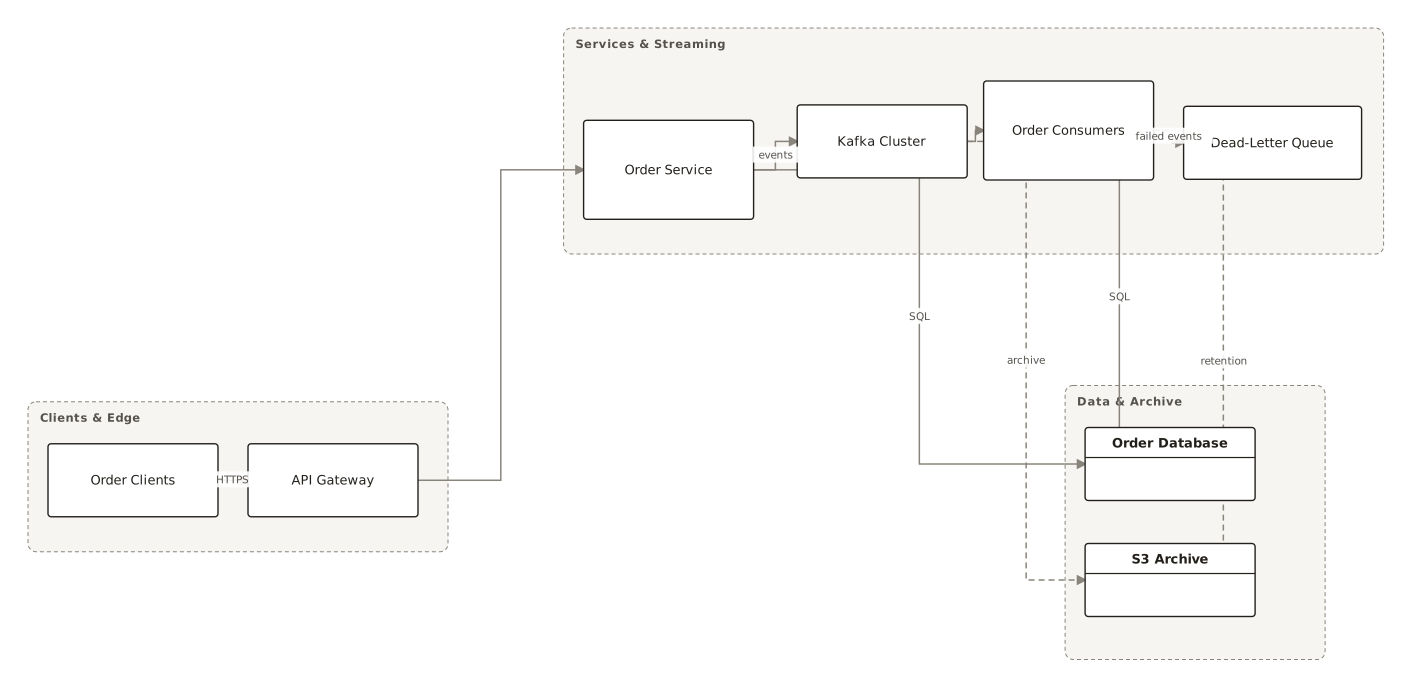
Live diagrams from the public ChartCraft gallery, each generated from a plain-English description. Open one to see the prompt that produced it.
Questions
What is Kappa architecture?
Kappa architecture is a data-processing architecture in which all data flows through a single stream-processing path. Events are stored in an immutable, append-only log, results are computed from that log by a streaming job, and history is recomputed by replaying the log rather than by a separate batch system.
Who invented the Kappa architecture?
Jay Kreps described it in the article Questioning the Lambda Architecture, published on 2 July 2014, drawing on his work building real-time data infrastructure with Kafka and Samza at LinkedIn. The name Kappa is his own suggestion in that article.
What is the difference between Kappa and Lambda architecture?
Lambda architecture runs a batch layer and a stream layer side by side and implements the processing logic in both. Kappa architecture removes the batch layer: the logic exists once, in the stream-processing job, and historical data is reprocessed by replaying the log.
How do you reprocess data in a Kappa architecture?
Start a second instance of the streaming job that reads the log from the beginning and writes to a new output table. When it has caught up, switch the application to the new table, then stop the old job and delete the old table.
Does Kappa architecture require Kafka?
No. Kafka is the common choice because it retains ordered data for a long time and supports many consumers, but nothing ties the idea to Kafka. Any system that supports long retention of ordered data can serve as the log.